Male to Male Jumper Wires (20cm) 40pcs


Male to Male Jumper Wires (20cm) 40pcs
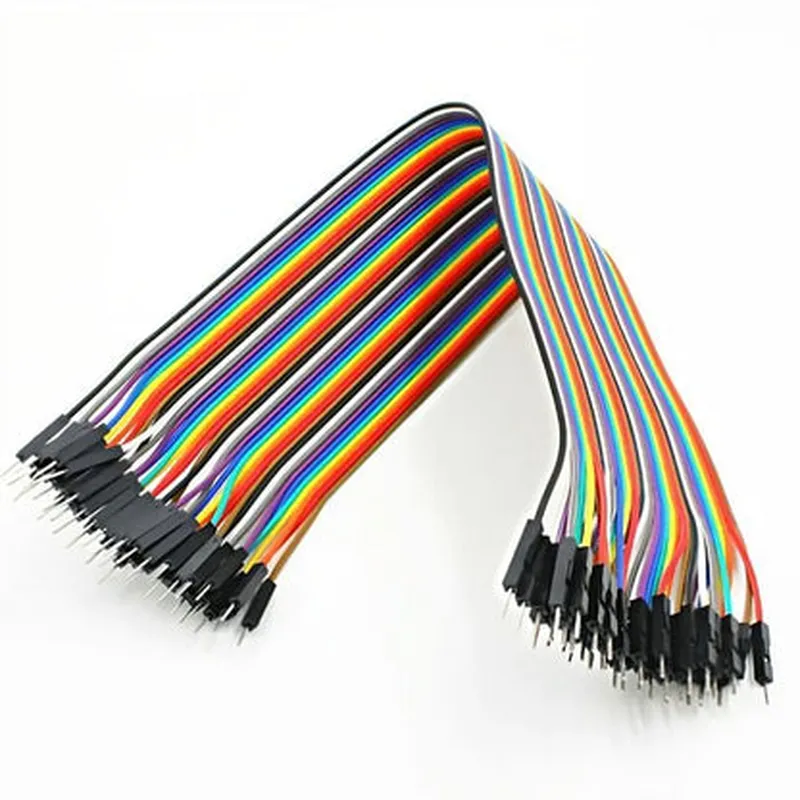
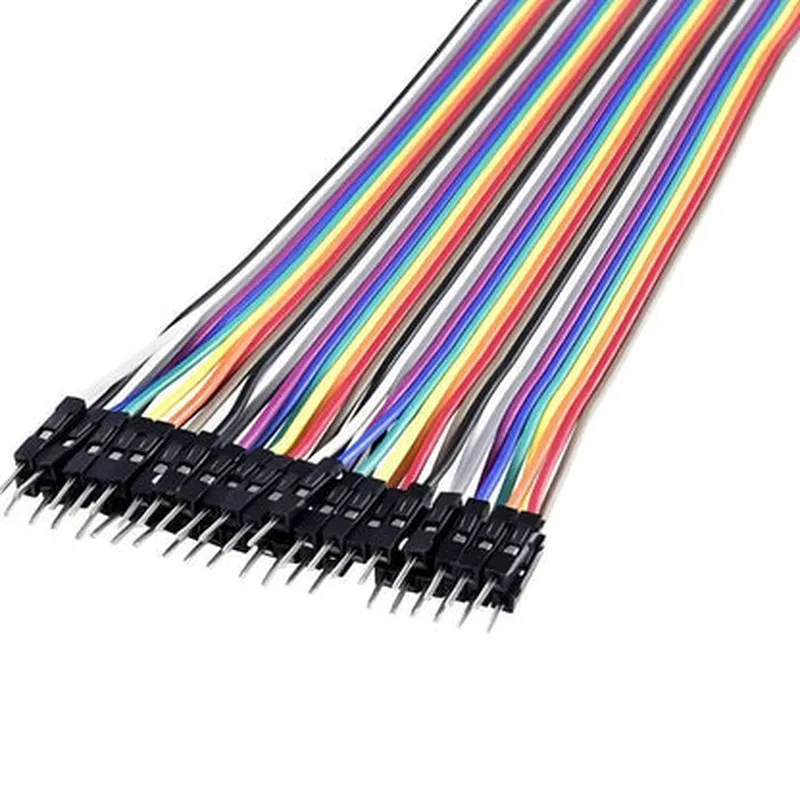
The Male to Male Jumper Wires (20cm) 40pcs is a set of 40 jumper wires, each 20cm in length, with male connectors on both ends. These jumper wires are designed to provide a convenient and reliable way to connect electronic components, modules, and breadboards in various IoT projects.
The primary function of these jumper wires is to establish electrical connections between components, modules, and breadboards in an IoT project. They allow users to quickly and easily connect and disconnect components, making it an essential tool for prototyping, testing, and development.
The Male to Male Jumper Wires (20cm) 40pcs is an essential component for any IoT project, providing a convenient and reliable way to connect electronic components, modules, and breadboards. With their flexible insulation, durable construction, and color-coded design, these jumper wires are an ideal choice for prototyping, testing, and development.
Male to Male Jumper Wires (20cm) 40pcsOverviewThe Male to Male Jumper Wires (20cm) 40pcs is a set of 40 jumper wires with male connectors on both ends, each measuring 20cm in length. These wires are used to connect components, modules, and devices in IoT projects, prototyping, and development. They are compatible with breadboards, PCBs, and other IoT development boards.SpecificationsLength: 20cm
Connector: Male to Male
Quantity: 40 pieces
Wire material: Copper or Tinned Copper
Insulation material: PVC or Teflon
Operating temperature: -20C to 80CCode Examples### Example 1: Connecting an LED to a Digital Output on an Arduino BoardIn this example, we'll use the Male to Male Jumper Wires to connect an LED to a digital output on an Arduino board.Hardware RequirementsArduino Board (e.g., Arduino Uno)
LED
Male to Male Jumper Wires (20cm) 40pcs
BreadboardCode
```c
const int ledPin = 13; // Choose a digital pin on the Arduino boardvoid setup() {
pinMode(ledPin, OUTPUT);
}void loop() {
digitalWrite(ledPin, HIGH); // Turn the LED on
delay(1000); // Wait for 1 second
digitalWrite(ledPin, LOW); // Turn the LED off
delay(1000); // Wait for 1 second
}
```
Connection1. Connect the anode (positive leg) of the LED to a digital output pin on the Arduino board using a Male to Male Jumper Wire.
2. Connect the cathode (negative leg) of the LED to a GND pin on the Arduino board using another Male to Male Jumper Wire.### Example 2: Connecting a Sensor Module to a Raspberry PiIn this example, we'll use the Male to Male Jumper Wires to connect a temperature sensor module to a Raspberry Pi.Hardware RequirementsRaspberry Pi
Temperature sensor module (e.g., DS18B20)
Male to Male Jumper Wires (20cm) 40pcs
BreadboardCode
```python
import RPi.GPIO as GPIO
import time# Set up the GPIO library
GPIO.setmode(GPIO.BCM)# Set up the temperature sensor module pins
temp_pin = 17# Set up the GPIO pin as an input
GPIO.setup(temp_pin, GPIO.IN)while True:
# Read the temperature value from the sensor module
temp_value = GPIO.input(temp_pin)
print("Temperature: " + str(temp_value))
time.sleep(1) # Wait for 1 second
```
Connection1. Connect the VCC pin of the temperature sensor module to a 3.3V pin on the Raspberry Pi using a Male to Male Jumper Wire.
2. Connect the GND pin of the temperature sensor module to a GND pin on the Raspberry Pi using another Male to Male Jumper Wire.
3. Connect the data pin of the temperature sensor module to a GPIO pin on the Raspberry Pi using another Male to Male Jumper Wire.These examples demonstrate how to use the Male to Male Jumper Wires to connect components and modules in IoT projects. The wires are versatile and can be used in a variety of applications, including robotics, automation, and wearable devices.