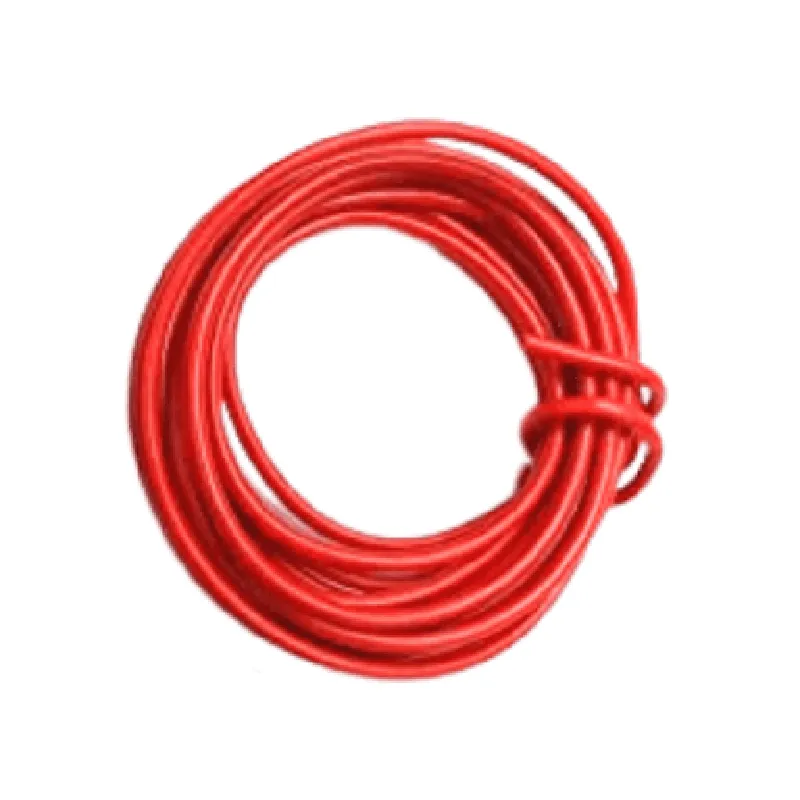
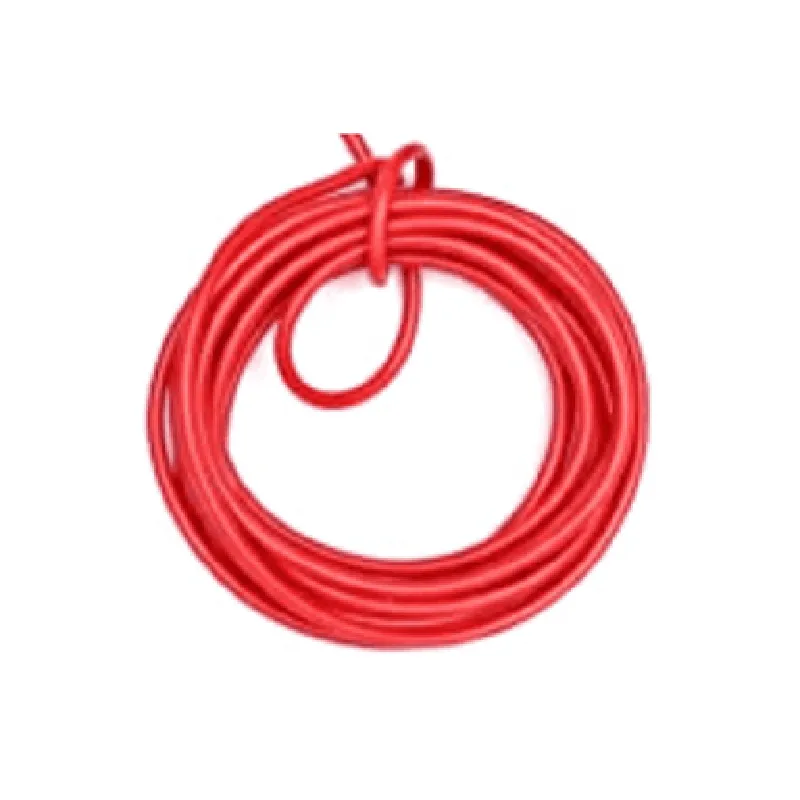
Hook up Wire (red) - 5 meters
The Hook up Wire (red) - 5 meters is a high-quality, insulated wire designed for general-purpose electrical connections in IoT projects. This wire is ideal for connecting microcontrollers, sensors, and actuators in a variety of applications.
Wire Type: Hook-up wire
 Insulation: PVC
 Conductor Material: Copper
 Wire Gauge: 20 AWG
 Wire Color: Red
 Length: 5 meters
### Example 1: Connecting an Arduino Board to a Breadboard
In this example, we will use the Hook up Wire (red) - 5 meters to connect an Arduino Uno board to a breadboard.
Arduino Uno board
 Breadboard
 Hook up Wire (red) - 5 meters
 LED module
 Resistor (1k)
Code
```c++
const int ledPin = 13;  // LED connected to digital pin 13
void setup() {
  pinMode(ledPin, OUTPUT);  // Set LED pin as output
}
void loop() {
  digitalWrite(ledPin, HIGH);  // Turn on LED
  delay(1000);                // Wait 1 second
  digitalWrite(ledPin, LOW);  // Turn off LED
  delay(1000);                // Wait 1 second
}
```
Connections
1. Connect the Hook up Wire (red) - 5 meters to digital pin 13 of the Arduino Uno board.
2. Connect the other end of the wire to the positive leg of the LED module on the breadboard.
3. Connect the resistor to the negative leg of the LED module and the ground rail on the breadboard.
### Example 2: Connecting a Temperature Sensor to a Raspberry Pi
In this example, we will use the Hook up Wire (red) - 5 meters to connect a DS18B20 temperature sensor to a Raspberry Pi.
Raspberry Pi
 DS18B20 temperature sensor
 Hook up Wire (red) - 5 meters
 Breadboard
Code
```python
import os
import time
# Set the sensor file path
sensor_file = '/sys/bus/w1/devices/28-000007123456/w1_slave'
while True:
    # Read the sensor data
    with open(sensor_file, 'r') as f:
        data = f.read()
        temperature = float(data.split("t=")[1]) / 1000.0
        print("Temperature: {:.2f}C".format(temperature))
    time.sleep(1)  # Wait 1 second
```
Connections
1. Connect the Hook up Wire (red) - 5 meters to the VCC pin of the DS18B20 temperature sensor.
2. Connect the other end of the wire to the 3.3V pin on the Raspberry Pi.
3. Connect the ground wire from the sensor to the ground pin on the Raspberry Pi.
Note: In both examples, the Hook up Wire (red) - 5 meters is used as a general-purpose connection wire. The specific connections and code may vary depending on the requirements of your project.