Hook up Wire (black) - 5 meters


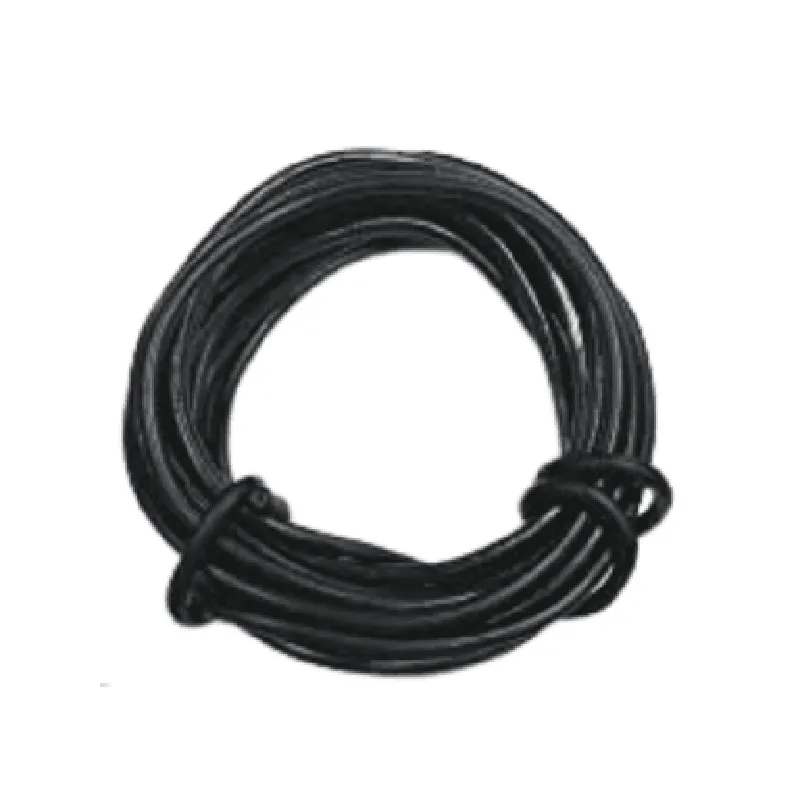
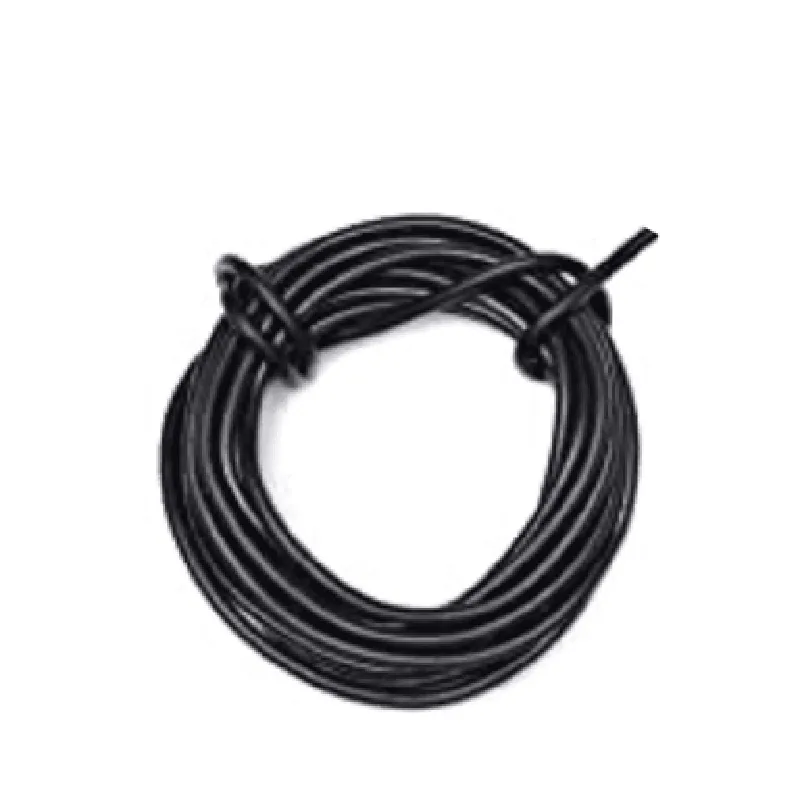
Hook up Wire (black) - 5 meters
The Hook up Wire (black) - 5 meters is a high-quality, flexible wire designed for interconnecting electronic components in various IoT applications. This wire is an essential tool for prototyping, testing, and building electronic projects. Its black insulation makes it easily distinguishable from other colors, allowing for efficient and organized connections.
The primary function of the Hook up Wire is to provide a reliable and durable connection between electronic components, such as microcontrollers, sensors, actuators, and power sources. The wire is designed to withstand the rigors of frequent use, bending, and twisting, making it an ideal choice for prototyping and testing.
| The Hook up Wire (black) - 5 meters is suitable for various IoT applications, including |
Prototyping and testing electronic circuits
Connecting sensors and actuators to microcontrollers
Building robotics and automation projects
Creating wearables and IoT devices
Development of Proof-of-Concept (PoC) projects
High-quality materials ensure reliable connections and minimal signal loss
Flexible insulation and stranded core provide resistance to bending and twisting
Black insulation makes it easily distinguishable from other colors
RoHS compliance ensures environmental safety and regulatory compliance
Handle the wire with care to avoid damaging the insulation or conductor
Avoid exceeding the recommended temperature range or bending radius
Use appropriate connectors and terminals to ensure secure connections
By using the Hook up Wire (black) - 5 meters, you can confidently build and connect your IoT projects, knowing that you have a reliable and durable connection.
Hook up Wire (black) - 5 metersOverviewThe Hook up Wire (black) - 5 meters is a high-quality, flexible copper wire ideal for connecting IoT components, sensors, and modules in various projects. This wire is versatile, insulated, and suitable for a wide range of applications, including prototyping, DIY electronics, and industrial automation.SpecificationsLength: 5 meters
Wire type: Copper
Insulation: PVC
Color: Black
Wire gauge: 20 AWG
Maximum current rating: 1A
Temperature range: -20C to 80CUsageThe Hook up Wire (black) - 5 meters can be used in various IoT projects, including:Connecting sensors and modules to microcontrollers (e.g., Arduino, Raspberry Pi)
Creating prototype circuits for IoT devices
Wiring up IoT-enabled devices, such as smart home automation systemsCode ExamplesHere are three code examples that demonstrate how to use the Hook up Wire (black) - 5 meters in different contexts:Example 1: Connecting an LED to an Arduino UnoIn this example, we will use the Hook up Wire (black) - 5 meters to connect an LED to an Arduino Uno board.```c
const int ledPin = 13; // Pin 13 for the LEDvoid setup() {
pinMode(ledPin, OUTPUT);
}void loop() {
digitalWrite(ledPin, HIGH); // Turn the LED on
delay(1000); // Wait for 1 second
digitalWrite(ledPin, LOW); // Turn the LED off
delay(1000); // Wait for 1 second
}
```Wiring Diagram:Connect one end of the Hook up Wire (black) - 5 meters to digital pin 13 on the Arduino Uno board.
Connect the other end of the wire to the positive leg of the LED.
Connect the negative leg of the LED to a ground pin on the Arduino Uno board.Example 2: Connecting a DHT11 Temperature and Humidity Sensor to a Raspberry PiIn this example, we will use the Hook up Wire (black) - 5 meters to connect a DHT11 temperature and humidity sensor to a Raspberry Pi.```python
import RPi.GPIO as GPIO
import dht11GPIO.setmode(GPIO.BCM)dht_pin = 17 # Pin 17 for the DHT11 sensortry:
while True:
result = dht11.DHT11(pin=dht_pin).read()
if result.is_valid():
print("Temperature: %dC" % result.temperature)
print("Humidity: %d%%" % result.humidity)
time.sleep(1)except KeyboardInterrupt:
GPIO.cleanup()
```Wiring Diagram:Connect one end of the Hook up Wire (black) - 5 meters to pin 17 on the Raspberry Pi.
Connect the other end of the wire to the VCC pin on the DHT11 sensor.
Connect the GND pin on the DHT11 sensor to a ground pin on the Raspberry Pi.
Connect the DATA pin on the DHT11 sensor to a digital pin on the Raspberry Pi (e.g., pin 17).Example 3: Connecting a Breadboard to a Micro:bitIn this example, we will use the Hook up Wire (black) - 5 meters to connect a breadboard to a Micro:bit.```python
from microbit importwhile True:
if button_a.is_pressed():
pin0.write_digital(1) # Set pin 0 high
else:
pin0.write_digital(0) # Set pin 0 low
```Wiring Diagram:Connect one end of the Hook up Wire (black) - 5 meters to pin 0 on the Micro:bit.
Connect the other end of the wire to a row on the breadboard.
Connect a component (e.g., an LED) to the breadboard, ensuring it is connected to the correct row.Remember to always follow proper safety precautions when working with electronics, and ensure that your project complies with relevant safety regulations and standards.