40x1 Pin 2.54mm Pitch Male Berg Strip


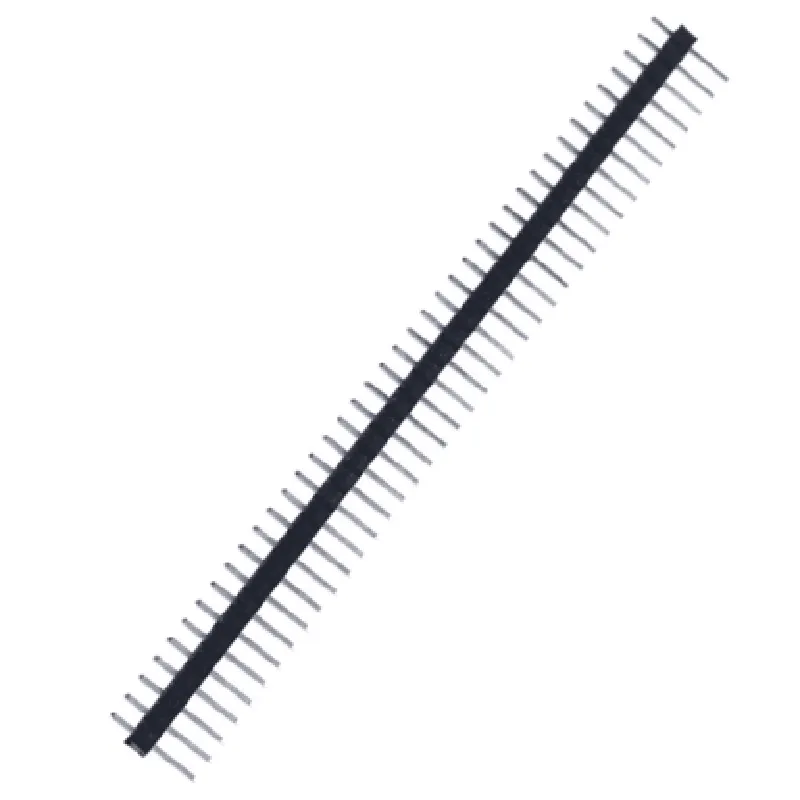
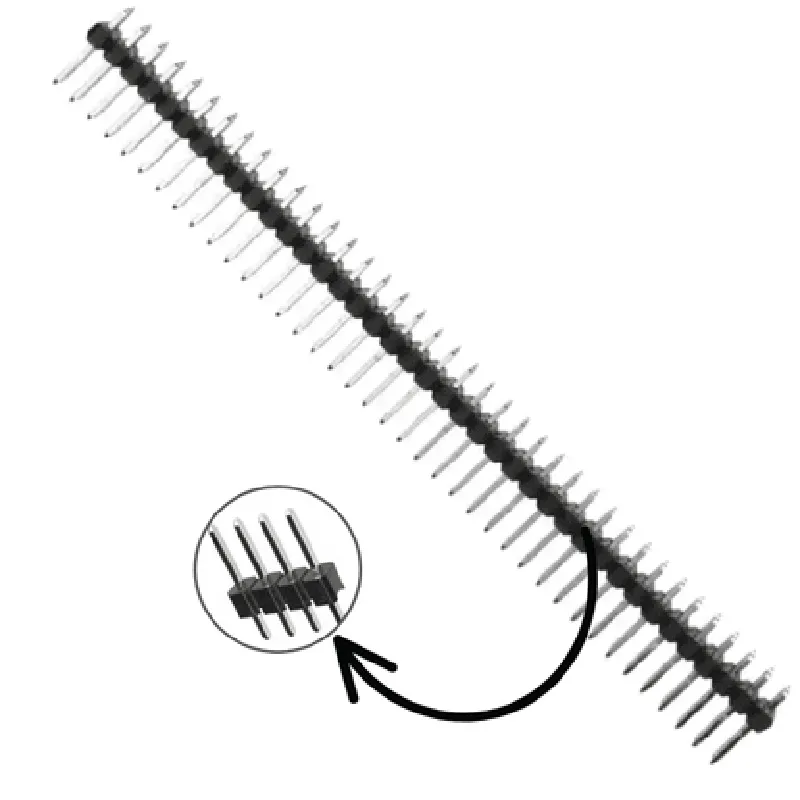
40x1 Pin 2.54mm Pitch Male Berg Strip
The 40x1 Pin 2.54mm Pitch Male Berg Strip is a type of electrical connector commonly used in Internet of Things (IoT) applications, PCB (Printed Circuit Board) designs, and other electronic systems. It is a single-row male berg strip with 40 pins, each spaced 2.54mm apart, making it an ideal choice for connecting and integrating various electronic components and modules.
The primary function of the 40x1 Pin 2.54mm Pitch Male Berg Strip is to provide a secure and reliable connection between a PCB and other electronic components, such as sensors, actuators, microcontrollers, and other modules. It allows for the easy connection and disconnection of devices, making it a convenient component for prototyping, development, and production environments.
| Parameter | Value |
| --- | --- |
| Pin Count | 40 |
| Pitch | 2.54mm |
| Pin Type | Male |
| Connector Type | Berg Strip |
| Operating Temperature | -40C to 105C |
| RoHS Compliance | Yes |
The 40x1 Pin 2.54mm Pitch Male Berg Strip is a versatile and reliable component suitable for a wide range of electronic applications, including IoT devices, PCB designs, prototyping, and robotics. Its compact size, reliable connection, and RoHS compliance make it an ideal choice for designers and engineers working on innovative electronic projects.
40x1 Pin 2.54mm Pitch Male Berg Strip DocumentationOverviewThe 40x1 Pin 2.54mm Pitch Male Berg Strip is a type of berg strip connector commonly used in Internet of Things (IoT) and electronics projects. It features 40 pins arranged in a single row with a pitch of 2.54mm, making it compatible with standard breadboards and prototyping systems.PinoutThe pinout of the 40x1 Pin 2.54mm Pitch Male Berg Strip is as follows:| Pin # | Signal |
| --- | --- |
| 1-40 | User-defined signals (e.g., digital, analog, power) |Code Examples### Example 1: Arduino UNO Breadboard ProjectIn this example, we'll use the 40x1 Pin 2.54mm Pitch Male Berg Strip to connect an Arduino UNO board to a breadboard, allowing us to prototype a simple LED circuit.Hardware RequirementsArduino UNO board
40x1 Pin 2.54mm Pitch Male Berg Strip
Breadboard
LED
220 resistor
Jumper wiresCode
```c
int ledPin = 13; // Choose a digital pin on the Arduino UNOvoid setup() {
pinMode(ledPin, OUTPUT);
}void loop() {
digitalWrite(ledPin, HIGH);
delay(1000);
digitalWrite(ledPin, LOW);
delay(1000);
}
```
WiringConnect the 40x1 Pin 2.54mm Pitch Male Berg Strip to the Arduino UNO board, ensuring that Pin 1 of the berg strip corresponds to Digital Pin 13 on the Arduino. Connect the LED to the breadboard, with the anode (positive leg) connected to Pin 13 of the berg strip through a 220 resistor, and the cathode (negative leg) connected to GND.### Example 2: Raspberry Pi Pico PrototypingIn this example, we'll use the 40x1 Pin 2.54mm Pitch Male Berg Strip to connect a Raspberry Pi Pico microcontroller to a breadboard, allowing us to prototype a simple analog sensor circuit.Hardware RequirementsRaspberry Pi Pico board
40x1 Pin 2.54mm Pitch Male Berg Strip
Breadboard
Analog sensor (e.g., photodiode, thermistor)
Jumper wiresCode
```python
import machine# Define the analog pin on the Raspberry Pi Pico
analog_pin = machine.ADC(26) # Choose an analog pin on the Raspberry Pi Picowhile True:
# Read the analog value from the sensor
sensor_value = analog_pin.read_u16()
print("Analog value:", sensor_value)
time.sleep(0.5)
```
WiringConnect the 40x1 Pin 2.54mm Pitch Male Berg Strip to the Raspberry Pi Pico board, ensuring that Pin 1 of the berg strip corresponds to ADC Pin 26 on the Raspberry Pi Pico. Connect the analog sensor to the breadboard, with one leg connected to Pin 26 of the berg strip and the other leg connected to GND or a reference voltage.Note: These examples are for demonstration purposes only and may require modifications to fit your specific use case. Ensure that you have a thorough understanding of the components and their specifications before implementing them in your project.