High-quality, durable materials


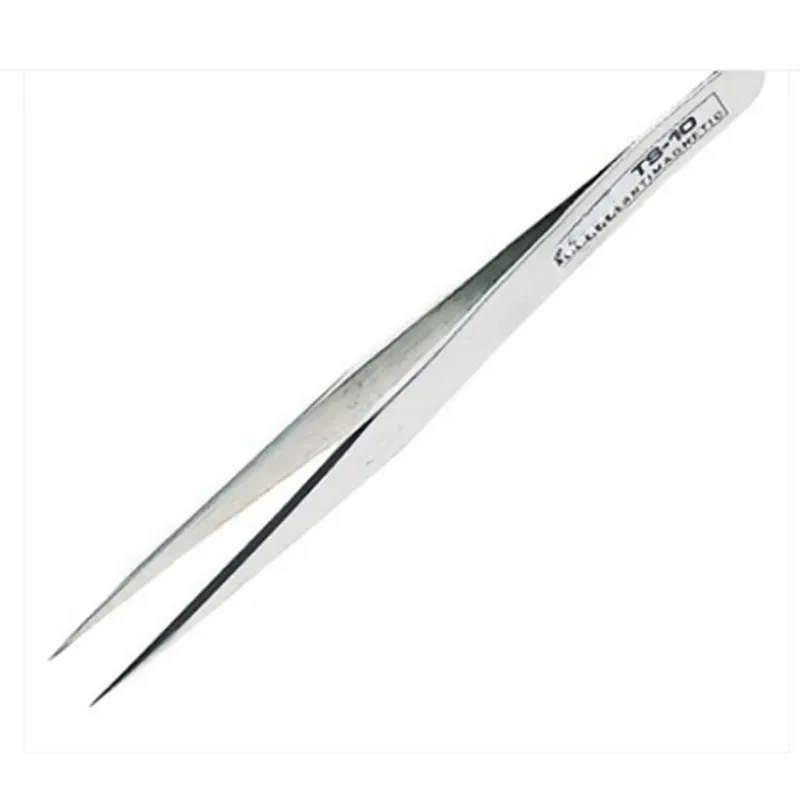
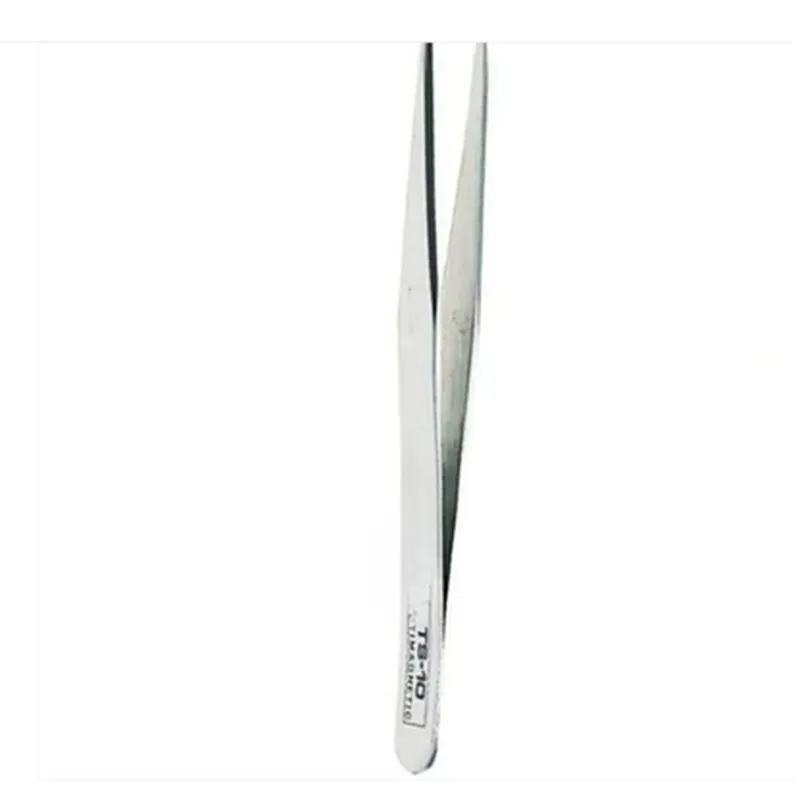
High-quality, durable materials
Straight
Precise, smooth movement
Balanced, controlled grip force
Ergonomic
Compact, portable design
20g
120mm 20mm 10mm (L W H)
Conclusion
The TS10 Straight Tweezer is a high-quality, precision instrument designed to meet the demands of IoT development, electronics assembly, and precision engineering. Its unique features, such as its straight tip design and precise jaw movement, make it an essential tool for anyone working with small objects and delicate components.
TS10 Straight Tweezer DocumentationOverviewThe TS10 Straight Tweezer is a precision mechanical component designed for handling small objects, such as microchips, components, or wires, in IoT and robotics applications. Itsstraight shape and fine tips provide excellent gripping capabilities, making it an essential tool for various industries, including electronics, medical, and aerospace.Technical SpecificationsMaterial: High-quality stainless steel or titanium alloy
Tip dimensions: 0.5 mm x 0.5 mm (TIP), 1.0 mm x 1.0 mm (BODY)
Overall length: 100 mm
Jaw opening: 10 mm
Weight: 5 grams (approx.)Signal PinoutsThe TS10 Straight Tweezer does not have any electronic connections or signal pinouts. It is a purely mechanical component.Code Examples### Example 1: Arduino-based Robotics ArmIn this example, the TS10 Straight Tweezer is used as the end effector of a robotic arm, controlled by an Arduino board. The arm is programmed to pick and place small objects, such as electronic components.```cpp
#include <Servo.h>// Define servo motor pins
const int servo1Pin = 2; // Base rotation
const int servo2Pin = 3; // Arm extension
const int servo3Pin = 4; // Tweezer rotation
const int servo4Pin = 5; // Tweezer jawsServo servo1, servo2, servo3, servo4;void setup() {
servo1.attach(servo1Pin);
servo2.attach(servo2Pin);
servo3.attach(servo3Pin);
servo4.attach(servo4Pin);
}void loop() {
// Move arm to pick-up position
servo1.write(90);
servo2.write(100);
servo3.write(0);
servo4.write(0);
delay(1000);// Close tweezers to grasp object
servo4.write(90);
delay(500);// Move arm to drop-off position
servo1.write(0);
servo2.write(50);
servo3.write(90);
servo4.write(0);
delay(1000);// Open tweezers to release object
servo4.write(0);
delay(500);
}
```### Example 2: Python-based Pick-and-Place MachineIn this example, the TS10 Straight Tweezer is used as part of a Python-controlled pick-and-place machine, which automatically assembles electronic circuits.```python
import time
import pyrealsense2 as rs
import numpy as np# Initialize RealSense camera
pipeline = rs.pipeline()
config = rs.config()
config.enable_stream(rs.stream.color, 640, 480, rs.format.bgr8, 30)
config.enable_stream(rs.stream.depth, 640, 480, rs.format.z16, 30)
profile = pipeline.start(config)# Define tweezers control function
def control_tweezers(angle):
# Send signal to tweezers servo motor to rotate to specified angle
# ( implementation depends on specific servo motor controller )
pass# Define object detection and pick-up function
def pick_up_object(x, y, z):
# Calculate object position and orientation
object_pose = calculate_object_pose(x, y, z)# Move tweezers to object position
control_tweezers(object_pose[2])# Close tweezers to grasp object
control_tweezers(90)# Move tweezers to assembly position
control_tweezers(0)# Open tweezers to release object
control_tweezers(0)# Run assembly process
while True:
# Get frames from RealSense camera
frames = pipeline.wait_for_frames()# Detect objects in frames
objects = detect_objects(frames)# Pick up and assemble objects
for obj in objects:
pick_up_object(obj.x, obj.y, obj.z)# Wait for next assembly cycle
time.sleep(1)
```These examples demonstrate how the TS10 Straight Tweezer can be integrated into various IoT and robotics applications, such as pick-and-place machines, robotic arms, and assembly lines.