3.7V 1800mAh 18650 Battery


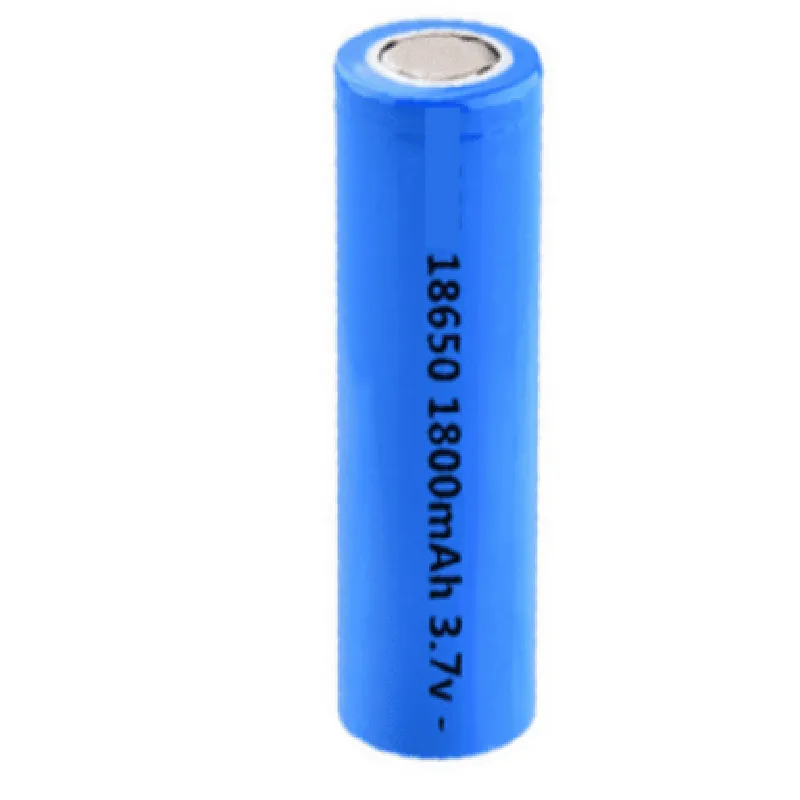
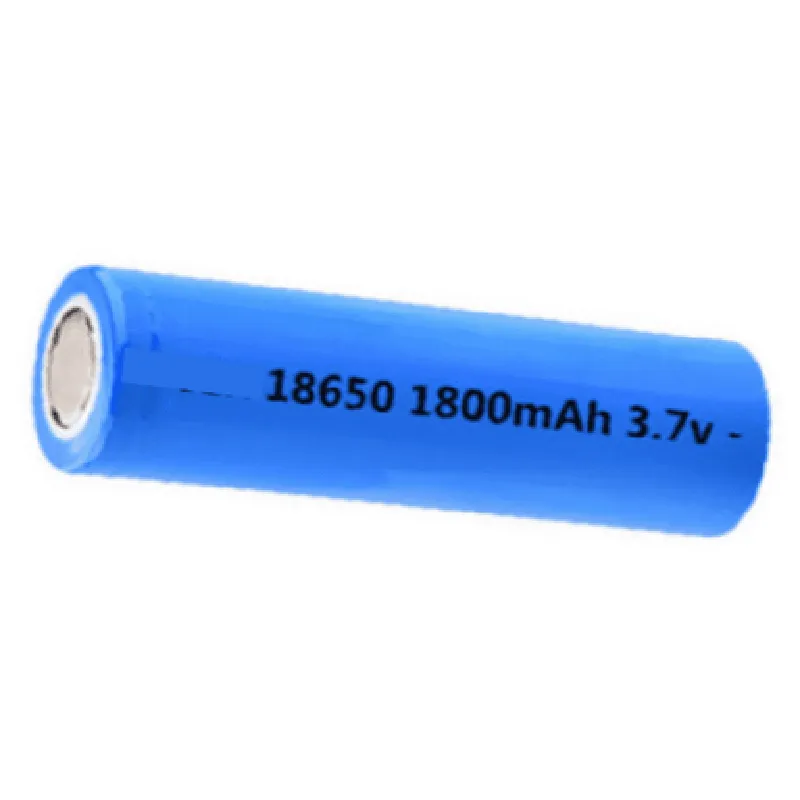
3.7V 1800mAh 18650 Battery
The 3.7V 1800mAh 18650 Battery is a rechargeable lithium-ion battery designed for use in a wide range of Internet of Things (IoT) devices, portable electronics, and other applications where high energy density and compact size are required.
The primary function of this battery is to store electrical energy that can be used to power devices such as IoT sensors, wearables, and other portable electronic devices. The battery operates within a voltage range of 3.7V and has a capacity of 1800mAh, making it suitable for applications that require a moderate to high amount of power.
| Parameter | Value |
| --- | --- |
| Nominal Voltage | 3.7V |
| Capacity | 1800mAh |
| Charging Voltage | 4.2V |
| Discharge Cut-off Voltage | 2.5V |
| Size | 18650 (18mm x 65mm) |
| Weight | Approx. 45g |
| Operating Temperature | -20C to 45C |
| Cycle Life | Up to 500 cycles |
| Self-Discharge | < 3% per month |
| The 3.7V 1800mAh 18650 Battery is suitable for a wide range of applications, including |
IoT devices (sensors, trackers, and wearables)
Portable electronics (smartphones, laptops, and tablets)
E-bikes and electric vehicles
Medical devices
Industrial control systems
Consumer electronics (gaming devices, headphones, and speakers)
| To ensure safe and reliable operation, the battery should be handled and stored in accordance with the following guidelines |
Store in a cool, dry place away from flammable materials.
Avoid short-circuiting the battery terminals.
Use protective gloves and safety glasses when handling the battery.
Follow proper charging and discharging procedures.
Dispose of the battery according to local regulations and guidelines.
3.7V 1800mAh 18650 Battery DocumentationOverviewThe 3.7V 1800mAh 18650 battery is a rechargeable lithium-ion battery designed for use in various IoT and electronic projects. It has a capacity of 1800mAh, making it suitable for applications requiring moderate power consumption. This documentation provides an overview of the battery's characteristics, specifications, and code examples for its use in different contexts.SpecificationsVoltage: 3.7V
Capacity: 1800mAh
Chemistry: Lithium-Ion (Li-ion)
Dimensions: 18mm (diameter) x 65mm (length)
Weight: approximately 45g
Charging Method: CC/CV (constant current/constant voltage)Code Examples### Example 1: Using the 18650 Battery with an Arduino BoardIn this example, we will demonstrate how to use the 3.7V 1800mAh 18650 battery with an Arduino Board to power a simple LED circuit.Hardware Requirements1 x Arduino Board (e.g., Arduino Uno)
1 x 3.7V 1800mAh 18650 Battery
1 x LED
1 x Resistor (e.g., 1k)
Jumper wiresCode
```c++
const int ledPin = 13; // Choose a digital pin for the LEDvoid setup() {
pinMode(ledPin, OUTPUT);
}void loop() {
digitalWrite(ledPin, HIGH); // Turn the LED on
delay(1000); // Wait for 1 second
digitalWrite(ledPin, LOW); // Turn the LED off
delay(1000); // Wait for 1 second
}
```
Note: Connect the positive terminal of the battery to the VIN pin on the Arduino Board, and the negative terminal to the GND pin. The LED circuit should be connected to a digital pin on the Arduino Board.### Example 2: Using the 18650 Battery with a TP4056 Lithium Battery Charger ModuleIn this example, we will demonstrate how to use the 3.7V 1800mAh 18650 battery with a TP4056 Lithium Battery Charger Module to charge the battery using a USB power source.Hardware Requirements1 x TP4056 Lithium Battery Charger Module
1 x 3.7V 1800mAh 18650 Battery
1 x Micro-USB cable
1 x USB power source (e.g., a computer or a wall adapter)Code
```c++
// No code is required for this example, as the TP4056 module handles the charging process automatically.
```
Note: Connect the positive terminal of the battery to the B+ pin on the TP4056 module, and the negative terminal to the B- pin. Connect the USB cable to the module's USB input and a USB power source.These examples demonstrate the basic use of the 3.7V 1800mAh 18650 battery in IoT and electronic projects. Remember to handle the battery with care, following proper safety guidelines when charging and using it in your projects.