10K Thermistor Temperature Sensor


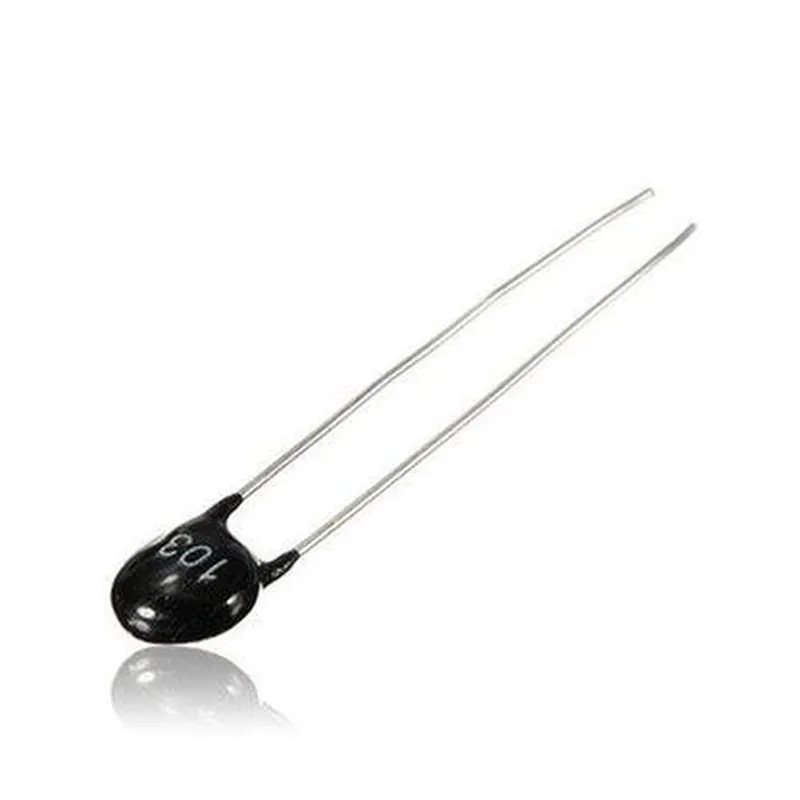
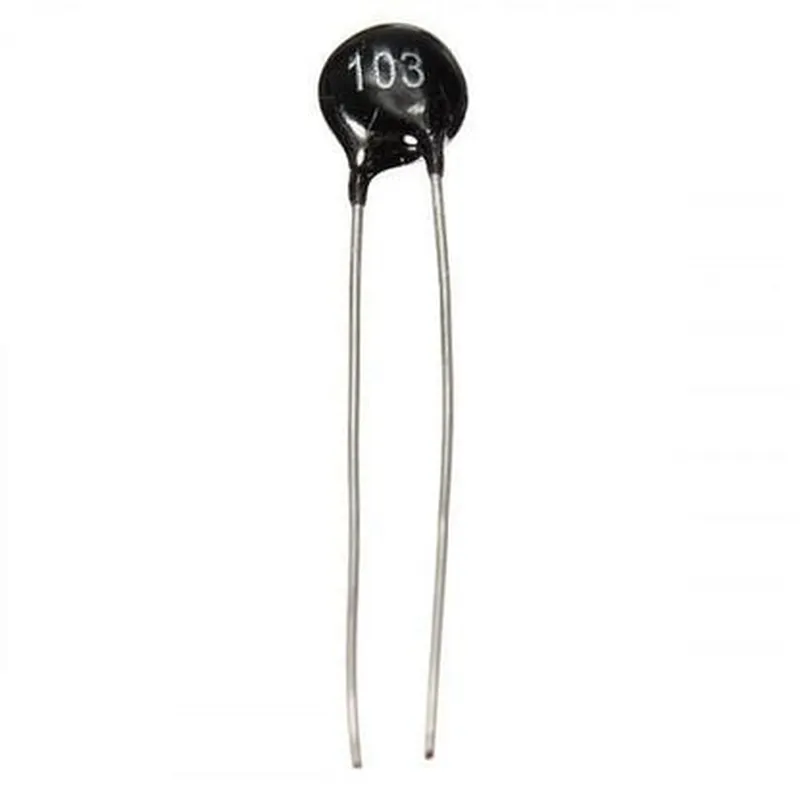
10K Thermistor Temperature Sensor
The 10K Thermistor Temperature Sensor is a resistive temperature detector (RTD) designed to measure temperature with high accuracy and reliability. This thermistor is a type of Negative Temperature Coefficient (NTC) thermistor, which means its resistance decreases as the temperature increases.
The primary function of the 10K Thermistor Temperature Sensor is to convert the surrounding temperature into an electrical signal, allowing it to be measured and processed by microcontrollers, analog-to-digital converters, or other electronic devices. The thermistor's resistance varies in response to changes in temperature, making it an ideal component for temperature measurement and control applications.
Temperature control systems
HVAC systems
Industrial automation
Medical devices
Automotive systems
Consumer electronics
| Parameter | Value |
| --- | --- |
| Temperature Range | -40C to 150C (-40F to 302F) |
| Accuracy | 1C (1.8F) |
| Sensitivity | -4%C (-7.2%F) per ohm |
| Resistance at 25C (77F) | 10 k 1% |
| Tolerance | 1% at 25C (77F) |
| Response Time | 10 seconds |
| Stability | <0.05% per year |
| Physical Characteristics | Glass-coated ceramic or epoxy-coated package |
| Interface | Voltage divider circuit or dedicated thermistor amplifier |
| Applications | Temperature control systems, HVAC systems, industrial automation, medical devices, automotive systems, consumer electronics |
The 10K Thermistor Temperature Sensor should be used in accordance with the manufacturer's recommended operating conditions and guidelines to ensure accurate and reliable temperature measurement.
The thermistor's characteristics may vary depending on the specific manufacturer and model. It is recommended to consult the manufacturer's datasheet for specific details and specifications.
10K Temperature Sensor (Thermistor) DocumentationOverviewThe 10K Temperature Sensor, also known as a thermistor, is a type of temperature sensing device that changes its electrical resistance in response to changes in temperature. This sensor is commonly used in various Internet of Things (IoT) applications, such as environmental monitoring, industrial automation, and smart home devices.Pinout and ConnectionThe 10K Temperature Sensor typically has three pins:VCC (Power): Connect to a power source (e.g., 3.3V or 5V)
GND (Ground): Connect to ground
OUT (Output): Connect to an analog input pin on a microcontrollerTechnical SpecificationsOperating Temperature Range: -50C to 150C
Accuracy: 1C
Response Time: 10 seconds
Resistance at 25C: 10 k
Beta Coefficient: 3950 KCode Examples### Example 1: Basic Temperature Reading with ArduinoThis example demonstrates how to use the 10K Temperature Sensor with an Arduino board to read the temperature.```c++
const int thermistorPin = A0; // Analog input pinvoid setup() {
Serial.begin(9600);
}void loop() {
int sensorValue = analogRead(thermistorPin);
float temperature = thermistorConversion(sensorValue);
Serial.print("Temperature: ");
Serial.print(temperature);
Serial.println(" C");
delay(1000);
}float thermistorConversion(int sensorValue) {
float R = 1023.0 / sensorValue - 1.0;
R = R 10000.0;
float temperature = 1.0 / (log(R / 10000.0) / 3950.0 + 1.0 / 298.15) - 273.15;
return temperature;
}
```### Example 2: Temperature Monitoring with Raspberry Pi (Python)This example demonstrates how to use the 10K Temperature Sensor with a Raspberry Pi and Python to read the temperature and display it on a terminal.```python
import time
import RPi.GPIO as GPIOGPIO.setmode(GPIO.BCM)# Set up the analog-to-digital converter (ADC)
adc_channel = 0
adc_resolution = 1024while True:
# Read the ADC value
adc_value = GPIO.input(adc_channel)
# Calculate the resistance
R = (1024.0 / adc_value - 1.0) 10000.0
# Calculate the temperature
temperature = 1.0 / (math.log(R / 10000.0) / 3950.0 + 1.0 / 298.15) - 273.15
# Print the temperature
print("Temperature: {:.2f} C".format(temperature))
# Wait for 1 second
time.sleep(1)
```Note: In this example, you need to install the RPi.GPIO library and configure the ADC channel according to your Raspberry Pi's specifications.Important NotesMake sure to handle the sensor with care, as it can be damaged by excessive heat, cold, or mechanical stress.
Calibrate the sensor according to the manufacturer's instructions for optimal accuracy.
Use a suitable power supply and voltage regulator to ensure reliable operation.I hope this documentation helps! Let me know if you have any further questions.