3mm Green LED (Pack of 10)


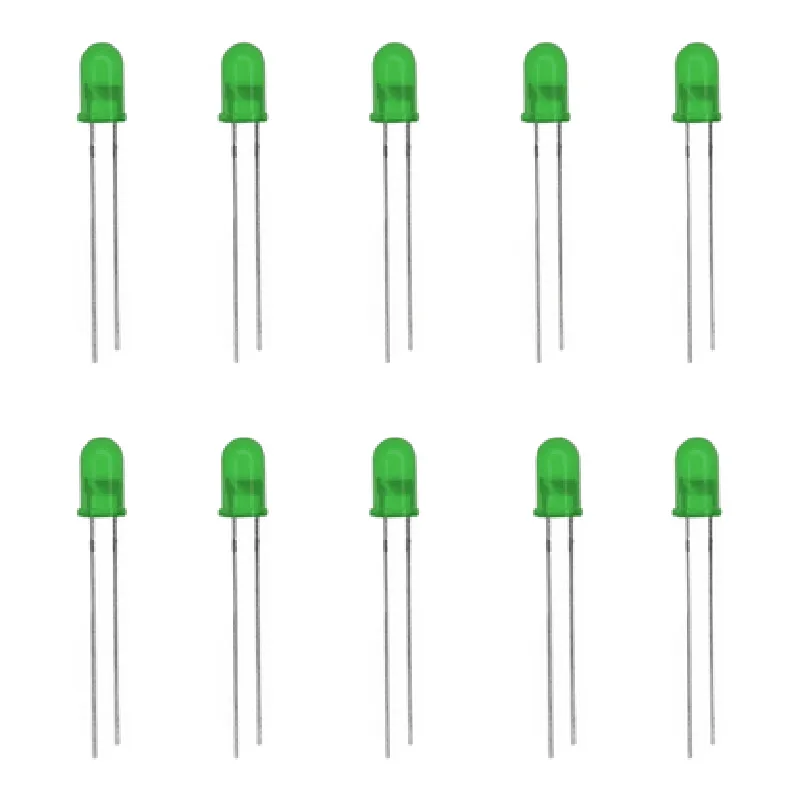
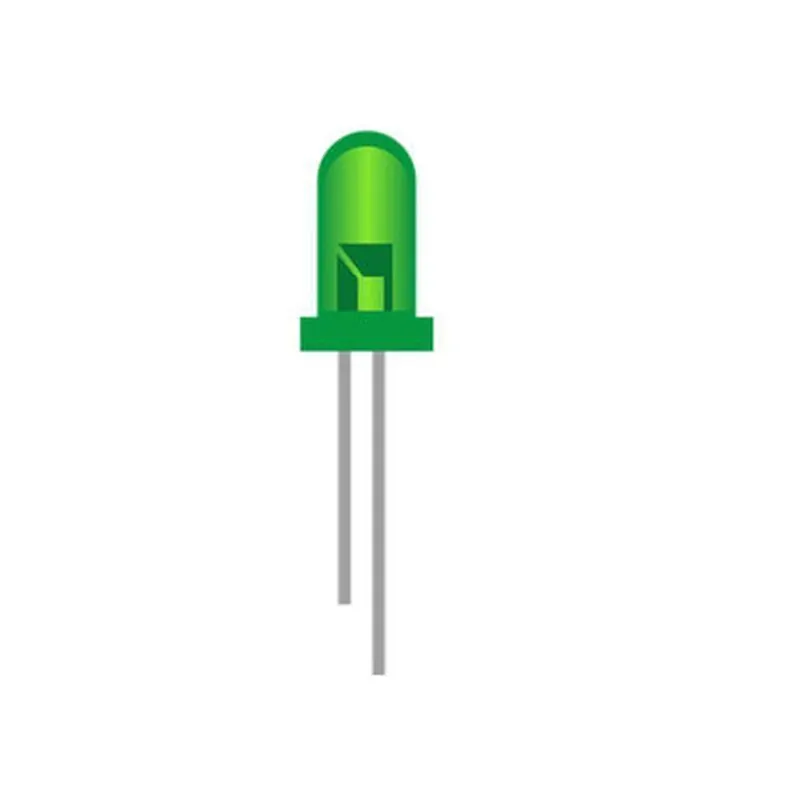
3mm Green LED (Pack of 10)
The 3mm Green LED is a light-emitting diode (LED) component used for indicating purposes in electronic circuits. This pack of 10 LEDs is suitable for a wide range of applications, including IoT projects, robotics, and DIY electronics.
The 3mm Green LED emits green light when an electric current passes through it. It is a semiconductor device that converts electrical energy into light energy. The LED is designed to operate in a forward-biased condition, where the anode (positive leg) is connected to a positive voltage source, and the cathode (negative leg) is connected to a negative voltage source or ground.
| The 3mm Green LED is suitable for a wide range of applications, including |
Indicators for electronic circuits and devices
Status lights for IoT projects and robotics
Backlighting for LCD displays and keypads
Decorative lighting for artistic and creative projects
Educational projects and prototyping
When working with LEDs, it is essential to follow proper handling and usage guidelines to avoid damage or electrical shock. Always use a current-limiting resistor in series with the LED to prevent overcurrent and ensure safe operation.
Breadboard or PCB for prototyping and development
Current-limiting resistors (1 k to 4.7 k) for safe operation
Wire and connectors for connecting the LED to a power source and circuit components
Component Documentation: 3mm Green LED (Pack of 10)OverviewThe 3mm Green LED is a compact, high-brightness light-emitting diode (LED) designed for a wide range of applications, including indicator lamps, backlighting, and decorative lighting. This component is available in a pack of 10, making it an ideal choice for prototyping, development, and production.Key FeaturesWavelength: 520-530nm (Green)
Luminous Intensity: 100-150mcd
Viewing Angle: 20-30
Operating Voltage: 1.8-2.2V
Operating Current: 10-20mA
Package: 3mm T-1 3/4 (Through-Hole)
Operating Temperature: -20C to +80CElectrical CharacteristicsForward Voltage (Vf): 1.8-2.2V
Reverse Voltage (Vr): 5V
Power Dissipation (Pd): 65mW
Temperature Coefficient: -0.02mV/CCode ExamplesHere are a few code examples that demonstrate how to use the 3mm Green LED in various contexts:Example 1: Basic LED Wiring with ArduinoIn this example, we will connect the 3mm Green LED to an Arduino board and control its brightness using PWM.
```c
const int ledPin = 9; // Pin 9 for LEDvoid setup() {
pinMode(ledPin, OUTPUT);
}void loop() {
// Brightness control using PWM
for (int i = 0; i <= 255; i++) {
analogWrite(ledPin, i);
delay(10);
}
for (int i = 255; i >= 0; i--) {
analogWrite(ledPin, i);
delay(10);
}
}
```
Example 2: Raspberry Pi Python Script for Blinking LEDIn this example, we will connect the 3mm Green LED to a Raspberry Pi and create a Python script to blink the LED at a interval of 1 second.
```python
import RPi.GPIO as GPIO
import time# Set up GPIO mode
GPIO.setmode(GPIO.BCM)# Define LED pin
led_pin = 17# Set up LED pin as output
GPIO.setup(led_pin, GPIO.OUT)try:
while True:
# Turn LED on
GPIO.output(led_pin, GPIO.HIGH)
time.sleep(1)
# Turn LED off
GPIO.output(led_pin, GPIO.LOW)
time.sleep(1)
except KeyboardInterrupt:
# Clean up GPIO on exit
GPIO.cleanup()
```
Example 3: ESP32 MicroPython Script for Fading LEDIn this example, we will connect the 3mm Green LED to an ESP32 board and create a MicroPython script to fade the LED in and out.
```python
import machine
import time# Define LED pin
led_pin = 2# Set up LED pin as output
led = machine.Pin(led_pin, machine.Pin.OUT)while True:
# Fade in
for i in range(0, 256):
led.value(i)
time.sleep_ms(5)
# Fade out
for i in range(255, -1, -1):
led.value(i)
time.sleep_ms(5)
```
These code examples demonstrate the basic usage of the 3mm Green LED in various IoT projects. You can modify and adapt these examples to suit your specific requirements.