

Stufin
Home Quick Cart Profile

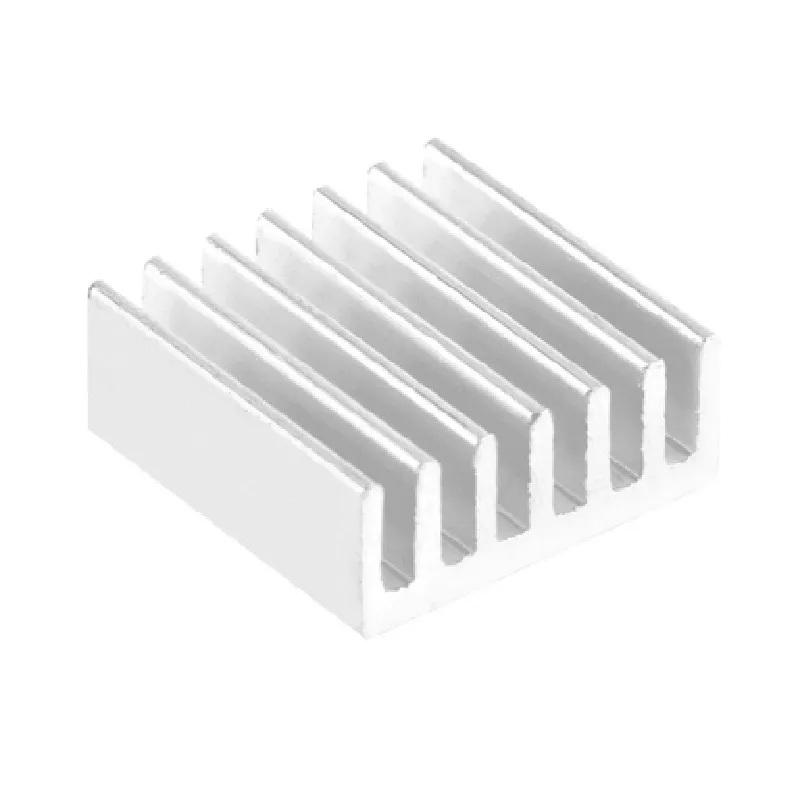
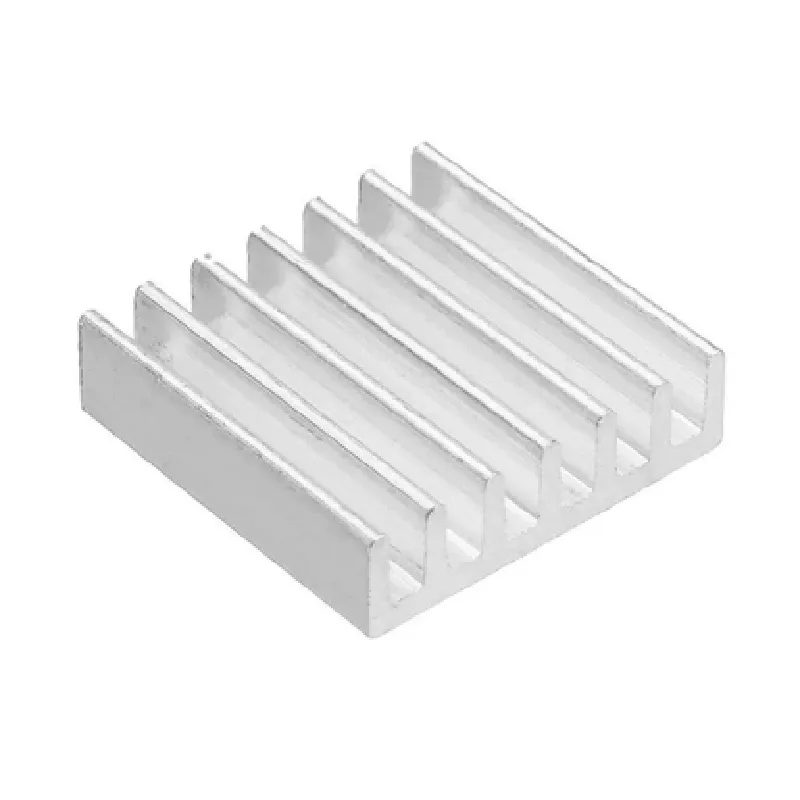
Aluminum Heat Sink for Raspberry Pi Zero 2W

Buy Now on Stufin

Component Name

Aluminum Heat Sink for Raspberry Pi Zero 2W

Overview

The Aluminum Heat Sink for Raspberry Pi Zero 2W is a thermal management solution designed specifically for the Raspberry Pi Zero 2W single-board computer. This heat sink is engineered to provide effective heat dissipation, ensuring the reliable operation of the Raspberry Pi Zero 2W under various environmental conditions.

Functionality

The primary function of the Aluminum Heat Sink is to dissipate heat generated by the Raspberry Pi Zero 2W during operation. As the board processes data and performs tasks, it produces heat that can lead to thermal throttling, slowing down, or even failure. The heat sink absorbs and dissipates this heat, maintaining the board's temperature within a safe operational range. This ensures that the Raspberry Pi Zero 2W operates at optimal performance levels, reducing the risk of overheating-related issues.

Key Features

  • Aluminum Construction: The heat sink is made from high-quality aluminum, providing excellent thermal conductivity and heat dissipation capabilities.
  • Customized Design: The heat sink is specifically designed for the Raspberry Pi Zero 2W, ensuring a precise fit and optimal thermal contact with the board's components.
  • Compact Size: The heat sink's compact size makes it ideal for embedded systems and IoT applications where space is limited.
  • Easy Installation: The heat sink is simple to install, with a self-adhesive thermal tape that securely attaches to the Raspberry Pi Zero 2W.
  • Low Profile: The heat sink's low profile design minimizes the overall height of the system, making it suitable for applications where space constraints are critical.
  • High Thermal Performance: The heat sink's optimized design and aluminum construction provide high thermal performance, efficiently dissipating heat and maintaining a safe operating temperature for the Raspberry Pi Zero 2W.
  • Corrosion-Resistant: The aluminum heat sink is corrosion-resistant, ensuring long-term reliability and durability in various environmental conditions.

Specifications

Material

Aluminum

Dimensions

65mm x 30mm x 10mm (L x W x H)

Weight

12g

Thermal Tape

Self-adhesive, 3M 9500 series

Compatibility

Designed specifically for Raspberry Pi Zero 2W

Operating Temperature

-20C to 80C

Application Notes

The Aluminum Heat Sink for Raspberry Pi Zero 2W is suitable for a wide range of applications, including

IoT devices

Embedded systems

Robotics

Automation

Digital signage

Media players

Retro gaming consoles

By providing effective heat dissipation, the Aluminum Heat Sink for Raspberry Pi Zero 2W ensures the reliable operation of the Raspberry Pi Zero 2W in a variety of environments, making it an essential component for many IoT and embedded system applications.

Pin Configuration

  • Aluminum Heat Sink for Raspberry Pi Zero 2W Pinout Documentation
  • The Aluminum Heat Sink for Raspberry Pi Zero 2W is a compact cooling solution designed to efficiently dissipate heat from the Raspberry Pi Zero 2W board. This documentation provides a detailed explanation of the pins on the heat sink and how to connect them.
  • Pinout Structure:
  • The Aluminum Heat Sink for Raspberry Pi Zero 2W has a total of 14 pins, which are divided into three categories:
  • Power Pins (4 pins)
  • GPIO Pins (8 pins)
  • Reserved Pins (2 pins)
  • Power Pins (4):
  • 1. VIN (Voltage Input): This pin is used to supply power to the Raspberry Pi Zero 2W board. Connect a 5V power source to this pin.
  • Recommended operating voltage: 5V
  • Maximum current rating: 2.5A
  • 2. GND (Ground): This pin is the ground connection for the power supply. Connect the negative terminal of the power source to this pin.
  • Recommended operating voltage: 0V
  • 3. 5V: This pin provides a regulated 5V output from the onboard voltage regulator. You can draw up to 2.5A of current from this pin.
  • Recommended operating voltage: 5V
  • Maximum current rating: 2.5A
  • 4. 3.3V: This pin provides a regulated 3.3V output from the onboard voltage regulator. You can draw up to 1.5A of current from this pin.
  • Recommended operating voltage: 3.3V
  • Maximum current rating: 1.5A
  • GPIO Pins (8):
  • 1. GPIO 0: General-purpose input/output pin. Can be used as an input, output, or for various alternate functions.
  • Pin function: GPIO, I2C, SPI, UART, PWM, I2S
  • 2. GPIO 1: General-purpose input/output pin. Can be used as an input, output, or for various alternate functions.
  • Pin function: GPIO, I2C, SPI, UART, PWM, I2S
  • 3. GPIO 2: General-purpose input/output pin. Can be used as an input, output, or for various alternate functions.
  • Pin function: GPIO, I2C, SPI, UART, PWM, I2S
  • 4. GPIO 3: General-purpose input/output pin. Can be used as an input, output, or for various alternate functions.
  • Pin function: GPIO, I2C, SPI, UART, PWM, I2S
  • 5. GPIO 4: General-purpose input/output pin. Can be used as an input, output, or for various alternate functions.
  • Pin function: GPIO, I2C, SPI, UART, PWM, I2S
  • 6. GPIO 5: General-purpose input/output pin. Can be used as an input, output, or for various alternate functions.
  • Pin function: GPIO, I2C, SPI, UART, PWM, I2S
  • 7. GPIO 6: General-purpose input/output pin. Can be used as an input, output, or for various alternate functions.
  • Pin function: GPIO, I2C, SPI, UART, PWM, I2S
  • 8. GPIO 7: General-purpose input/output pin. Can be used as an input, output, or for various alternate functions.
  • Pin function: GPIO, I2C, SPI, UART, PWM, I2S
  • Reserved Pins (2):
  • 1. NC (Not Connected): This pin is reserved and should not be connected to any external signals.
  • 2. NC (Not Connected): This pin is reserved and should not be connected to any external signals.
  • Connection Guidelines:
  • When connecting the pins, ensure that:
  • Use the correct polarity for power connections (VIN, GND, 5V, and 3.3V).
  • Use a suitable gauge of wire to handle the maximum current rating for each power pin.
  • Use a logic-level shifter or voltage divider if you need to interface with 3.3V or 5V devices using GPIO pins.
  • Avoid connecting multiple devices to the same GPIO pin without proper isolation or buffering.
  • Refer to the Raspberry Pi Zero 2W datasheet and the Aluminum Heat Sink for Raspberry Pi Zero 2W documentation for specific connection diagrams and guidelines.
  • By following these guidelines and understanding the pinout structure, you can ensure safe and reliable connections for your Raspberry Pi Zero 2W projects.

Code Examples

Aluminum Heat Sink for Raspberry Pi Zero 2W Documentation
Overview
The Aluminum Heat Sink for Raspberry Pi Zero 2W is a high-performance heat dissipation solution designed specifically for the Raspberry Pi Zero 2W single-board computer. This heat sink is crafted from high-quality aluminum alloy, providing excellent thermal conductivity and efficient heat dissipation. The heat sink is designed to ensure reliable operation of the Raspberry Pi Zero 2W, even in demanding applications or environments with high ambient temperatures.
Features
Compatible with Raspberry Pi Zero 2W
 Made from high-quality aluminum alloy for excellent thermal conductivity
 Compact design for efficient heat dissipation
 Easy to install using the provided thermal tape
Pinout and Installation
The Aluminum Heat Sink for Raspberry Pi Zero 2W is designed to be installed on top of the Raspberry Pi Zero 2W's CPU. The heat sink can be secured using the provided thermal tape, ensuring a reliable thermal interface between the CPU and the heat sink.
Code Examples
### Example 1: Temperature Monitoring with Python
In this example, we will demonstrate how to use the Aluminum Heat Sink for Raspberry Pi Zero 2W in conjunction with the `pytemperature` library to monitor the temperature of the Raspberry Pi Zero 2W.
Hardware Requirements
Raspberry Pi Zero 2W
 Aluminum Heat Sink for Raspberry Pi Zero 2W
 Thermal tape (provided with the heat sink)
Software Requirements
Raspbian OS
 `pytemperature` library (install with `pip install pytemperature`)
Code
```python
import pytemperature
# Initialize the temperature sensor
temp_sensor = pytemperature.TemperatureSensor()
while True:
    # Read the temperature from the sensor
    temp_c = temp_sensor.read_temperature()
    print(f"Temperature: {temp_c:.2f}C")
    time.sleep(1)
```
### Example 2: Media Center Application with Cooling Management
In this example, we will demonstrate how to use the Aluminum Heat Sink for Raspberry Pi Zero 2W in a media center application, where the heat sink is used to cool the Raspberry Pi Zero 2W while playing back high-definition video content.
Hardware Requirements
Raspberry Pi Zero 2W
 Aluminum Heat Sink for Raspberry Pi Zero 2W
 Thermal tape (provided with the heat sink)
 HDMI display
 Media center software (e.g., Kodi)
Software Requirements
Raspbian OS
 Media center software (e.g., Kodi)
Code
```bash
# Set the CPU governor to performance mode to ensure maximum performance
sudo cpufreq-set -g performance
# Start the media center software
kodi --standalone
```
In this example, the Aluminum Heat Sink for Raspberry Pi Zero 2W helps to maintain a stable temperature of the Raspberry Pi Zero 2W, ensuring seamless playback of high-definition video content.
Troubleshooting and FAQ
Q: How do I install the heat sink?
A: Simply apply the provided thermal tape to the heat sink and attach it to the Raspberry Pi Zero 2W's CPU.
 Q: What is the maximum operating temperature of the heat sink?
A: The heat sink is designed to operate up to 85C (185F).
 Q: Can I use this heat sink with other Raspberry Pi models?
A: No, this heat sink is specifically designed for the Raspberry Pi Zero 2W and may not fit or perform optimally with other Raspberry Pi models.