Mini USB Cable (1 metre)


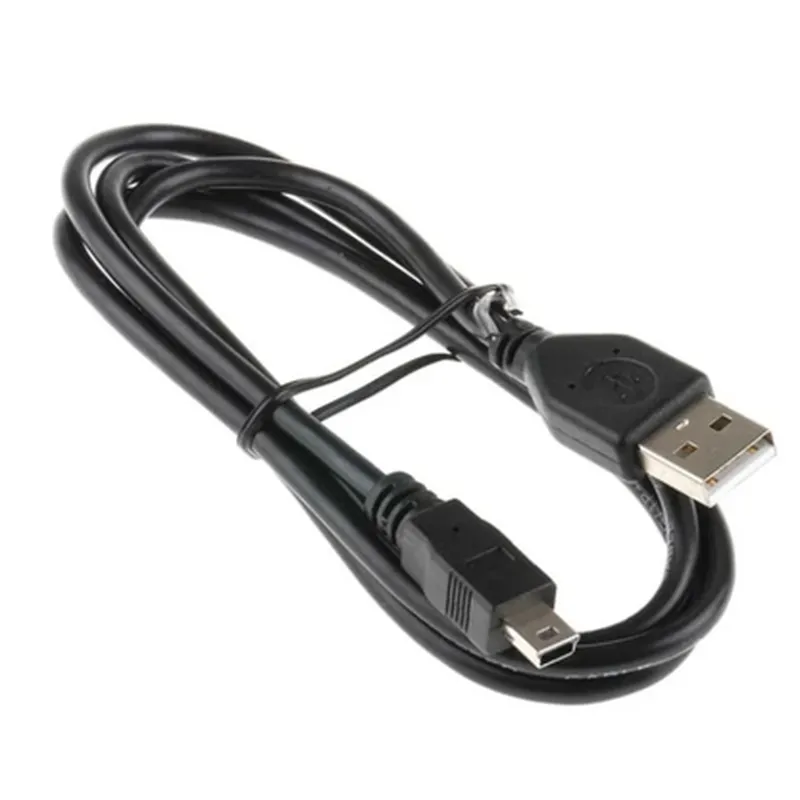
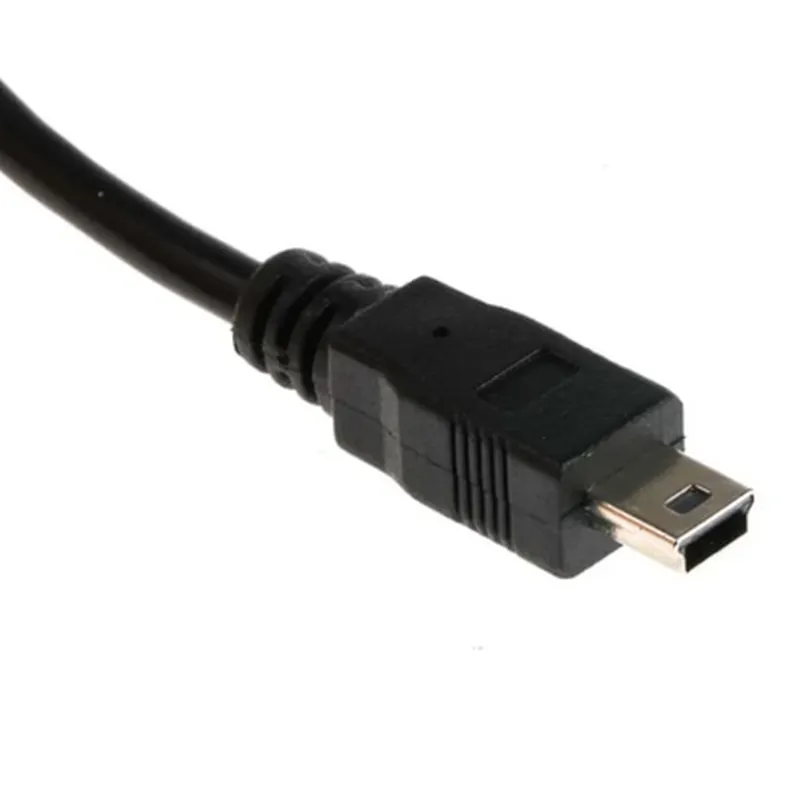
Mini USB Cable (1 metre)
The Mini USB Cable (1 metre) is a compact, high-quality cable designed to connect devices with a mini-USB port to a computer or other USB-enabled devices. This cable is commonly used in IoT applications, robotics, and prototyping projects where space is limited.
The primary function of the Mini USB Cable is to establish a reliable and fast connection between a mini-USB device and a host device, such as a computer or a wall adapter. It enables the transfer of data, power, or both, depending on the specific application. The cable supports USB protocol communication, allowing devices to communicate and exchange data at high speeds.
| Parameter | Specification |
| --- | --- |
| Cable Length | 1 metre (3.3 feet) |
| Connector Type | Mini-USB (5-pin), Standard-A USB |
| Data Transfer Speed | Up to 480 Mbps |
| Power Rating | Up to 2.5 watts (5V, 500mA) |
| Operating Temperature | -20C to 80C (-4F to 176F) |
| Wire Gauge | 28 AWG (data), 20 AWG (power) |
| Insulation Material | PVC (Polyvinyl Chloride) |
| Shielding | Braided shield for EMI reduction |
RoHS (Restriction of Hazardous Substances) compliant
CE (Conformit Europene) marked
FCC (Federal Communications Commission) compliant
The Mini USB Cable (1 metre) comes with a limited lifetime warranty against manufacturing defects. For technical support, please contact the manufacturer or supplier.
Component Documentation: Mini USB Cable (1 metre)OverviewThe Mini USB Cable (1 metre) is a standard USB cable used to connect devices with a mini-USB port to a host device with a standard USB port. This cable is commonly used with devices such as Arduino boards, smartphones, and other embedded systems.Technical SpecificationsLength: 1 metre
Connector Type: Mini-USB (male) to Standard USB (male)
Data Transfer Rate: Up to 480 Mbps
Operating Temperature: -20C to 80CCode Examples### Example 1: Connecting an Arduino Board to a ComputerIn this example, we will connect an Arduino Uno board to a computer using the Mini USB Cable (1 metre) to upload a simple "Hello World" sketch.Hardware RequirementsArduino Uno board
Mini USB Cable (1 metre)
Computer with Arduino IDE installedCode
```c
void setup() {
Serial.begin(9600);
}void loop() {
Serial.println("Hello, World!");
delay(1000);
}
```
ExplanationConnect the Mini USB Cable (1 metre) to the Arduino Uno board and the computer.
Open the Arduino IDE and select the correct serial port and board type.
Upload the code to the Arduino board using the IDE.
Open the Serial Monitor in the IDE to view the output "Hello, World!" printed every second.### Example 2: Charging a Smartphone with a ComputerIn this example, we will use the Mini USB Cable (1 metre) to charge a smartphone connected to a computer.Hardware RequirementsSmartphone with mini-USB port
Computer with USB port
Mini USB Cable (1 metre)CodeNo code is required for this example. Simply connect the Mini USB Cable (1 metre) to the smartphone and the computer, and the smartphone will start charging.ExplanationConnect the Mini USB Cable (1 metre) to the smartphone's mini-USB port and the computer's USB port.
The computer will recognize the smartphone as a USB device and start charging it.
Note: Make sure the computer is turned on and has a USB port that can provide enough power to charge the smartphone.Additional NotesAlways ensure the Mini USB Cable (1 metre) is used with devices that support mini-USB connectivity.
The cable can also be used for data transfer between devices, but the specific use case may require additional software or drivers.
When using the cable for charging, make sure the host device can provide enough power to charge the connected device.