1.5-3.0 V


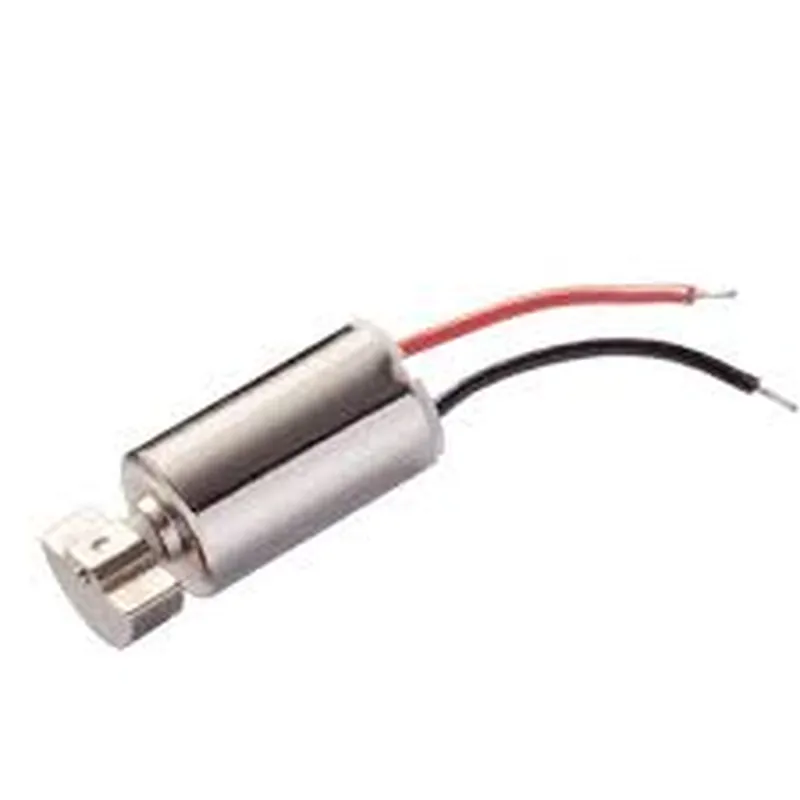
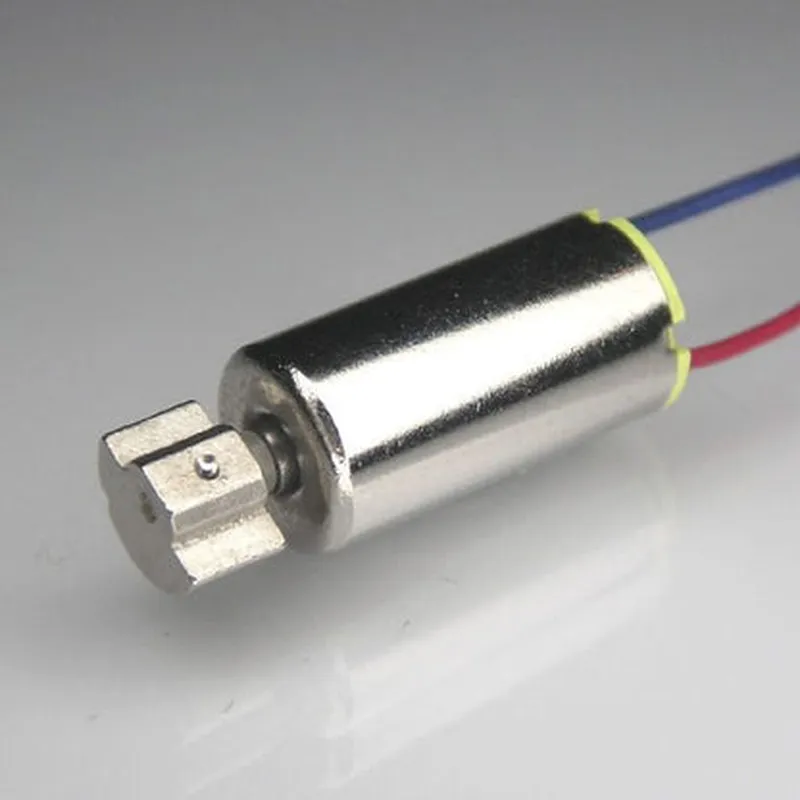
1.5-3.0 V
10-50 mA
Up to 20,000 rpm
Customizable, up to 2.0 G
DC motor with offset weight system
10 mm x 10 mm x 3.5 mm (L x W x H)
Approximately 2.5 grams
-20C to 60C
-30C to 80C
Up to 80% RH (non-condensing)
Applications
| The Micro Vibration Motor is suitable for a wide range of applications, including |
Haptic feedback systems
Mobile devices (e.g., smartphones, tablets)
Gaming controllers
Wearable devices (e.g., smartwatches, fitness trackers)
Industrial control systems
Medical devices
Robotics and automation systems
Additional Resources
For more information on the Micro Vibration Motor, including datasheets, application notes, and integration guides, please visit our website or contact our technical support team.
Micro Vibration Motor DocumentationOverviewThe Micro Vibration Motor is a small, compact, and high-performance vibration motor designed for various IoT applications, including wearable devices, gaming controllers, and haptic feedback systems. This motor is capable of producing precise vibration patterns, making it suitable for applications that require subtle and nuanced feedback.Technical SpecificationsOperating Voltage: 1.5V to 3.6V
Operating Current: 50mA to 150mA
Vibration Frequency: 100Hz to 400Hz
Vibration Amplitude: 0.5G to 2.0G
Dimension: 10mm x 10mm x 3.5mm
Weight: 2gCode Examples### Example 1: Basic Vibration Pattern using ArduinoIn this example, we will demonstrate how to use the Micro Vibration Motor with an Arduino board to create a simple vibration pattern.
```c
const int vibrationMotorPin = 9; // Pin connected to the vibration motorvoid setup() {
pinMode(vibrationMotorPin, OUTPUT);
}void loop() {
// Vibration pattern: 100ms on, 50ms off, repeat
digitalWrite(vibrationMotorPin, HIGH);
delay(100);
digitalWrite(vibrationMotorPin, LOW);
delay(50);
}
```
Connect the Micro Vibration Motor to digital pin 9 of the Arduino board and upload the code. The motor will vibrate with a pattern of 100ms on and 50ms off, repeating indefinitely.### Example 2: Pulse Width Modulation (PWM) Control using Raspberry Pi (Python)In this example, we will demonstrate how to use the Micro Vibration Motor with a Raspberry Pi to control the vibration amplitude using PWM.
```python
import RPi.GPIO as GPIO
import timeGPIO.setmode(GPIO.BCM)
GPIO.setup(18, GPIO.OUT) # Pin connected to the vibration motorpwm = GPIO.PWM(18, 50) # 50Hz frequency
pwm.start(0) # Initial duty cycle of 0%try:
while True:
# Vibration amplitude control using PWM duty cycle
for dc in range(0, 101, 10):
pwm.ChangeDutyCycle(dc)
time.sleep(0.1)
for dc in range(100, -1, -10):
pwm.ChangeDutyCycle(dc)
time.sleep(0.1)
except KeyboardInterrupt:
pwm.stop()
GPIO.cleanup()
```
Connect the Micro Vibration Motor to GPIO pin 18 of the Raspberry Pi and run the code. The motor will vibrate with a gradual increase and decrease in amplitude using PWM.Important NotesAlways ensure proper power supply and decoupling for the Micro Vibration Motor to avoid damage or malfunction.
When using PWM control, make sure to adjust the frequency and duty cycle according to your application's requirements to achieve the desired vibration pattern.
Handle the Micro Vibration Motor with care, as it is a sensitive component. Avoid exposing it to excessive mechanical stress, moisture, or extreme temperatures.