6 mm


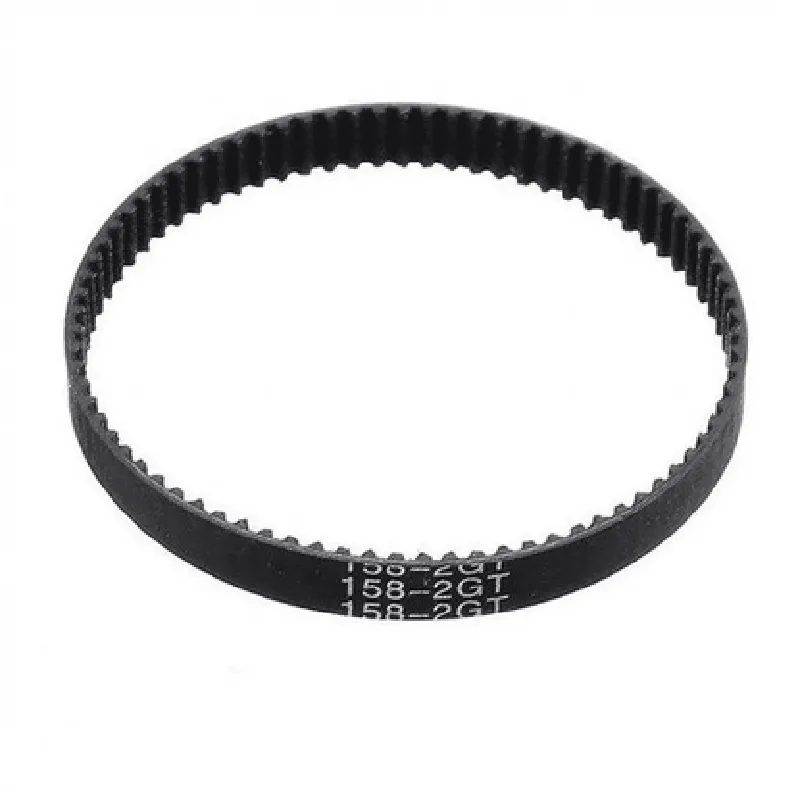
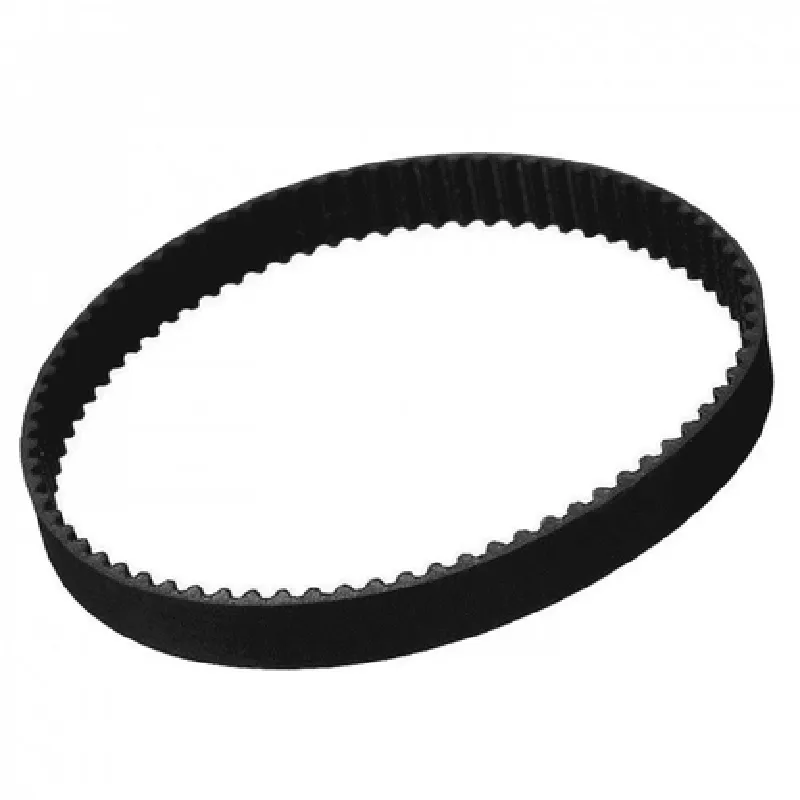
6 mm
158 mm
Rubber
GT2
2 mm
-20C to 80C
Applications
| The GT2 Rubber Timing Belt Closed Loop is suitable for a wide range of applications, including |
3D printers (FDM, SLA, SLS)
CNC machines (milling, drilling, cutting)
Robotics and automation systems
Linear motion systems
Installation and Maintenance
| To ensure optimal performance and longevity, it is recommended to follow proper installation and maintenance procedures, including |
Properly aligning the belt with the pulley system
Applying the recommended amount of tension
Regularly inspecting the belt for signs of wear or damage
Replacing the belt as needed to maintain optimal performance
By following these guidelines and utilizing the GT2 Rubber Timing Belt Closed Loop, users can achieve precise, reliable, and efficient motion in their 3D printing and CNC applications.
GT2 Rubber Timing Belt Closed Loop 6mm Width for 3D Printer CNCOverviewThe GT2 Rubber Timing Belt Closed Loop is a high-quality component designed for 3D printer and CNC applications. With a 6mm width and 158mm length, this belt provides a precise and reliable transmission of power and motion. The GT2 teeth profile ensures a smooth and quiet operation, making it an ideal choice for demanding applications.Technical SpecificationsWidth: 6mm
Length: 158mm
Material: Rubber
Teeth Profile: GT2
Pitch: 2mm
Belt Type: Closed LoopCode Examples### Example 1: Arduino CNC Control using GT2 Timing BeltIn this example, we'll demonstrate how to use the GT2 Rubber Timing Belt Closed Loop with an Arduino board to control a CNC axis.Hardware RequirementsArduino Uno or compatible board
GT2 Rubber Timing Belt Closed Loop
Stepper motor (e.g., NEMA 17)
CNC axis assemblySoftware RequirementsArduino IDECode
```c++
#include <Stepper.h>// Define the stepper motor pins
const int stepPin = 2;
const int dirPin = 3;// Create a Stepper object
Stepper stepperMotor(stepsPerRevolution, stepPin, dirPin);void setup() {
// Set the stepper motor speed
stepperMotor.setSpeed(100);
}void loop() {
// Move the stepper motor 100 steps forward
stepperMotor.step(100);
delay(1000);
// Move the stepper motor 100 steps backward
stepperMotor.step(-100);
delay(1000);
}
```
In this example, we're using the Arduino Stepper library to control a stepper motor connected to the GT2 timing belt. The stepper motor moves 100 steps forward and then 100 steps backward in an infinite loop, demonstrating the belt's precise motion transmission.### Example 2: Python script for 3D Printer using GT2 Timing BeltIn this example, we'll demonstrate how to use the GT2 Rubber Timing Belt Closed Loop with a 3D printer's X-axis motor using a Python script.Hardware RequirementsRaspberry Pi or compatible board
GT2 Rubber Timing Belt Closed Loop
Stepper motor (e.g., NEMA 17)
3D printer X-axis assemblySoftware RequirementsPython 3.x
Py Serial libraryCode
```python
import serial
import time# Open the serial connection to the 3D printer's X-axis motor
ser = serial.Serial('/dev/ttyUSB0', 115200)# Define the motor movement function
def move_motor(steps, direction):
if direction == 'forward':
ser.write(b'M3 S100
') # Set the motor speed to 100 steps/s
elif direction == 'backward':
ser.write(b'M4 S100
') # Set the motor speed to -100 steps/s
# Move the motor the specified number of steps
ser.write(b'M2 {} {}
'.format(steps, direction))
time.sleep(abs(steps) / 100) # Wait for the motor to move# Move the X-axis motor 100 steps forward
move_motor(100, 'forward')# Move the X-axis motor 50 steps backward
move_motor(50, 'backward')
```
In this example, we're using Python to control the 3D printer's X-axis motor connected to the GT2 timing belt. The script moves the motor 100 steps forward and then 50 steps backward, demonstrating the belt's precise motion transmission and control.