5V 2A ERD Adapter with Micro USB Cable


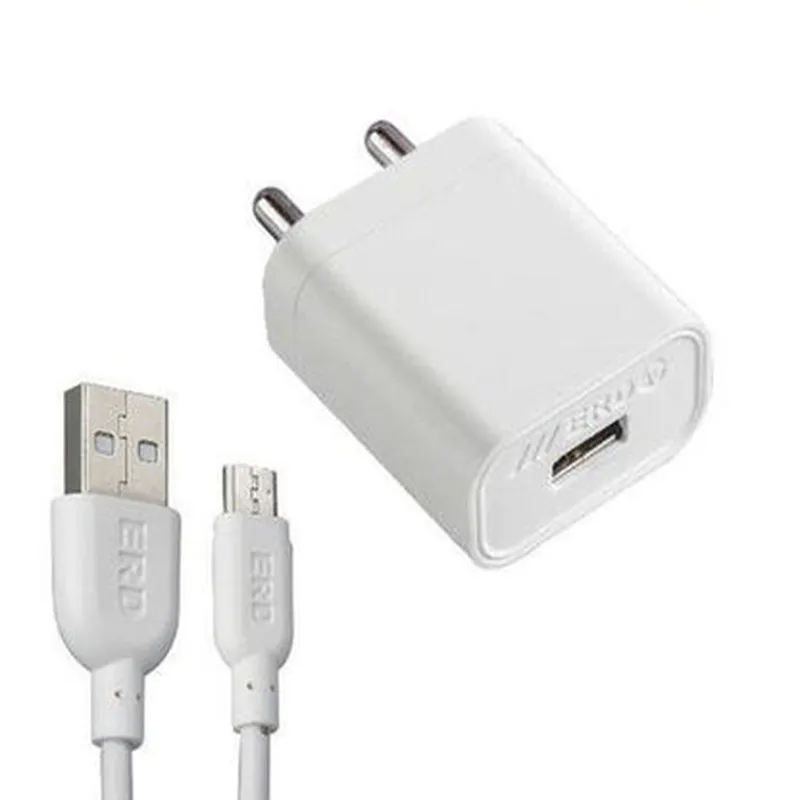
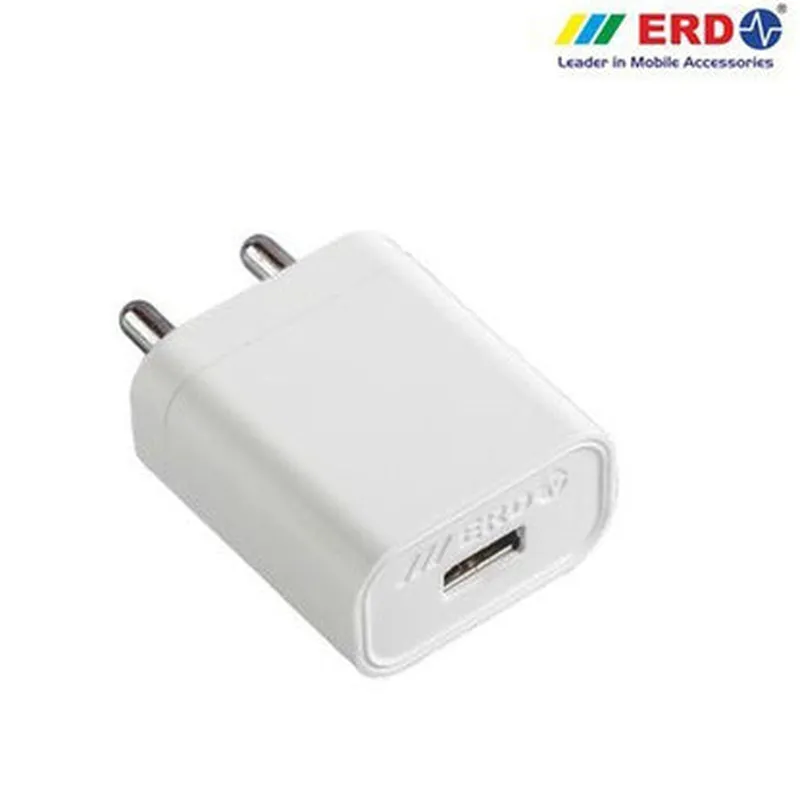
5V 2A ERD Adapter with Micro USB Cable
The 5V 2A ERD Adapter with Micro USB Cable is a compact and energy-efficient power adapter designed for use with Internet of Things (IoT) devices, smartphones, and other micro-USB powered devices. This adapter provides a safe and reliable power supply, ensuring stable operation of connected devices.
The 5V 2A ERD Adapter with Micro USB Cable serves as a power source for devices that require a 5-volt, 2-ampere power supply. It takes in AC power from a wall outlet and converts it to DC power, which is then delivered to the connected device through the micro-USB cable.
The adapter is designed to provide a stable output of 5 volts and 2 amperes, making it suitable for powering small to medium-sized IoT devices, smartphones, and other micro-USB powered devices.
The ERD (Energy-Related Device) adapter is designed to meet energy efficiency standards, minimizing power consumption and reducing energy waste.
The adapter comes with a 1-meter long micro-USB cable, providing easy connectivity to devices with micro-USB ports.
The adapter features a compact design, making it easy to carry and store.
The adapter is equipped with built-in short-circuit protection, ensuring safe operation and preventing damage to connected devices in the event of a short circuit.
The adapter is designed with overheat protection, automatically shutting off power supply in the event of overheating, thereby preventing damage to the adapter and connected devices.
The adapter meets international safety certifications, including UL, CE, and FCC, ensuring compliance with safety standards.
The adapter is designed to operate within a wide temperature range of -10C to 40C, making it suitable for use in various environments.
The adapter features an LED indicator that lights up when the adapter is powered on, providing visual feedback of the power status.
100-240V AC, 50-60Hz
5V DC
2A
1 meter
40 x 25 x 15 mm
50 grams
-10C to 40C
-20C to 60C
5-95% RH (non-condensing)
| The 5V 2A ERD Adapter with Micro USB Cable is suitable for use with a wide range of IoT devices, including |
Smart home devices
Wearables
Smart speakers
IoT development boards
Microcontrollers
Smartphones
Tablets
The adapter comes with a 1-year limited warranty and dedicated technical support to ensure trouble-free operation and assistance in case of any issues.
5V 2A ERD Adapter with Micro USB Cable DocumentationOverviewThe 5V 2A ERD Adapter with Micro USB Cable is a wall-mounted power adapter designed for powering small to medium-sized IoT devices that require a stable 5V DC power supply. The adapter features a high-quality ERD (Electromagnetic Radiation Detector) that ensures reliable and efficient power transmission.Technical SpecificationsInput: 100-240V AC, 50-60Hz
Output: 5V DC, 2A
Micro USB cable length: 1.5 meters
ERD certification: meets stringent electromagnetic radiation standards
Operating temperature: 0C to 40C
Dimension: 45 x 45 x 30 mmCode Examples### Example 1: Powering an ESP32 Development BoardIn this example, we will demonstrate how to power an ESP32 development board using the 5V 2A ERD Adapter with Micro USB Cable.Hardware RequirementsESP32 Development Board
5V 2A ERD Adapter with Micro USB Cable
Breadboard and jumper wires (optional)Software RequirementsESP32 Arduino Core (install via Arduino IDE)Code
```c
#include <WiFi.h>void setup() {
Serial.begin(115200);
// Initialize Wi-Fi module
WiFi.begin("your_wifi_ssid", "your_wifi_password");
while (WiFi.status() != WL_CONNECTED) {
delay(1000);
Serial.println("Connecting to WiFi...");
}
Serial.println("Connected to WiFi");
}void loop() {
// Your ESP32 code here
delay(1000);
}
```
Connect the Micro USB cable to the ESP32 development board and plug the adapter into a wall outlet. The board will receive a stable 5V DC power supply, allowing you to run your IoT projects.### Example 2: Powering a Raspberry Pi Pico MicrocontrollerIn this example, we will demonstrate how to power a Raspberry Pi Pico microcontroller using the 5V 2A ERD Adapter with Micro USB Cable.Hardware RequirementsRaspberry Pi Pico microcontroller
5V 2A ERD Adapter with Micro USB Cable
Breadboard and jumper wires (optional)Software RequirementsRaspberry Pi Pico SDK (install via Raspberry Pi website)Code
```python
import machine# Initialize Raspberry Pi Pico
machine.freq(125000000) # Set CPU frequency to 125 MHzwhile True:
# Your Raspberry Pi Pico code here
print("Hello, world!")
machine.sleep(1000)
```
Connect the Micro USB cable to the Raspberry Pi Pico microcontroller and plug the adapter into a wall outlet. The microcontroller will receive a stable 5V DC power supply, allowing you to run your IoT projects.Important NotesWhen using the 5V 2A ERD Adapter with Micro USB Cable, ensure that the total current draw of your IoT device does not exceed 2A to prevent overheating or damage to the adapter.
Always follow proper safety precautions when working with electrical components and power adapters.I hope this documentation helps you get started with using the 5V 2A ERD Adapter with Micro USB Cable in your IoT projects!