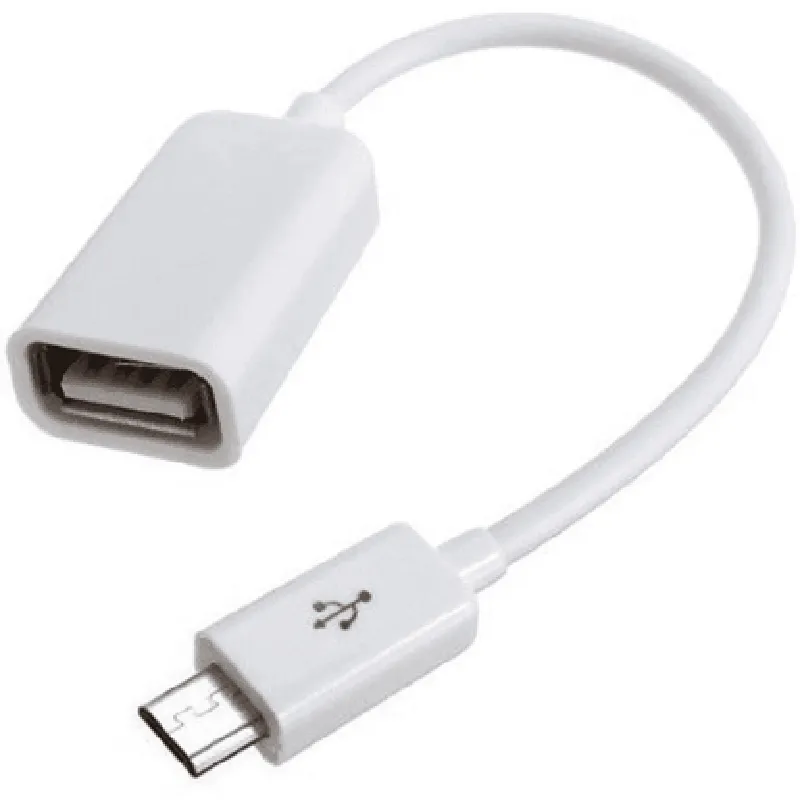
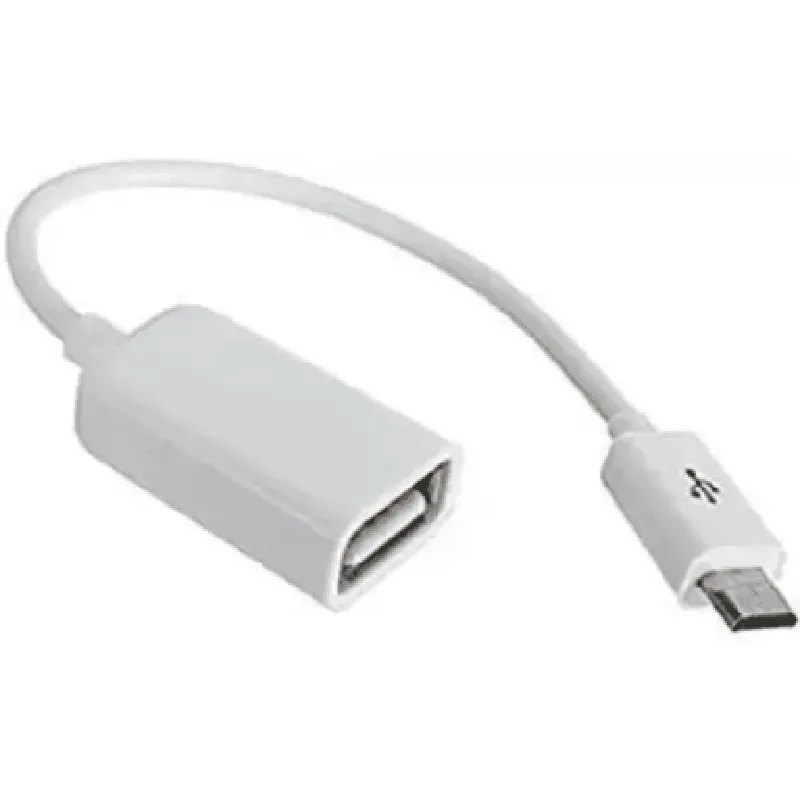
High Speed Micro USB OTG Cable - 33 cm
The High Speed Micro USB OTG Cable - 33 cm is a high-quality, OTG (On-The-Go) enabled USB cable that allows for faster data transfer rates and enables device-to-device communication. This cable is specifically designed for use with micro-USB devices, such as smartphones, tablets, and embedded systems.
Cable Length: 33 cm
 Connector Type: Micro USB (male) to USB (male)
 Data Transfer Rate: Up to 480 Mbps
 OTG Enabled: Yes
 Compatibility: Compatible with micro-USB devices, including smartphones, tablets, and embedded systems
### Example 1: USB OTG Communication between Android Device and Embedded System (Using Android USB Host Mode)
In this example, we demonstrate how to use the High Speed Micro USB OTG Cable to establish communication between an Android device (acting as a USB host) and an embedded system (acting as a USB device).
Android Code (Java)
```java
// Import required libraries
import android.hardware.usb.UsbManager;
import android.hardware.usb.UsbDevice;
import android.hardware.usb.UsbInterface;
// Get the USB manager instance
UsbManager usbManager = (UsbManager) getSystemService(Context.USB_SERVICE);
// Find the device and interface
UsbDevice device = usbManager.getDeviceList().get(0);
UsbInterface intf = device.getInterface(0);
// Open the device and claim the interface
usbManager.openDevice(device);
usbManager.claimInterface(intf);
// Write data to the embedded system
byte[] data = new byte[] { 0x01, 0x02, 0x03 };
usbManager.bulkTransfer(intf, 0x01, data, data.length, 1000);
// Read data from the embedded system
byte[] response = new byte[64];
int bytesRead = usbManager.bulkTransfer(intf, 0x81, response, response.length, 1000);
Log.d("USB", "Received response: " + Arrays.toString(response));
```
Embedded System Code (C)
```c
#include <usb.h>
int main() {
    // Initialize the USB device
    usb_init();
// Set the device address
    usb_set_address(0x01);
// Wait for the host to connect
    while (!usb_get_connected()) {
        delay(10);
    }
// Read data from the host
    uint8_t data[3];
    usb_read(0x01, data, 3);
// Process the data
    printf("Received data: 0x%02x 0x%02x 0x%02x
", data[0], data[1], data[2]);
// Send response back to the host
    uint8_t response[64] = "Hello from embedded system!";
    usb_write(0x81, response, 64);
while (1) {
        // Perform other tasks
    }
### Example 2: Using the OTG Cable with a Raspberry Pi as a USB Host
In this example, we demonstrate how to use the High Speed Micro USB OTG Cable to connect a USB device (such as a USB flash drive) to a Raspberry Pi, which is acting as a USB host.
Raspberry Pi Code (Python)
```python
import usb.core
import usb.util
# Find the USB device
dev = usb.core.find(idVendor=0x0781, idProduct=0x5572)
# Set the device configuration
dev.set_configuration()
# Claim the interface
cfg = dev.get_active_configuration()
intf = cfg[(0,0)]
# Read data from the USB device
data = intf.read(0x81, 1024, 1000)
print("Received data:", data)
# Write data to the USB device
data = b"Hello from Raspberry Pi!"
intf.write(0x01, data, 1000)
```
Note: The above examples are simplified and may require additional error handling and configuration depending on the specific use case.