

Stufin
Home Quick Cart Profile

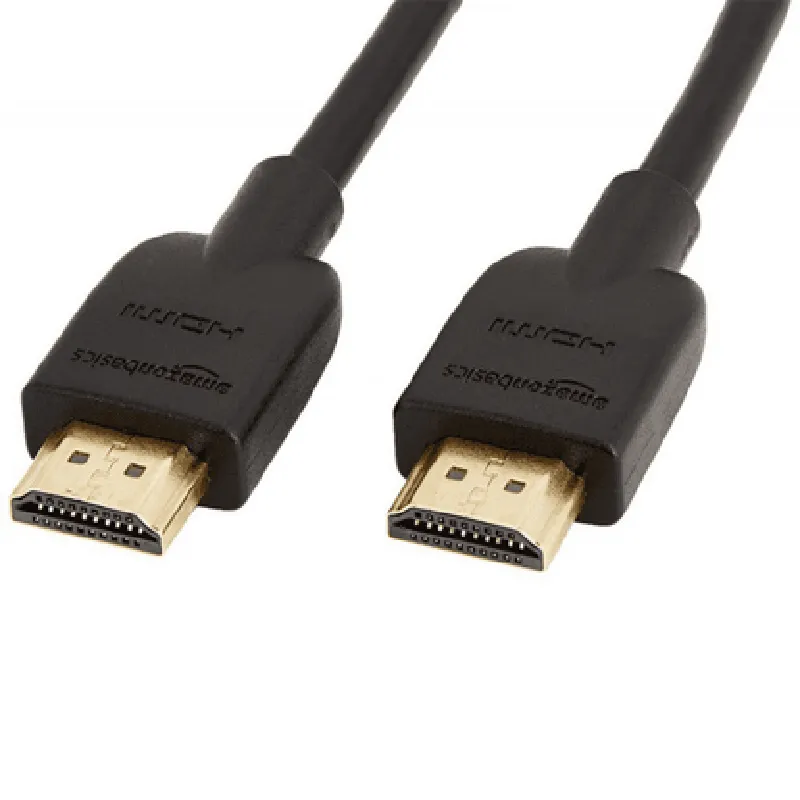
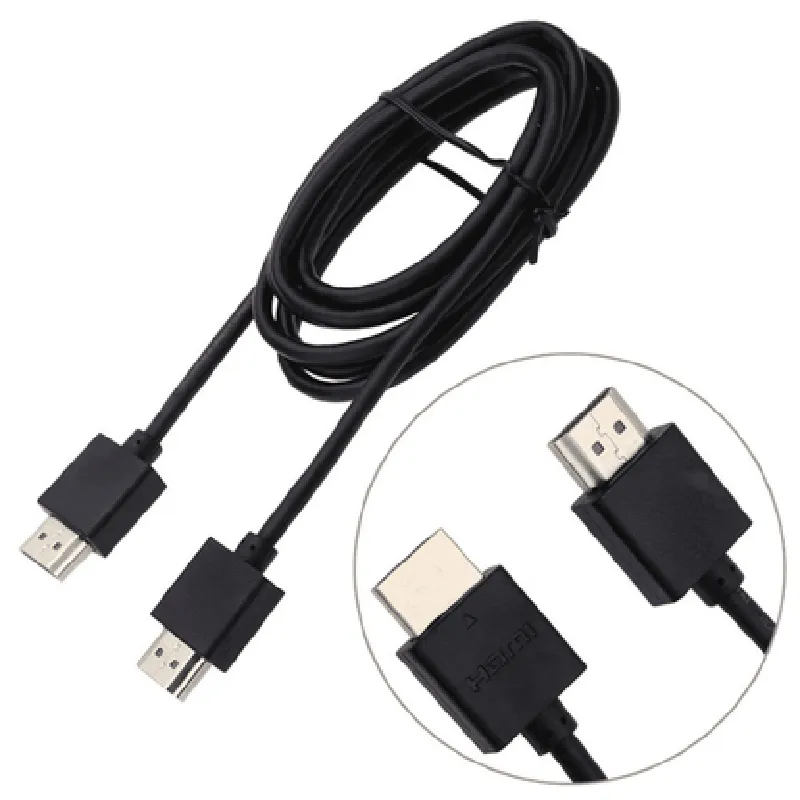
HDMI to HDMI Cable 1.2M

Buy Now on Stufin

Cable length

1.2 meters (4 feet)

Connector type

HDMI male to HDMI male

Data transfer rate

up to 18 Gbps

Resolution support

up to 4K at 30Hz

Audio support

up to 7.1 surround sound

Ethernet support

up to 100 Mbps

Compliance

HDMI 1.4, RoHS, and CE

Operating temperature

-20C to 80C (-4F to 176F)

Applications

The HDMI to HDMI Cable 1.2M is suitable for various applications, including

Home entertainment systems

Gaming consoles and PC gaming setups

Professional audio-visual equipment

Digital signage and display systems

Conference and presentation systems

Pin Configuration

  • HDMI to HDMI Cable 1.2M Pinout Explanation
  • The HDMI to HDMI Cable 1.2M is a standard High-Definition Multimedia Interface (HDMI) cable used to connect devices such as TVs, projectors, Blu-ray players, gaming consoles, and computers. The cable consists of 19 pins, which are divided into three categories: Single-Ended Signals, Differential Signals, and Power/ Ground Pins. Here's a detailed explanation of each pin:
  • Single-Ended Signals ( Pins 1-9 )
  • 1. CEC (Consumer Electronics Control): Carries CEC control signals between devices to enable device control and communication.
  • 2. Y (Luminance): Transfers luminance (brightness) video information.
  • 3. Pb (Blue Chrominance): Carries blue chrominance (color) video information.
  • 4. Pr (Red Chrominance): Transfers red chrominance (color) video information.
  • 5. G (Green Chrominance): Carries green chrominance (color) video information.
  • 6. CK (Clock): Transfers clock signals to synchronize data transmission.
  • 7. DA0 (Data 0): Carries data channel 0 information.
  • 8. DA1 (Data 1): Transfers data channel 1 information.
  • 9. DA2 (Data 2): Carries data channel 2 information.
  • Differential Signals (Pins 10-17)
  • 10. DA3+ (Data 3+): Carries data channel 3 positive differential signal.
  • 11. DA3- (Data 3-): Carries data channel 3 negative differential signal.
  • 12. DA4+ (Data 4+): Transfers data channel 4 positive differential signal.
  • 13. DA4- (Data 4-): Carries data channel 4 negative differential signal.
  • 14. DA5+ (Data 5+): Carries data channel 5 positive differential signal.
  • 15. DA5- (Data 5-): Transfers data channel 5 negative differential signal.
  • 16. DA6+ (Data 6+): Carries data channel 6 positive differential signal.
  • 17. DA6- (Data 6-): Transfers data channel 6 negative differential signal.
  • Power/Ground Pins (Pins 18-19)
  • 18. HEC (Hot Plug Detect): Detects when a device is hot-plugged into the HDMI port.
  • 19. GND (Ground): Provides a common ground connection between devices.
  • Connection Structure:
  • When connecting an HDMI device to another, ensure that the pins are aligned correctly to avoid damage to the devices or cable. Here's a step-by-step connection guide:
  • 1. Align the HDMI connectors on both devices, ensuring the pins are facing each other.
  • 2. Gently insert the HDMI plug into the receptacle, applying gentle pressure until the connector clicks into place.
  • 3. Verify that the pins are fully seated and the connector is secure.
  • 4. If the devices have multiple HDMI ports, ensure you connect to the correct port corresponding to the desired output/input.
  • Remember to handle the HDMI cable with care to prevent pin damage or bent pins, which can cause connectivity issues or even render the cable unusable.

Code Examples

HDMI to HDMI Cable 1.2M Documentation
Overview
The HDMI to HDMI Cable 1.2M is a high-quality, 1.2-meter long cable designed for connecting devices with HDMI interfaces, such as TVs, monitors, projectors, and Blu-ray players. This cable supports high-definition video and audio transmission, making it an essential component for various IoT applications.
Specifications
Length: 1.2 meters
 Connector type: HDMI male to HDMI male
 Resolution support: Up to 4K @ 30Hz
 Audio support: Up to 7.1 surround sound
 Data transfer rate: Up to 18 Gbps
Usage Examples
### Example 1: Connecting a Raspberry Pi to a Monitor
In this example, we'll connect a Raspberry Pi to a monitor using the HDMI to HDMI Cable 1.2M.
Hardware Requirements
Raspberry Pi (any model)
 Monitor with HDMI input
 HDMI to HDMI Cable 1.2M
Software Requirements
Raspbian OS (or any other supported OS)
Code Example
```python
# Python code to display a video on the monitor
import pygame
# Initialize pygame
pygame.init()
# Set up the display
screen = pygame.display.set_mode((1920, 1080))
# Load a video file
video = pygame.movie.load('example.mp4')
# Play the video
video.play(-1)  # Play in loop
# Run the main loop
while True:
    for event in pygame.event.get():
        if event.type == pygame.QUIT:
            pygame.quit()
            sys.exit()
```
### Example 2: Connecting a Microcontroller to a Display Module
In this example, we'll connect a microcontroller (e.g., Arduino) to a display module using the HDMI to HDMI Cable 1.2M.
Hardware Requirements
Microcontroller (e.g., Arduino)
 Display module with HDMI input (e.g., HDMI display module for Arduino)
 HDMI to HDMI Cable 1.2M
Software Requirements
Arduino IDE
Code Example
```cpp
// Arduino code to display an image on the display module
#include <WiFi.h>
#include <HDMI.h>
// Set up the HDMI interface
HDMI_Interface hdmi;
void setup() {
  // Initialize the HDMI interface
  hdmi.begin();
  
  // Load an image file
  hdmi.loadImage("image.bmp");
}
void loop() {
  // Display the image
  hdmi.displayImage(0, 0, 1920, 1080);
  delay(1000);
}
```
Note: The above code examples are simplified and may require modifications based on the specific IoT application and device configurations.
Additional Resources
HDMI specification documentation: <https://www.hdmi.org/spec/hdmi-specification>
 Raspberry Pi documentation: <https://www.raspberrypi.org/documentation/>
 Arduino documentation: <https://www.arduino.cc/en/Reference/HomePage>
By using the HDMI to HDMI Cable 1.2M, you can establish a reliable and high-quality video and audio connection between devices, enabling a wide range of IoT applications, from smart home automation to industrial control systems.