2 mm pitch 2 pin JST Cable with Connector - (Pack of 10)


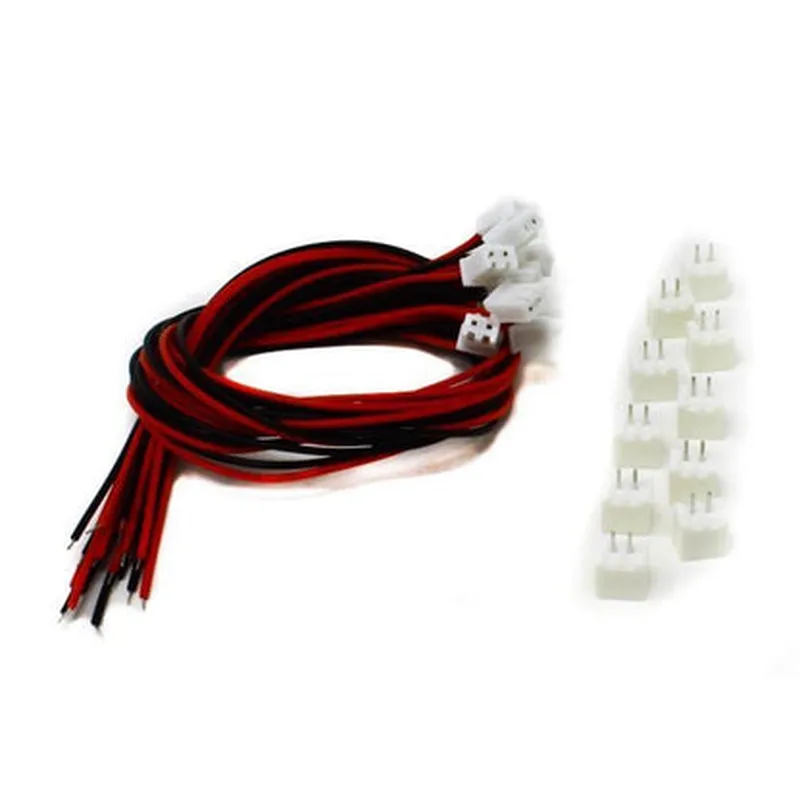
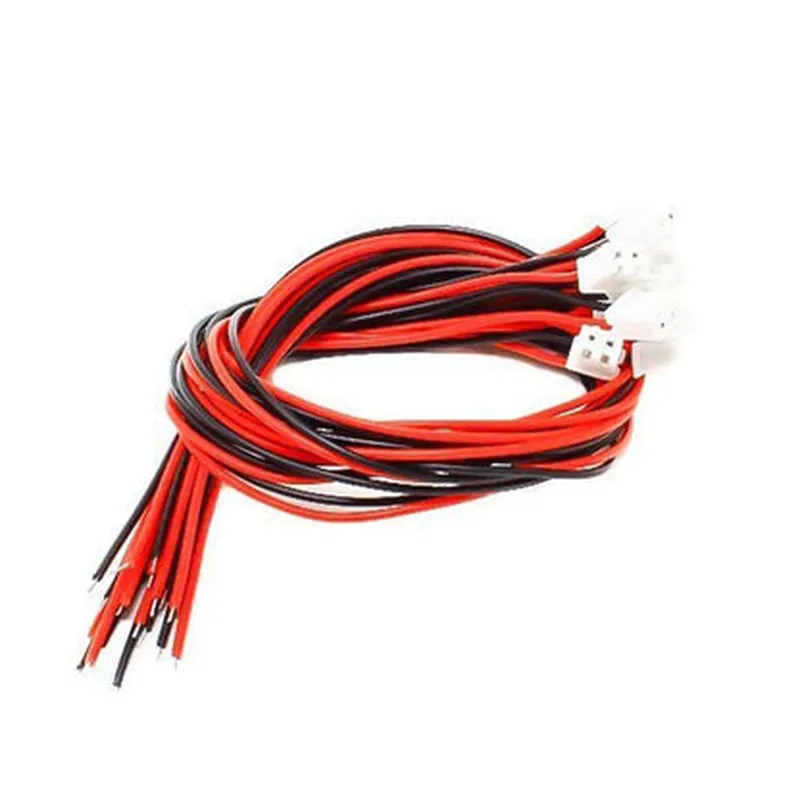
2 mm pitch 2 pin JST Cable with Connector - (Pack of 10)
The 2 mm pitch 2 pin JST Cable with Connector is a compact and reliable cable assembly designed for connecting devices in various IoT, robotics, and electronics projects. This pack of 10 cables is ideal for prototyping, development, and production applications where a secure and efficient connection is required.
The primary function of this JST cable is to provide a secure and reliable connection between two devices, allowing for the transmission of power, signals, or data between them. The cable is designed to be used with JST-compatible connectors, ensuring a snug and secure fit.
| The 2 mm pitch 2 pin JST Cable with Connector is suitable for a wide range of applications, including |
IoT devices and sensors
Robotics and automation systems
Electronics projects and prototyping
Industrial control systems
Medical devices and equipment
Automotive systems
High-quality JST connector ensures a secure and reliable connection
Compact design with a 2 mm pitch, making it ideal for space-constrained applications
Cost-effective solution with a pack of 10 cables
Suitable for a wide range of applications, from prototyping to production
Component Documentation: 2 mm pitch 2 pin JST Cable with Connector - (Pack of 10)OverviewThe 2 mm pitch 2 pin JST Cable with Connector is a versatile and widely used interconnect solution for IoT projects. This cable features a 2 mm pitch JST connector on one end and bare wires on the other, making it suitable for a variety of applications, from sensor integration to power connections.SpecificationsPitch: 2 mm
Number of pins: 2
Connector type: JST
Wire length: varies (typically 10-20 cm)
Wire gauge: 24 AWG
Operating temperature: -20C to 80C
Rated current: 1 A per pin
Rated voltage: 50 VCode Examples### Example 1: Arduino Weather Station with DHT11 SensorIn this example, we'll use the 2 mm pitch 2 pin JST Cable to connect a DHT11 temperature and humidity sensor to an Arduino board.Hardware Requirements:Arduino Board (e.g., Arduino Uno)
DHT11 Temperature and Humidity Sensor
2 mm pitch 2 pin JST Cable with Connector
Breadboard and jumper wiresCode:
```c++
#include <DHT.h>#define DHT_PIN 2 // Pin 2 on Arduino Board
#define DHT_TYPE DHT11DHT dht(DHT_PIN, DHT_TYPE);void setup() {
Serial.begin(9600);
dht.begin();
}void loop() {
int temperature = dht.readTemperature();
int humidity = dht.readHumidity();
Serial.print("Temperature: ");
Serial.print(temperature);
Serial.println(" C");
Serial.print("Humidity: ");
Serial.print(humidity);
Serial.println(" %");
delay(2000);
}
```
Connection:1. Connect the DHT11 sensor to the 2 mm pitch 2 pin JST Cable.
2. Connect the JST connector to the Arduino Board's digital pin 2.
3. Use the provided code to read temperature and humidity values from the sensor.### Example 2: ESP32 IoT Project with Battery MonitoringIn this example, we'll use the 2 mm pitch 2 pin JST Cable to connect a lithium-ion battery to an ESP32 board for power monitoring.Hardware Requirements:ESP32 Board (e.g., ESP32 DevKitC)
Lithium-ion battery (e.g., 3.7 V, 1000 mAh)
2 mm pitch 2 pin JST Cable with Connector
Breadboard and jumper wiresCode:
```c++
#include <WiFi.h>#define BATTERY_PIN 34 // Pin 34 on ESP32 Board (Analog Input)void setup() {
Serial.begin(115200);
pinMode(BATTERY_PIN, INPUT);
}void loop() {
int batteryVoltage = analogRead(BATTERY_PIN);
float batteryLevel = (batteryVoltage / 4095.0) 3.3;
Serial.print("Battery Level: ");
Serial.print(batteryLevel);
Serial.println(" V");
delay(1000);
}
```
Connection:1. Connect the lithium-ion battery to the 2 mm pitch 2 pin JST Cable.
2. Connect the JST connector to the ESP32 Board's analog input pin 34.
3. Use the provided code to read the battery voltage level.Note: In both examples, ensure proper voltage and current ratings are not exceeded to prevent damage to the components.