5V DC


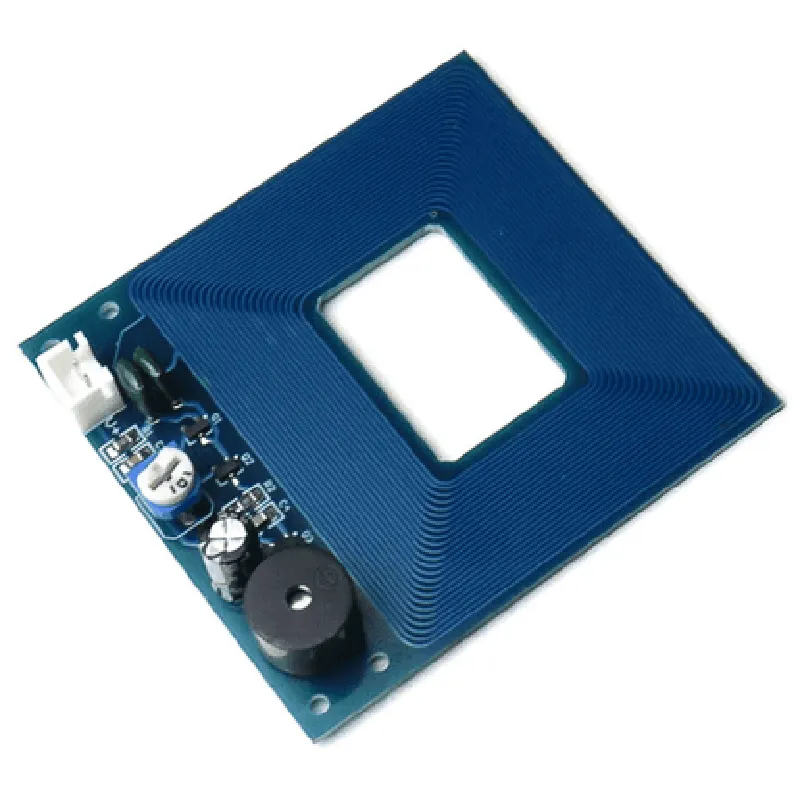
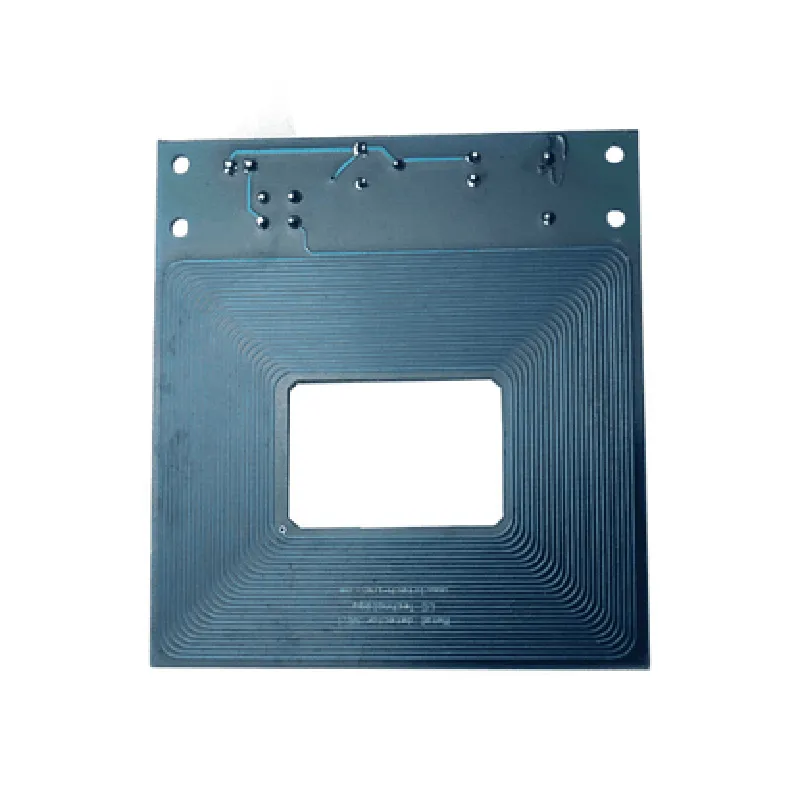
5V DC
20mA
Up to 5 cm (2 inches)
Onboard potentiometer
TTL level (0-5V)
50-100ms
<50ms
-20C to 70C (-4F to 158F)
-40C to 85C (-40F to 185F)
30mm x 20mm x 10mm (1.18in x 0.79in x 0.39in)
Applications
Conclusion
The Metal Detector Sensor Module is a versatile and reliable component for detecting metal objects in various applications. Its high sensitivity, adjustability, and compact design make it an ideal choice for developers and engineers seeking to integrate metal detection capabilities into their projects.
Metal Detector Sensor Module DocumentationOverviewThe Metal Detector Sensor Module is a highly sensitive and accurate sensor module designed to detect the presence of metals and other ferrous materials. It is widely used in various applications such as security screening, treasure hunting, and industrial automation. This module is based on the principle of electromagnetic induction, where a coil is used to generate a magnetic field that interacts with nearby metals.Technical SpecificationsOperating Voltage: 5V
Operating Current: 20mA
Detection Range: Up to 5cm
Sensitivity: Adjustable
Output: Digital (TTL)
Interface: 3-pin (VCC, GND, OUT)Code Examples### Example 1: Basic Metal Detection using ArduinoIn this example, we will use the Metal Detector Sensor Module with an Arduino board to detect the presence of a metal object.Components:Metal Detector Sensor Module
Arduino Board (e.g. Arduino Uno)
Breadboard
Jumper WiresCode:
```c
const int metalDetectorPin = 2; // Connect the OUT pin of the sensor module to digital pin 2 of the Arduinovoid setup() {
pinMode(metalDetectorPin, INPUT);
Serial.begin(9600);
}void loop() {
int metalDetected = digitalRead(metalDetectorPin);
if (metalDetected == HIGH) {
Serial.println("Metal detected!");
} else {
Serial.println("No metal detected.");
}
delay(500);
}
```
Explanation:In this example, we connect the OUT pin of the Metal Detector Sensor Module to digital pin 2 of the Arduino. We then use the `digitalRead()` function to read the output of the sensor module. If the output is HIGH, it indicates the presence of a metal object, and we print "Metal detected!" to the serial console. Otherwise, we print "No metal detected."### Example 2: Metal Detection with LED Indication using Raspberry PiIn this example, we will use the Metal Detector Sensor Module with a Raspberry Pi to detect the presence of a metal object and indicate the result using an LED.Components:Metal Detector Sensor Module
Raspberry Pi (e.g. Raspberry Pi 3)
Breadboard
Jumper Wires
LED
Resistor (1k)Code:
```python
import RPi.GPIO as GPIO
import timeGPIO.setmode(GPIO.BCM)metalDetectorPin = 17 # Connect the OUT pin of the sensor module to GPIO 17 of the Raspberry Pi
LEDPin = 23 # Connect the LED to GPIO 23 of the Raspberry PiGPIO.setup(metalDetectorPin, GPIO.IN)
GPIO.setup(LEDPin, GPIO.OUT)while True:
metalDetected = GPIO.input(metalDetectorPin)
if metalDetected:
GPIO.output(LEDPin, GPIO.HIGH)
print("Metal detected!")
else:
GPIO.output(LEDPin, GPIO.LOW)
print("No metal detected.")
time.sleep(0.5)
```
Explanation:In this example, we connect the OUT pin of the Metal Detector Sensor Module to GPIO 17 of the Raspberry Pi, and the LED to GPIO 23. We use the `GPIO.input()` function to read the output of the sensor module, and the `GPIO.output()` function to control the LED. If the output is HIGH, we turn on the LED and print "Metal detected!" to the console. Otherwise, we turn off the LED and print "No metal detected."