-20C to +60C


-20C to +60C
5% to 95% RH (relative humidity)
10G max (10 gravities maximum)
Warranty and Support
The 6V N20 600 RPM Miniature Gear Motor is backed by a [insert warranty period]-year warranty against manufacturing defects. Technical support and documentation are available through the manufacturer's website or support team.
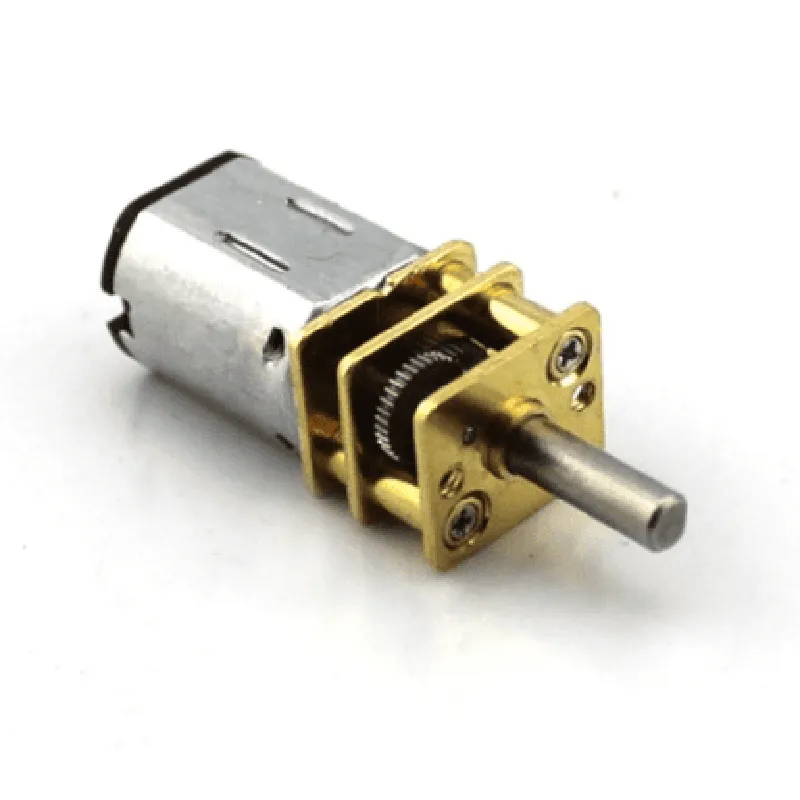
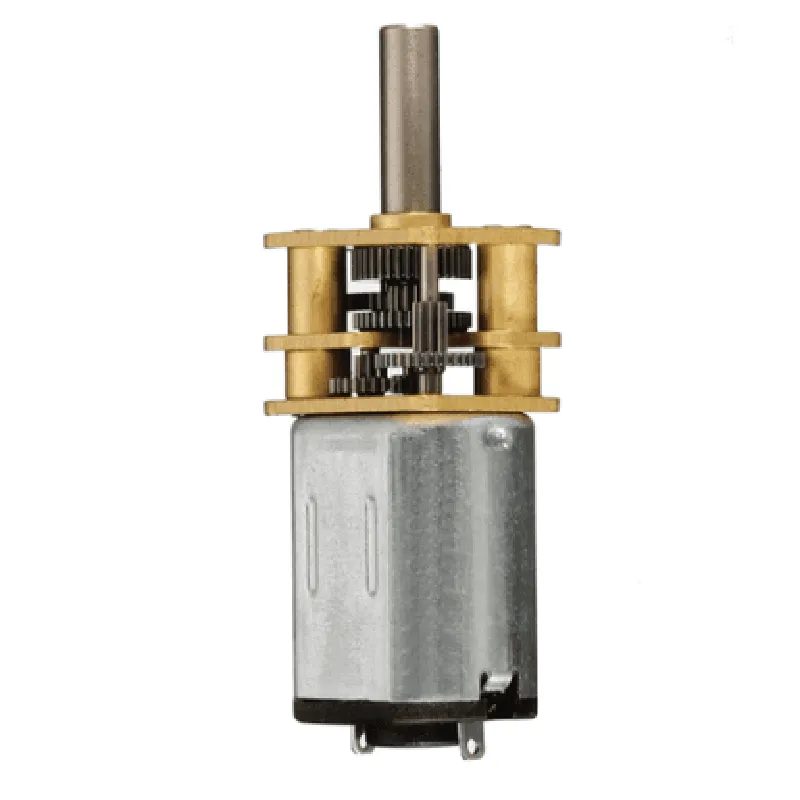
6V N20 600 RPM Miniature Gear Motor DocumentationOverviewThe 6V N20 600 RPM Miniature Gear Motor is a compact and efficient motor designed for small-scale applications. It operates at a voltage of 6V and has a maximum speed of 600 revolutions per minute (RPM). This motor is ideal for robotics, automation, and other IoT projects that require precise movement and control.Technical SpecificationsVoltage: 6V
Speed: 600 RPM
Current: 120mA (no load), 300mA (stall)
Torque: 1.2 kg.cm (no load), 3.5 kg.cm (stall)
Gear Ratio: 1:20
Dimensions: 24mm x 12mm x 12mm (L x W x H)
Weight: 20gConnecting the MotorTo connect the motor, you will need:A 6V power source (e.g., battery or voltage regulator)
A motor driver or H-bridge (e.g., L298N or DRV8833)
Jumper wiresCode Examples### Example 1: Basic Motor Control using ArduinoIn this example, we will control the motor using an Arduino Uno and the L298N motor driver.```c
const int in1 = 2; // Motor driver input 1
const int in2 = 3; // Motor driver input 2
const int en = 9; // Motor driver enable pinvoid setup() {
pinMode(in1, OUTPUT);
pinMode(in2, OUTPUT);
pinMode(en, OUTPUT);
}void loop() {
// Forward rotation
digitalWrite(in1, HIGH);
digitalWrite(in2, LOW);
analogWrite(en, 128); // 50% speed
delay(1000);// Reverse rotation
digitalWrite(in1, LOW);
digitalWrite(in2, HIGH);
analogWrite(en, 128); // 50% speed
delay(1000);// Stop motor
digitalWrite(in1, LOW);
digitalWrite(in2, LOW);
analogWrite(en, 0);
delay(1000);
}
```### Example 2: PWM Speed Control using Raspberry Pi and PythonIn this example, we will control the motor speed using a Raspberry Pi and Python.```python
import RPi.GPIO as GPIO
import time# Set up GPIO pins
GPIO.setmode(GPIO.BCM)
in1 = 17
in2 = 23
en = 24
GPIO.setup(in1, GPIO.OUT)
GPIO.setup(in2, GPIO.OUT)
GPIO.setup(en, GPIO.OUT)# Set up PWM frequency
pwm = GPIO.PWM(en, 50) # 50 Hz frequencytry:
while True:
# 25% speed
pwm.start(25)
GPIO.output(in1, GPIO.HIGH)
GPIO.output(in2, GPIO.LOW)
time.sleep(1)# 50% speed
pwm.start(50)
time.sleep(1)# 75% speed
pwm.start(75)
time.sleep(1)# Stop motor
pwm.stop()
GPIO.output(in1, GPIO.LOW)
GPIO.output(in2, GPIO.LOW)
time.sleep(1)except KeyboardInterrupt:
GPIO.cleanup()
```Note: In both examples, make sure to connect the motor driver and motor correctly, and adjust the pin connections and code according to your specific setup.