Stufin
Home Quick Cart Profile

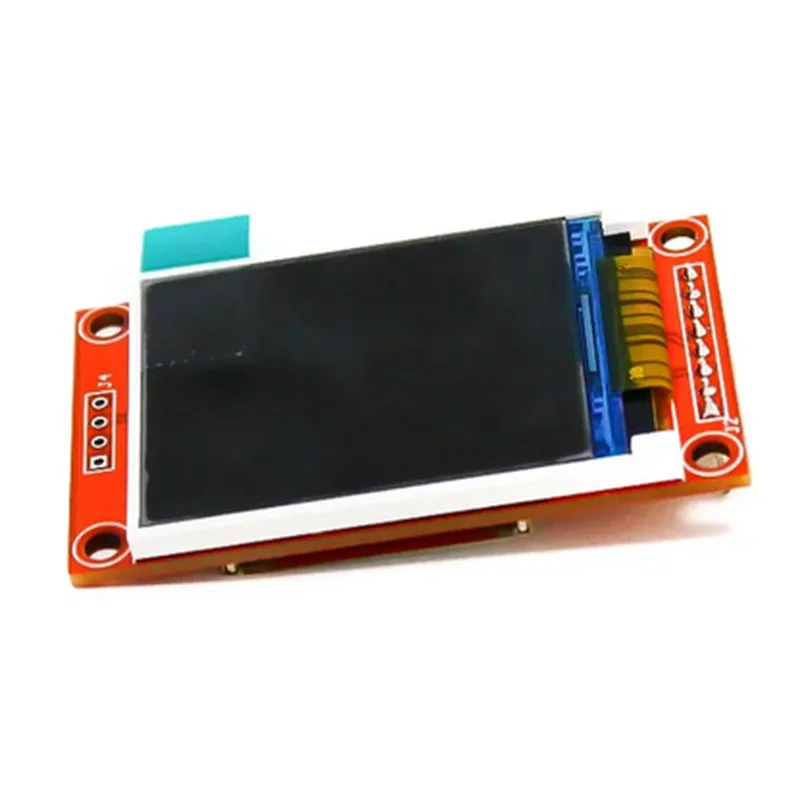
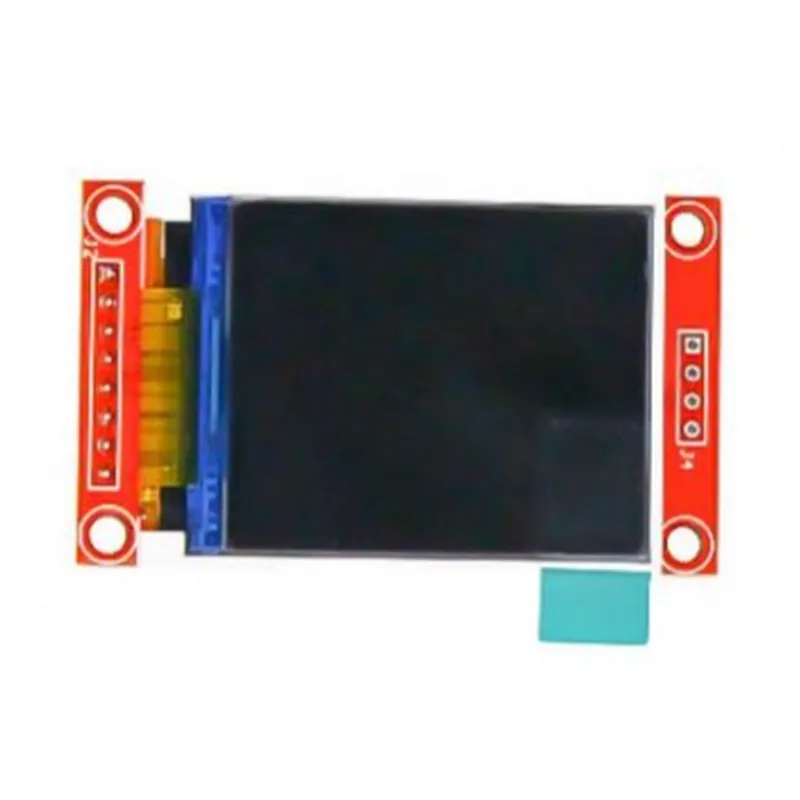
1.8 inch TFT LCD Module

Buy Now on Stufin

Component Name

1.8 inch TFT LCD Module

Overview

The 1.8 inch TFT LCD Module is a compact, high-resolution display component designed for a wide range of Internet of Things (IoT) applications, including handheld devices, wearables, and embedded systems. This module features a 1.8-inch Thin-Film Transistor (TFT) Liquid Crystal Display (LCD) with a high-brightness LED backlight, making it suitable for use in various lighting conditions.

Functionality

The 1.8 inch TFT LCD Module is a display component that provides a graphical user interface (GUI) for IoT devices. It receives video signals from a connected microcontroller or processor and displays images, text, and graphics on its screen. The module's primary function is to provide a visual output for users to interact with the device, view data, and monitor system status.

Key Features

  • Display Specifications:

Display Size

1.8 inches (45.72mm x 27.78mm)

Resolution

160x128 pixels

Aspect Ratio

11

Display Type

TFT LCD

Backlight

High-brightness LED

  • Interface:

Interface Type

8-bit Parallel Interface

Interface Pin Count

16 pins

Data Transfer Mode

Write-only (unidirectional)

  • Power Supply:

Power Supply Voltage

3.3V or 5V (selectable)

Power Consumption

150mA (max)

  • Operating Conditions:

Operating Temperature

-20C to 70C

Storage Temperature

-30C to 80C

Humidity

5% to 95% RH (non-condensing)

  • Physical Characteristics:

Module Size

40.32mm x 34.36mm

Weight

12g (approx.)

Mounting Options

SMD (Surface Mount Device) or Pin Header

  • Additional Features:

Supports 262,144 colors

Adjustable backlight brightness

Internal temperature compensation

Built-in power-on reset circuit

Typical Applications

  • Wearables (smartwatches, fitness trackers)
  • Handheld devices (game consoles, media players)
  • Embedded systems (industrial control panels, medical devices)
  • Automotive systems (infotainment systems, dashboard displays)
  • Home automation devices (smart thermostats, security systems)
The 1.8 inch TFT LCD Module is suitable for a wide range of IoT applications, including

Documentation and Resources

For more information on the 1.8 inch TFT LCD Module, including datasheets, application notes, and technical support, please refer to the manufacturer's documentation and resources.

Safety Precautions

When handling the 1.8 inch TFT LCD Module, observe proper electrostatic discharge (ESD) precautions to prevent damage to the component. Handle the module by its edges, avoid touching the pins or electrical components, and use ESD-safe equipment and materials.

Pin Configuration

  • 1.8 inch TFT LCD Module Pinout Explanation
  • The 1.8 inch TFT LCD Module is a compact display module designed for various IoT applications. It features a 1.8-inch active matrix TFT color LCD with a resolution of 128x160 pixels. The module has a 16-pin interface, which is described below:
  • Pinout Structure:
  • The following table explains each pin of the 1.8 inch TFT LCD Module:
  • | Pin Number | Pin Name | Description |
  • | --- | --- | --- |
  • | 1 | VCC | Power supply pin (+3.3V or +5V) |
  • | 2 | GND | Ground pin |
  • | 3 | VDDA | Analog power supply pin (+3.3V or +5V) |
  • | 4 | VSSA | Analog ground pin |
  • | 5 | SCL | Clock signal pin for I2C interface |
  • | 6 | SDA | Data signal pin for I2C interface |
  • | 7 | RST | Reset pin (active low) |
  • | 8 | DC | Data/command selection pin (high for data, low for command) |
  • | 9 | CS | Chip select pin (active low) |
  • | 10 | WR | Write strobe pin (active low) |
  • | 11 | RD | Read strobe pin (active low) |
  • | 12 | DB0 | Data bus bit 0 |
  • | 13 | DB1 | Data bus bit 1 |
  • | 14 | DB2 | Data bus bit 2 |
  • | 15 | DB3 | Data bus bit 3 |
  • | 16 | BKL | Backlight control pin (active high) |
  • Connection Guide:
  • To connect the 1.8 inch TFT LCD Module to your microcontroller or development board, follow these steps:
  • Power Supply:
  • Connect pin 1 (VCC) to a +3.3V or +5V power supply.
  • Connect pin 2 (GND) to the ground of your development board.
  • Connect pin 3 (VDDA) to a +3.3V or +5V power supply (analog power).
  • Connect pin 4 (VSSA) to the ground of your development board (analog ground).
  • I2C Interface (optional):
  • Connect pin 5 (SCL) to the SCL pin of your microcontroller (e.g., Arduino's SCL pin).
  • Connect pin 6 (SDA) to the SDA pin of your microcontroller (e.g., Arduino's SDA pin).
  • Control Signals:
  • Connect pin 7 (RST) to a digital output pin of your microcontroller (active low reset).
  • Connect pin 8 (DC) to a digital output pin of your microcontroller (data/command selection).
  • Connect pin 9 (CS) to a digital output pin of your microcontroller (chip select).
  • Connect pin 10 (WR) to a digital output pin of your microcontroller (write strobe).
  • Connect pin 11 (RD) to a digital output pin of your microcontroller (read strobe).
  • Data Bus:
  • Connect pin 12 (DB0) to a digital output pin of your microcontroller.
  • Connect pin 13 (DB1) to a digital output pin of your microcontroller.
  • Connect pin 14 (DB2) to a digital output pin of your microcontroller.
  • Connect pin 15 (DB3) to a digital output pin of your microcontroller.
  • Backlight Control:
  • Connect pin 16 (BKL) to a digital output pin of your microcontroller (active high backlight control).
  • Important Notes:
  • Make sure to use level shifters or voltage dividers if your microcontroller operates at a voltage different from the LCD module's required voltage.
  • Refer to the datasheet and application notes for specific timing and protocol requirements for the I2C interface, control signals, and data bus.
  • The 1.8 inch TFT LCD Module may have specific initialization and configuration requirements, so be sure to consult the datasheet and application notes for more information.

Code Examples

1.8 Inch TFT LCD Module Documentation
Overview
The 1.8 inch TFT LCD Module is a compact, color display module designed for IoT and robotics applications. It features a 1.8-inch active matrix TFT-LCD display with a resolution of 160x128 pixels. The module is equipped with a built-in ST7735S driver and provides a SPI interface for communication.
Technical Specifications
Display Size: 1.8 inches
 Resolution: 160x128 pixels
 Display Type: Active Matrix TFT-LCD
 Driver IC: ST7735S
 Interface: SPI
 Power Supply: 3.3V - 5V
 Operating Temperature: -20C to 70C
Connection Diagram
The module has a 16-pin interface, with the following pinout:
| Pin | Function |
| --- | --- |
| 1 | VCC (3.3V - 5V) |
| 2 | GND |
| 3 | SCL (SPI Clock) |
| 4 | SDA (SPI Data) |
| 5 | RST (Reset) |
| 6 | CS (Chip Select) |
| 7-10 | D0-D3 (SPI Data) |
| 11-14 | D4-D7 (SPI Data) |
| 15 | LED+ (Backlight Positive) |
| 16 | LED- (Backlight Negative) |
Code Examples
### Example 1: Basic Display Initialization and Text Display (Arduino)
This example demonstrates how to initialize the display and display a simple text message.
```c
#include <SPI.h>
#include <ST7735.h>
#define TFT_CS    10
#define TFT_RST   9
#define TFT_DC    8
ST7735 tft = ST7735(TFT_CS, TFT_DC, TFT_RST);
void setup() {
  tft.init();
  tft.fillScreen(ST7735_BLACK);
  tft.setTextColor(ST7735_WHITE);
  tft.setTextSize(1);
}
void loop() {
  tft.setCursor(0, 0);
  tft.println("Hello, World!");
  delay(1000);
}
```
### Example 2: Displaying BMP Image (Raspberry Pi with Python)
This example shows how to display a BMP image on the TFT LCD module using a Raspberry Pi and Python.
```python
import spidev
import os
# SPI setup
spi = spidev.SpiDev()
spi.open(0, 0)
# Display setup
WIDTH, HEIGHT = 160, 128
TFT_CS, TFT_RST, TFT_DC = 24, 25, 8
def tft_init():
    spi.mode = 0b01
    spi.max_speed_hz = 4000000
    spi.cs0.set_active(0)
def tft_send_cmd(cmd):
    spi.cs0.set_active(0)
    spi.writebytes([cmd])
    spi.cs0.set_active(1)
def tft_send_data(data):
    spi.cs0.set_active(0)
    spi.writebytes(data)
    spi.cs0.set_active(1)
def display_bmp(image_path):
    with open(image_path, 'rb') as f:
        data = f.read()
    tft_send_cmd(0x2A)  # Case for command
    tft_send_data([WIDTH >> 8, WIDTH & 0xFF, HEIGHT >> 8, HEIGHT & 0xFF])
    tft_send_cmd(0x2C)  # RAM write
    tft_send_data(data)
tft_init()
display_bmp('path/to/image.bmp')
```
Note: The above examples are just a starting point and may require modifications to work with your specific setup and requirements.