15cm Camera Cable for Raspberry Pi 3 and Raspberry Pi 2


15cm Camera Cable for Raspberry Pi 3 and Raspberry Pi 2
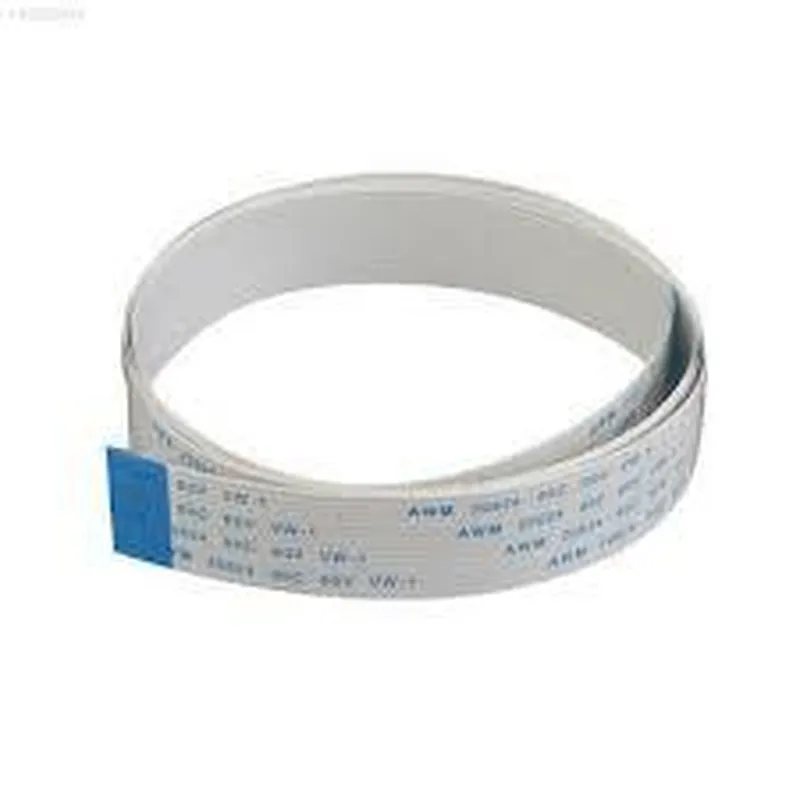
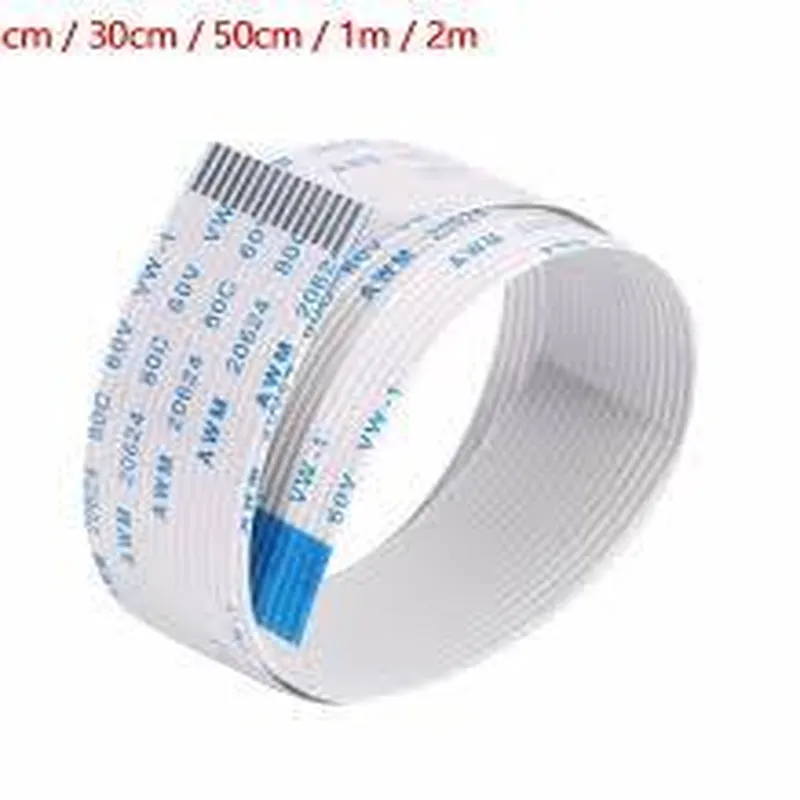
The 15cm Camera Cable is a specialized cable designed specifically for the Raspberry Pi 3 and Raspberry Pi 2 single-board computers. This cable enables the connection of a camera module to the Raspberry Pi, allowing users to capture high-quality images and videos.
| The 15cm Camera Cable is used to connect a camera module to the Camera Serial Interface (CSI) port on the Raspberry Pi 3 or Raspberry Pi 2. This cable enables the transmission of image data from the camera module to the Raspberry Pi, allowing users to |
Capture still images
Record video footage
Utilize computer vision applications
Develop projects involving image processing and analysis
15cm
Camera Serial Interface (CSI)
Raspberry Pi 3, Raspberry Pi 2
-20C to 80C
-40C to 125C
| The 15cm Camera Cable is suitable for a wide range of applications, including |
Computer vision projects
Robotics and automation systems
Security and surveillance systems
Image processing and analysis applications
IoT projects involving camera integration
The 15cm Camera Cable is a reliable and convenient solution for connecting camera modules to the Raspberry Pi 3 and Raspberry Pi 2. Its compact design, high-quality construction, and easy installation make it an ideal choice for a variety of applications.
Component Documentation: 15cm Camera Cable for Raspberry Pi 3 and Raspberry Pi 2OverviewThe 15cm Camera Cable for Raspberry Pi 3 and Raspberry Pi 2 is a high-quality cable designed specifically for connecting the Raspberry Pi camera module to the Raspberry Pi 3 and Raspberry Pi 2 boards. This cable provides a secure and reliable connection, enabling users to capture high-quality images and videos with their Raspberry Pi projects.Technical SpecificationsCable length: 15cm
Compatible with Raspberry Pi 3 and Raspberry Pi 2 boards
Supports Raspberry Pi camera module (v1.3 and v2.1)
High-quality, flexible cable with durable connectorsConnecting the Camera CableTo connect the camera cable to your Raspberry Pi board, follow these steps:1. Locate the camera port on your Raspberry Pi board (CSI port, located near the HDMI port).
2. Connect the camera module to the camera port on the Raspberry Pi board.
3. Connect the other end of the camera cable to the camera module.Code ExamplesHere are some code examples demonstrating how to use the 15cm Camera Cable for Raspberry Pi 3 and Raspberry Pi 2:Example 1: Capturing an Image with PythonThis example uses the Python programming language to capture an image using the Raspberry Pi camera module.```python
import picamera# Create a Picamera object
camera = picamera.PiCamera()# Set the camera resolution
camera.resolution = (1024, 768)# Capture an image and save it to a file
camera.capture('image.jpg')# Close the camera object
camera.close()
```Example 2: Streaming Video with OpenCVThis example uses the OpenCV library to capture and stream video from the Raspberry Pi camera module.```python
import cv2# Create a VideoCapture object
cap = cv2.VideoCapture(0)while True:
# Capture a frame
ret, frame = cap.read()# Display the frame
cv2.imshow('frame', frame)# Exit on key press
if cv2.waitKey(1) & 0xFF == ord('q'):
break# Release the VideoCapture object
cap.release()
cv2.destroyAllWindows()
```Note: These examples assume that the camera module is properly connected to the Raspberry Pi board using the 15cm Camera Cable. Additionally, the Raspberry Pi board should be configured to support the camera module, and the necessary dependencies should be installed.