5 Pin Push in Conductor


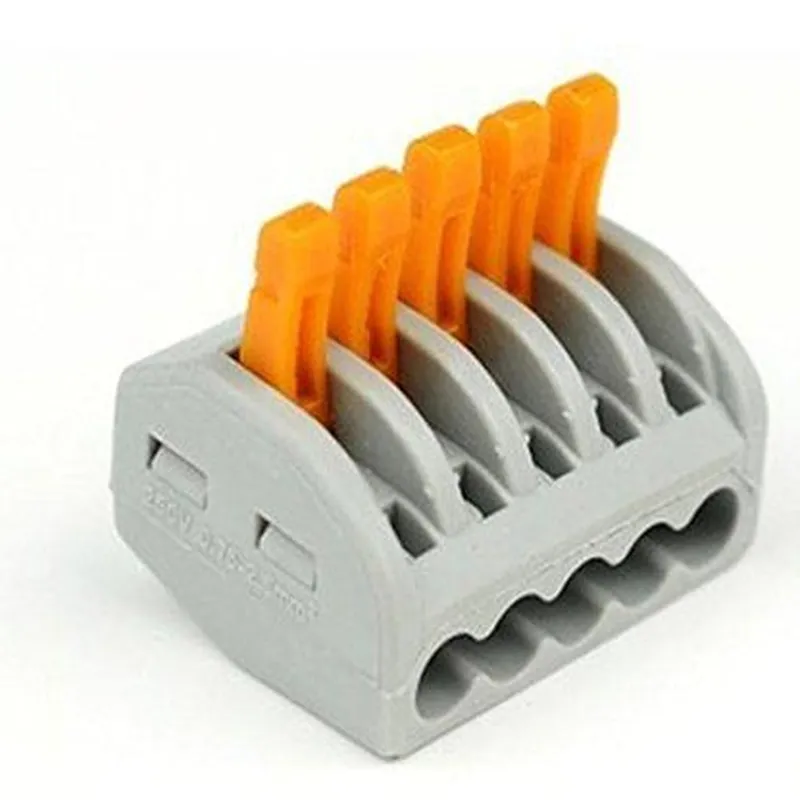
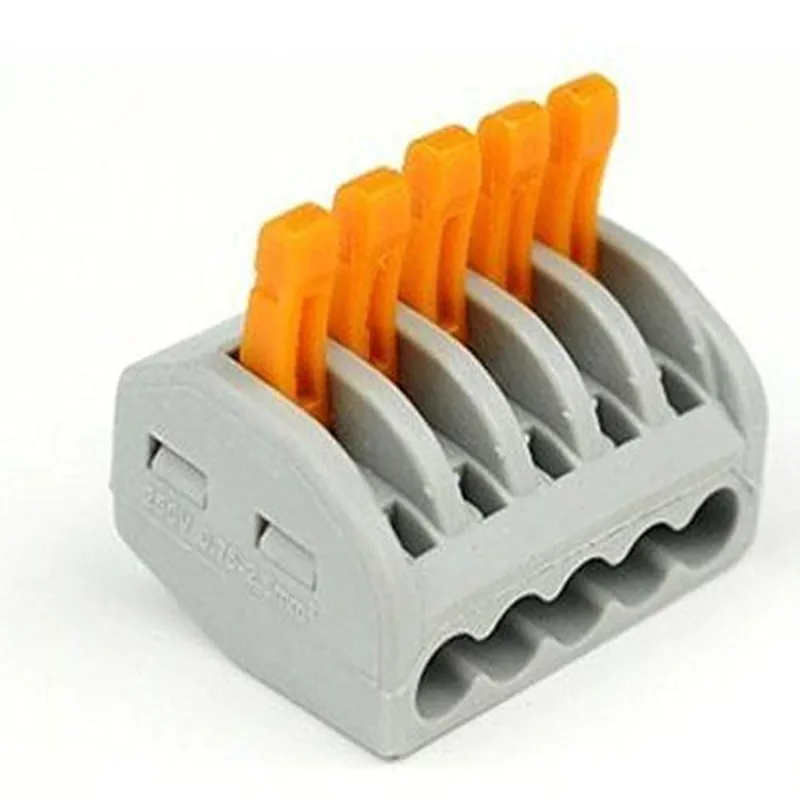
5 Pin Push in Conductor
The 5 Pin Push in Conductor is a type of electrical connector used in various Internet of Things (IoT) applications, particularly in wireless sensor networks, automation systems, and other devices that require reliable and efficient connections. This component provides a secure and convenient way to connect and disconnect cables, wires, or other conductors, making it an essential element in many IoT projects.
The primary function of the 5 Pin Push in Conductor is to establish a reliable electrical connection between two or more conductors. It allows for easy insertion and removal of conductors, making it ideal for applications where frequent connections and disconnections are required.
-20C to 80C (-4F to 176F)
PVC (Polyvinyl Chloride) or equivalent
Copper or equivalent
2A per pin (dependent on wire size and application)
30V AC/DC (dependent on application and regulatory requirements)
AWG 20-24 (0.5mm to 0.25mm)
| The 5 Pin Push in Conductor is suitable for various IoT applications, including |
Wireless sensor networks
Automation systems
Robotics
Smart home devices
Industrial control systems
Medical devices
Automotive systems
The 5 Pin Push in Conductor is a versatile and reliable component that provides a secure and convenient way to connect and disconnect conductors in IoT applications. Its compact design, ease of use, and durability make it an essential element in many IoT projects, suitable for both technical professionals and informed hobbyists.
5 Pin Push in Conductor Component DocumentationOverviewThe 5 Pin Push in Conductor is a versatile connector commonly used in IoT projects to establish reliable connections between devices, sensors, and actuators. This component features five pins, each with a push-in design, allowing for easy insertion and secure connection of wires.Pinout| Pin # | Function |
| --- | --- |
| 1 | Signal/Voltage |
| 2 | Ground |
| 3 | Signal/Voltage |
| 4 | Signal/Voltage |
| 5 | Signal/Voltage |Code Examples### Example 1: Connecting a Soil Moisture Sensor to an Arduino BoardIn this example, we'll demonstrate how to connect a soil moisture sensor to an Arduino board using the 5 Pin Push in Conductor.Hardware Requirements:5 Pin Push in Conductor
Soil Moisture Sensor (e.g., YL-69)
Arduino Board (e.g., Arduino Uno)Code:
```c++
const int soilMoisturePin = A0; // Analog input pin for soil moisture sensorvoid setup() {
Serial.begin(9600);
}void loop() {
int soilMoistureValue = analogRead(soilMoisturePin);
Serial.print("Soil Moisture Value: ");
Serial.println(soilMoistureValue);
delay(1000);
}
```Connection Diagram:Soil Moisture Sensor -> 5 Pin Push in Conductor -> Arduino Board
VCC -> Pin 1 (Signal/Voltage)
GND -> Pin 2 (Ground)
OUT -> Pin 3 (Signal/Voltage)### Example 2: Connecting a DHT11 Temperature and Humidity Sensor to a Raspberry PiIn this example, we'll demonstrate how to connect a DHT11 temperature and humidity sensor to a Raspberry Pi using the 5 Pin Push in Conductor.Hardware Requirements:5 Pin Push in Conductor
DHT11 Temperature and Humidity Sensor
Raspberry Pi (e.g., Raspberry Pi 4)Code:
```python
import Adafruit_DHTsensor = Adafruit_DHT.DHT11
pin = 17 # GPIO pin for DHT11 sensorwhile True:
humidity, temperature = Adafruit_DHT.read_retry(sensor, pin)
if humidity is not None and temperature is not None:
print("Temperature: {:.1f}C".format(temperature))
print("Humidity: {:.1f}%".format(humidity))
else:
print("Failed to retrieve data from sensor")
time.sleep(1)
```Connection Diagram:DHT11 Sensor -> 5 Pin Push in Conductor -> Raspberry Pi
VCC -> Pin 1 (Signal/Voltage)
GND -> Pin 2 (Ground)
DATA -> Pin 3 (Signal/Voltage)Tips and VariationsWhen using the 5 Pin Push in Conductor with other components, ensure that the pins are correctly aligned and securely inserted to prevent damage or faulty connections.
For more complex projects, consider using a breadboard or PCB to organize and connect multiple components.
The 5 Pin Push in Conductor can also be used with other microcontrollers, such as ESP32 or ESP8266, with minimal modifications to the code and connection diagrams.By following these examples and guidelines, you can effectively utilize the 5 Pin Push in Conductor in your IoT projects, ensuring reliable and efficient connections between your devices.