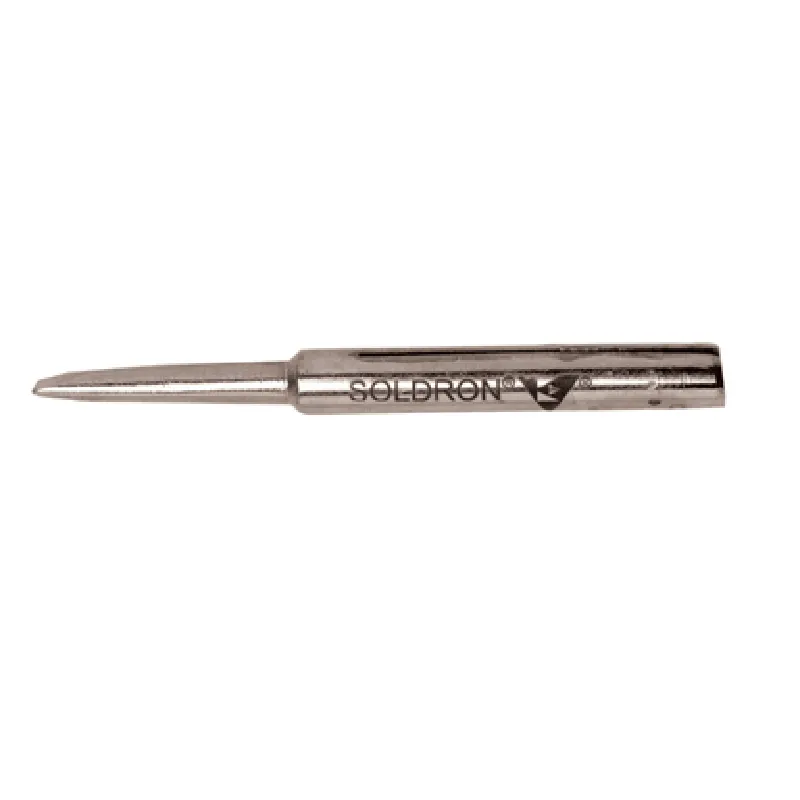
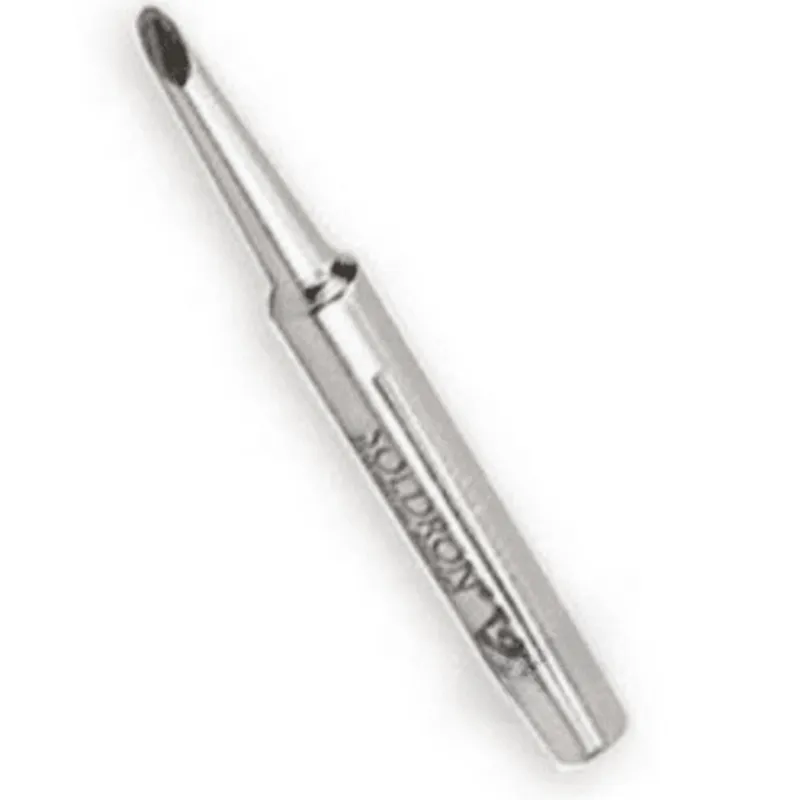
Soldron BN25S3 Nickel Plated Spade 3mm Bit Tip for 25 Watt Soldering Iron


Soldron BN25S3 Nickel Plated Spade 3mm Bit Tip for 25 Watt Soldering Iron
The Soldron BN25S3 is a nickel-plated spade-shaped bit tip specifically designed for use with 25-watt soldering irons. This component is an essential accessory for various soldering applications, including PCB assembly, repair, and prototyping.
The primary function of the Soldron BN25S3 bit tip is to efficiently transfer heat from the soldering iron to the workpiece, allowing for reliable and precise soldering. The spade-shaped design provides a large surface area, enabling easy soldering of components with larger pads or connections.
| The Soldron BN25S3 nickel-plated spade bit tip is suitable for a wide range of applications, including |
PCB assembly and repair
Electronic prototyping
Soldering through-hole components
Desoldering and rework operations
The Soldron BN25S3 nickel-plated spade bit tip is a high-quality accessory designed for use with 25-watt soldering irons. Its unique design, high-quality material, and excellent heat resistance make it an ideal choice for various soldering applications.
Soldron BN25S3 Nickel Plated Spade 3mm Bit Tip for 25 Watt Soldering IronOverviewThe Soldron BN25S3 is a nickel-plated spade bit tip designed for use with 25-watt soldering irons. This bit tip is ideal for soldering and desoldering tasks that require precision and control. The spade shape allows for efficient heat transfer and makes it easy to access tight spaces.Technical SpecificationsMaterial: Nickel-plated copper
Tip shape: Spade
Tip size: 3mm
Power rating: 25W
Temperature range: 200C to 450C (392F to 842F)Code Examples#### Example 1: Using the Soldron BN25S3 with an Arduino and a 25W soldering ironIn this example, we will use the Soldron BN25S3 to control a 25W soldering iron connected to an Arduino board.```cpp
const int solderingIronPin = 9; // Pin connected to the soldering ironvoid setup() {
pinMode(solderingIronPin, OUTPUT);
}void loop() {
// Heat up the soldering iron to 350C (662F)
analogWrite(solderingIronPin, 128); // 50% duty cycle
delay(1000);// Cool down the soldering iron
analogWrite(solderingIronPin, 0); // 0% duty cycle
delay(1000);
}
```#### Example 2: Using the Soldron BN25S3 with a Python script and a 25W soldering ironIn this example, we will use the Soldron BN25S3 to control a 25W soldering iron connected to a Raspberry Pi or other Linux-based system using Python.```py
import RPi.GPIO as GPIO
import time# Set up GPIO mode
GPIO.setmode(GPIO.BCM)# Define the pin connected to the soldering iron
solderingIronPin = 17# Set up the soldering iron pin as an output
GPIO.setup(solderingIronPin, GPIO.OUT)try:
while True:
# Heat up the soldering iron to 350C (662F)
GPIO.output(solderingIronPin, GPIO.HIGH)
time.sleep(1)# Cool down the soldering iron
GPIO.output(solderingIronPin, GPIO.LOW)
time.sleep(1)except KeyboardInterrupt:
GPIO.cleanup()
```Note: These examples assume that the soldering iron is properly connected to the control board (Arduino or Raspberry Pi) and that the power supply is suitable for the 25W soldering iron. Make sure to follow proper safety precautions when working with high-temperature devices.Safety PrecautionsAlways handle the soldering iron with care to avoid burns or electrical shock.
Ensure the work area is well-ventilated and free from flammable materials.
Use protective gear such as safety glasses, gloves, and a soldering iron stand when working with the soldering iron.
Follow the manufacturer's instructions for the soldering iron and control board.