DC Jack (Pack of 5)


DC Jack (Pack of 5)
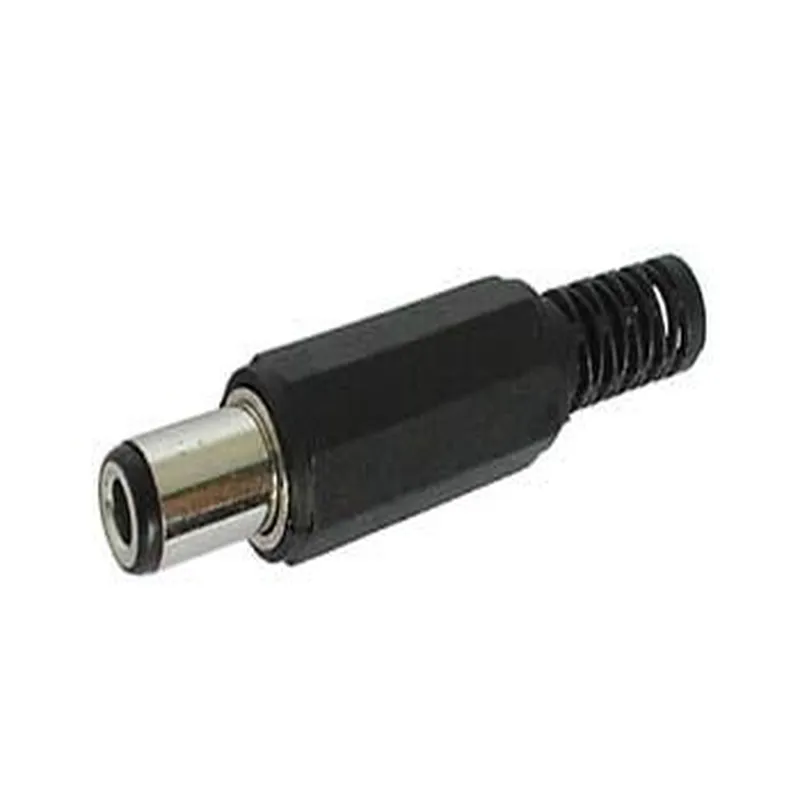
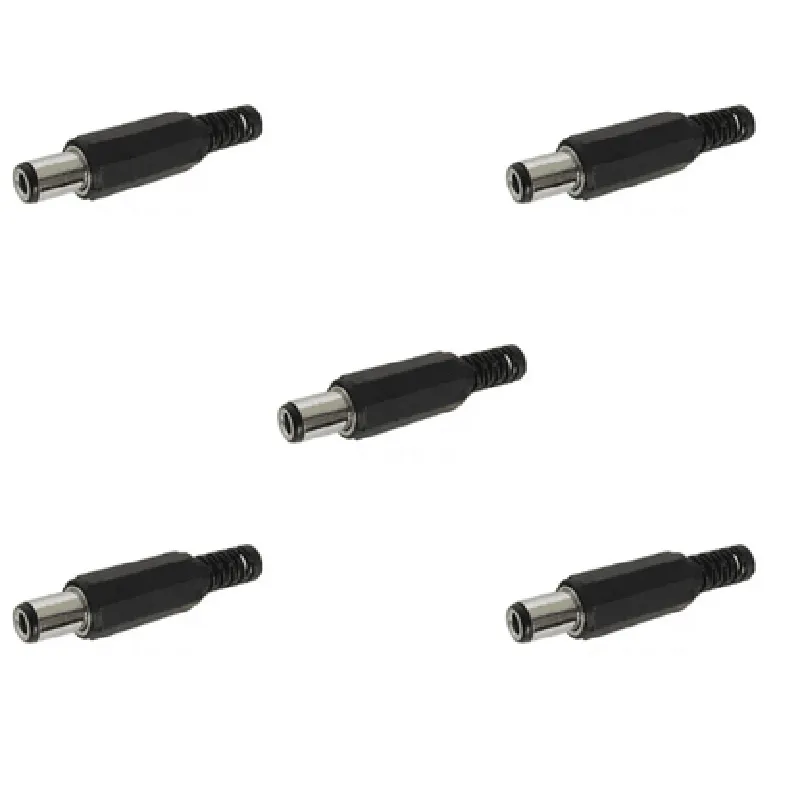
The DC Jack (Pack of 5) is a set of five 2-pin DC power jacks, designed to connect DC power sources to electronic devices, circuits, and projects. These DC jacks are commonly used in a wide range of IoT applications, including robotics, drones, smart home devices, and other electronic systems.
The primary function of the DC Jack is to provide a secure and reliable connection between a DC power source and an electronic device. The jack receives the DC power cord and ensures a stable connection, allowing the device to receive power and operate efficiently.
Up to 12V DC
2A
Copper alloy
Plastic
Screw-on
12mm x 6mm x 6mm (L x W x H)
2g (approx.)
| The DC Jack (Pack of 5) is suitable for use in a wide range of IoT applications, including |
Robotics and robotic projects
Drones and UAVs
Smart home devices and automation systems
Electronic prototyping and development
IoT devices and sensors
DIY electronics projects
The DC Jack is compatible with most DC power sources and cables, making it a versatile and convenient solution for a wide range of applications.
DC Jack (Pack of 5) Component DocumentationOverviewThe DC Jack (Pack of 5) is a set of 5 DC power jacks, commonly used in IoT projects to connect devices that require a DC power supply. These jacks are versatile and can be used in a variety of applications, including robotics, home automation, and wearable devices.Technical SpecificationsType: Barrel jack, center-positive
Voltage Rating: Up to 12V DC
Current Rating: Up to 2A
Material: Metal and plastic
Package Includes: 5 x DC Power JacksPinoutThe DC Jack has two pins:Center Pin (Tip): Positive (+) terminal
Outer Sleeve: Negative (-) terminalExample 1: Basic DC Power ConnectionIn this example, we will demonstrate how to use the DC Jack to power a simple LED circuit.Components:1 x DC Jack (from the pack of 5)
1 x Breadboard
1 x LED
1 x 1k Resistor
1 x 9V BatteryCode:
```
// No code required, just a simple DC power connection
```
Connections:1. Connect the positive terminal of the 9V battery to the center pin of the DC Jack.
2. Connect the negative terminal of the 9V battery to the outer sleeve of the DC Jack.
3. Connect one leg of the LED to the positive terminal of the DC Jack (center pin).
4. Connect the other leg of the LED to a 1k Resistor.
5. Connect the other leg of the 1k Resistor to the negative terminal of the DC Jack (outer sleeve).Example 2: Arduino Power SupplyIn this example, we will demonstrate how to use the DC Jack as a power supply for an Arduino board.Components:1 x DC Jack (from the pack of 5)
1 x Arduino Board (e.g., Arduino Uno)
1 x 9V BatteryCode:
```
// No code required, just a simple DC power connection
```
Connections:1. Connect the positive terminal of the 9V battery to the center pin of the DC Jack.
2. Connect the negative terminal of the 9V battery to the outer sleeve of the DC Jack.
3. Connect the DC Jack to the Arduino board's power input (VIN and GND).Note: Make sure to check the Arduino board's power input specifications before connecting the DC Jack.Example 3: Battery-powered IoT ProjectIn this example, we will demonstrate how to use the DC Jack as a power connector for a battery-powered IoT project.Components:1 x DC Jack (from the pack of 5)
1 x Microcontroller (e.g., ESP32 or ESP8266)
1 x 3.7V LiPo Battery
1 x IoT Module (e.g., Wi-Fi or Bluetooth)Code:
```
// Example code for an ESP32 microcontroller
void setup() {
// Initialize the IoT module
WiFi.begin(ssid, password);
}void loop() {
// Perform IoT tasks
WiFiClient client = server.available();
client.println("Hello from IoT device!");
delay(1000);
}
```
Connections:1. Connect the positive terminal of the 3.7V LiPo Battery to the center pin of the DC Jack.
2. Connect the negative terminal of the 3.7V LiPo Battery to the outer sleeve of the DC Jack.
3. Connect the DC Jack to the microcontroller's power input (VIN and GND).
4. Connect the IoT module to the microcontroller's GPIO pins.Note: Make sure to follow proper safety precautions when working with batteries and electronics.