Copper


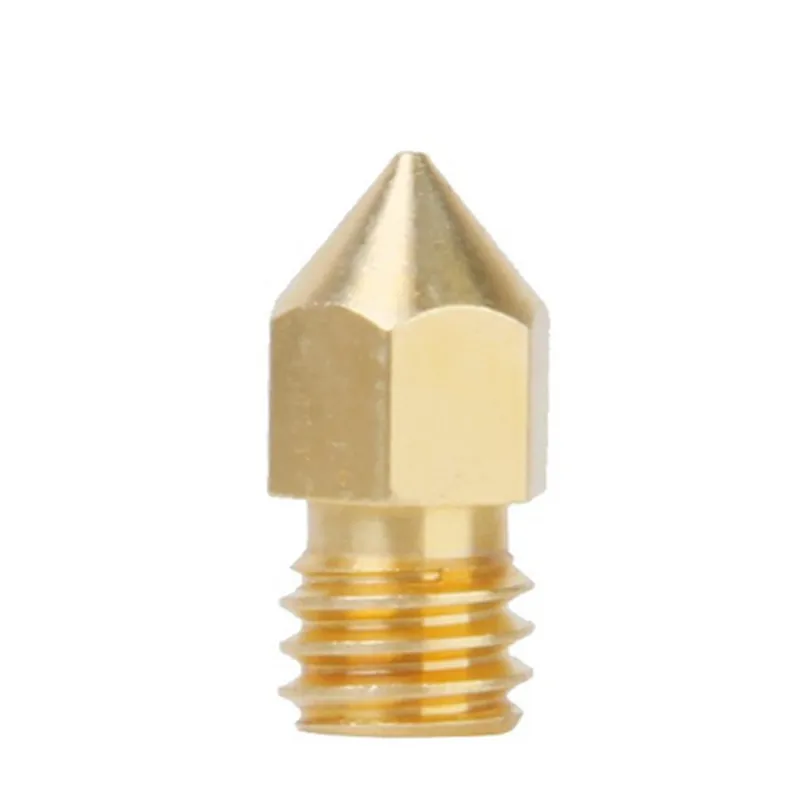
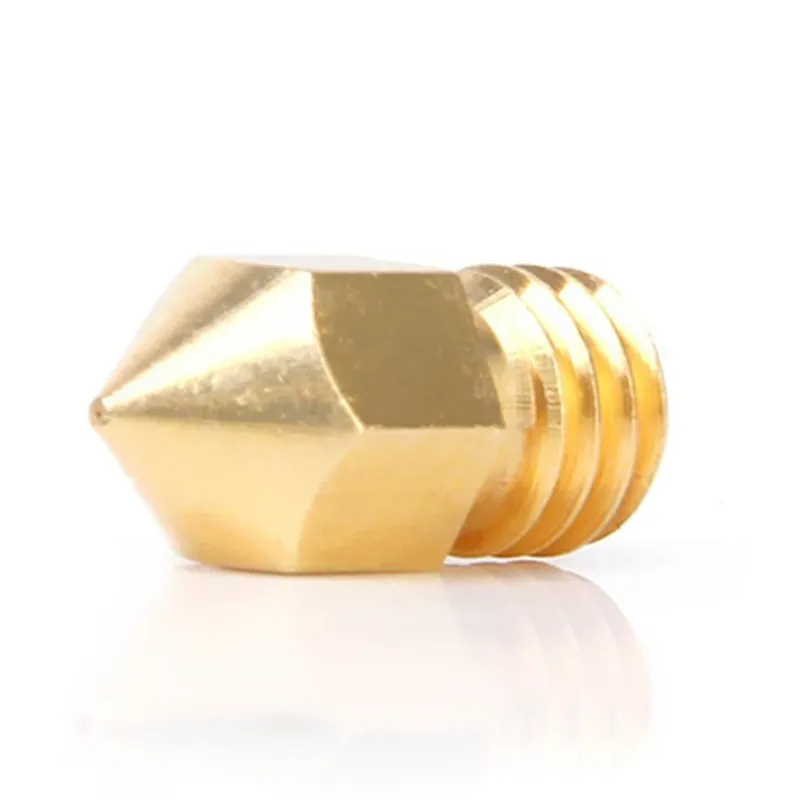
Copper
0.2mm
Makerbot MK8 Reprap 3D Printers
up to 300C (572F)
Approximately 10g
20mm (L) x 10mm (W) x 5mm (H)
Conclusion
The 0.2mm Copper Extruder Nozzle Print Head is a vital component for achieving high-quality prints with Makerbot MK8 Reprap 3D Printers. Its copper construction, precise nozzle diameter, and compact design make it an ideal choice for 3D printing enthusiasts and professionals alike. With its reliable performance, cost-effective design, and ease of installation, this print head is an excellent addition to any 3D printing setup.
Component Documentation: 0.2mm Copper Extruder Nozzle Print Head For Makerbot MK8 Reprap 3d PrinterOverviewThe 0.2mm Copper Extruder Nozzle Print Head is a high-precision print head designed for Makerbot MK8 Reprap 3D printers. This nozzle is crafted from copper, providing excellent heat conductivity and durability. Its 0.2mm diameter allows for precise extrusion of molten filament, resulting in high-quality prints with intricate details.Technical SpecificationsMaterial: Copper
Nozzle Diameter: 0.2mm
Compatibility: Makerbot MK8 Reprap 3D printers
Thread Size: M6
Heat Resistance: Up to 300C (572F)Usage and IntegrationTo utilize this print head, you will need to integrate it into your Makerbot MK8 Reprap 3D printer's hotend assembly. This typically involves replacing the existing nozzle with the copper extruder nozzle print head.Code Examples### Example 1: Basic G-Code Configuration (Marlin Firmware)To configure the print head using Marlin firmware, you can use the following G-Code commands:
```gcode
; Set the extruder temperature to 210C
M104 S210; Set the print speed to 30 mm/s
M220 S30; Define the print layer height to 0.1 mm
M420 S0.1; Define the extrusion width to 0.4 mm
M200 D0.4; Home the printer and start printing
G28
G1 Z0.2 F300
G1 E0.2 F300
G1 X0 Y0 F300
```
These commands set the extruder temperature, print speed, layer height, and extrusion width, then home the printer and start printing.### Example 2: Python Script for Print Head Control (Using PySerial Library)Using the PySerial library, you can control the print head using Python scripts. Here's an example script to adjust the extruder temperature:
```python
import serial# Open the serial connection to the printer
ser = serial.Serial('COM3', 115200, timeout=1)# Set the extruder temperature to 210C
ser.write(b'M104 S210
')# Wait for the temperature to stabilize
time.sleep(5)# Close the serial connection
ser.close()
```
This script opens a serial connection to the printer, sends the G-Code command to set the extruder temperature to 210C, waits for 5 seconds, and then closes the connection.### Example 3: Slic3r Configuration (Using Slic3r Settings)In Slic3r, you can configure the print head settings under the "Print Settings" tab. Here's an example configuration:
```markdown
; Print Settings
layer_height = 0.1
first_layer_height = 0.1
layer_width = 0.4
infill_density = 20
temperature = 210
bed_temperature = 60
```
This configuration sets the layer height, first layer height, layer width, infill density, extruder temperature, and bed temperature for optimal print quality with the 0.2mm copper extruder nozzle print head.Remember to consult your Makerbot MK8 Reprap 3D printer's documentation and the specific software or firmware you are using for more detailed instructions on integrating and configuring this print head.