Aluminum or Brass (depending on the kit variant)


Aluminum or Brass (depending on the kit variant)
0.4mm (standard), optional 0.2mm or 0.6mm nozzles available
30W (standard), optional 40W or 50W heaters available
180C to 250C (356F to 482F)
Stepper motor (NEMA 17 or NEMA 23)
| 1 | 3 or 1:5 (depending on the kit variant) |
Conclusion
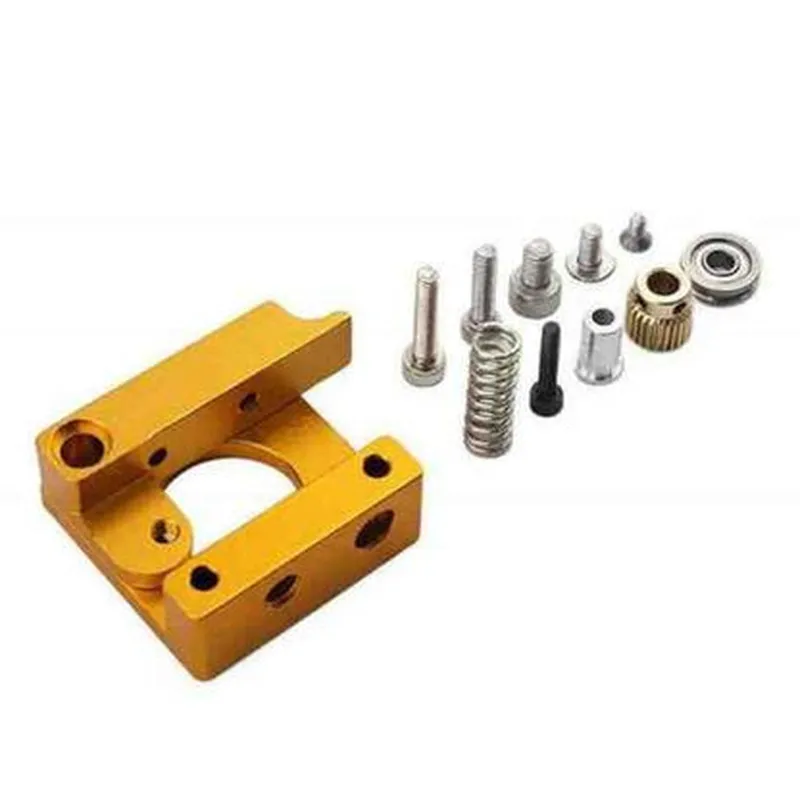
The MK8 Extruder DIY Kit is a versatile and reliable 3D printer extruder kit that offers a high degree of flexibility and customization. Its compatibility with a wide range of 3D printers, ease of assembly, and high-precision performance make it an ideal choice for enthusiasts and professionals alike. With its upgradeable design and modular components, the MK8 Extruder DIY Kit is an excellent option for those looking to create a customized 3D printing setup.
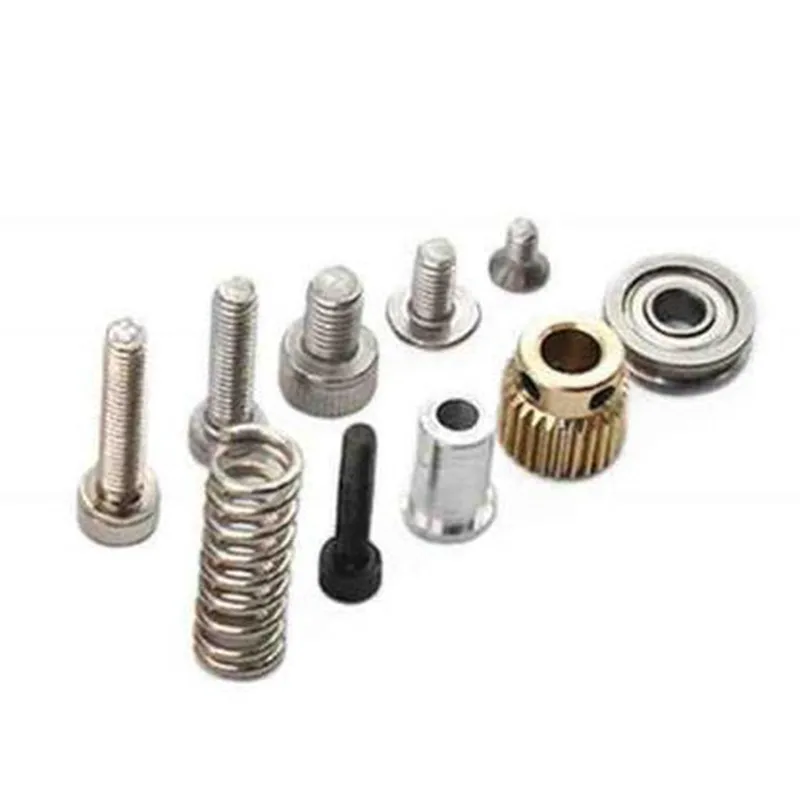
MK8 Extruder DIY Kit for 3D Printer DocumentationOverviewThe MK8 Extruder DIY Kit is a popular and widely-used 3D printer extruder component designed for DIY enthusiasts and professionals. This kit includes all necessary parts to assemble a functional extruder, including the hotend, coldend, and motor mounts. The MK8 Extruder is compatible with a variety of 3D printer platforms and is known for its reliability, precision, and ease of use.Technical SpecificationsHotend: E3D V6-compatible, all-metal design
Coldend: Aluminum alloy, anodized
Motor Mount: Compatible with NEMA 17 stepper motors
Temperature Range: Up to 300C (hotend), up to 60C (coldend)
Filament Compatibility: 1.75mm, 2.85mm, and 3mm
Mounting Options: M3 screws, compatible with most 3D printer framesCode Examples### Example 1: Basic Extruder Control with Marlin FirmwareThis example demonstrates how to configure and control the MK8 Extruder using Marlin firmware on an Arduino Mega 2560 board.
```c
// Marlin Firmware Configuration ( Configuration.h )#define EXTRUDER_COUNT 1
#define EXTRUDER_MOTOR_0 2 // Stepper motor connected to pin 2
#define EXTRUDER_HEATER_PIN 3 // Hotend heater connected to pin 3
#define EXTRUDER_TEMP_PIN 4 // Thermistor connected to pin 4// Set extruder temperature to 200C
void setup() {
// Initialize extruder motor
stepper.init();
// Set extruder temperature
setExtruderTemperature(200);
}void loop() {
// Read thermistor temperature
int temp = readTemperature(EXTRUDER_TEMP_PIN);
// Control extruder temperature
if (temp < 195 || temp > 205) {
digitalWrite(EXTRUDER_HEATER_PIN, temp < 195 ? HIGH : LOW);
}
// Perform extrusion move
extrude(10); // Extrude 10mm
delay(1000);
}
```
### Example 2: Using the MK8 Extruder with Python and PySerialThis example demonstrates how to control the MK8 Extruder using Python and the PySerial library to communicate with an Arduino Mega 2560 board.
```python
import serial# Open serial connection to Arduino Mega 2560
ser = serial.Serial('COM3', 115200)# Set extruder temperature to 210C
ser.write(b'M104 S210
') # Set extruder temperature command# Perform extrusion move
ser.write(b'M83 E10
') # Extrude 10mm command
ser.flush()# Read thermistor temperature
response = ser.readline().decode().strip()
temp = int(response.split(':')[1])
print(f'Extruder temperature: {temp}C')
```
These examples demonstrate the basic functionality of the MK8 Extruder DIY Kit and provide a starting point for integrating the component into your 3D printing projects.Additional Resources[MK8 Extruder Assembly Guide](https://example.com/mk8-extruder-assembly-guide)
[Marlin Firmware Documentation](https://marlinfw.org/docs/configuration/configuration.html)
[PySerial Library Documentation](https://pythonhosted.org/pyserial/)DisclaimerPlease note that these code examples are for illustrative purposes only and may require modifications to work with your specific 3D printer setup. Additionally, ensure that you follow proper safety guidelines when working with high temperatures and electrical components.