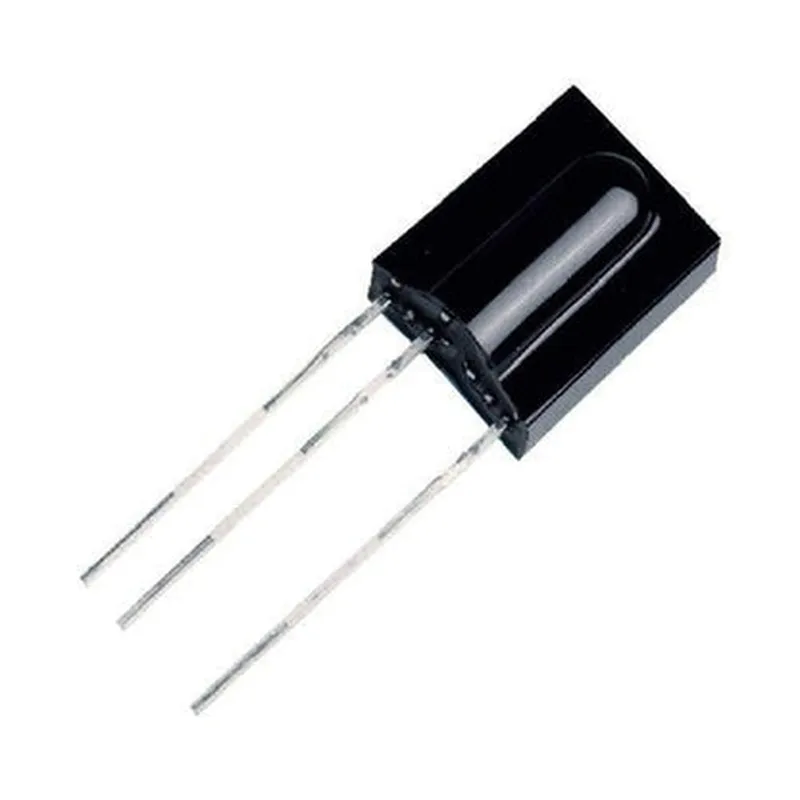
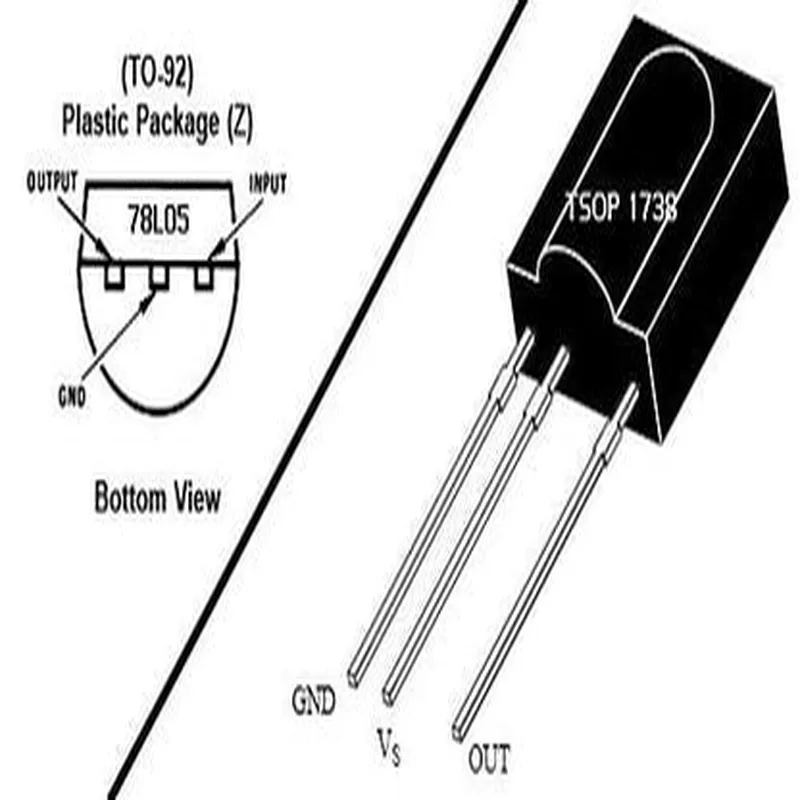
The TSOP 1738 is a popular infrared (IR) receiver module commonly used in various IoT projects, remote control systems, and robotics applications. It's a compact, low-power module that detects IR signals transmitted by IR transmitters or remotes and converts them into electrical signals that can be read by microcontrollers.
The TSOP 1738 module has three pins:
| Pin | Description |
| --- | --- |
| VCC | Power supply (typically 5V) |
| GND | Ground |
| OUT | Output signal (active low) |
### Example 1: Arduino Uno with TSOP 1738
In this example, we'll use the TSOP 1738 to receive IR signals from a remote control and display the received data on the Arduino Serial Monitor.
Arduino Uno board
 TSOP 1738 IR receiver module
 IR remote control
 Breadboard and jumper wires
Code
```c++
const int ir RecevierPin = 2; // Connect OUT pin of TSOP 1738 to digital pin 2 of Arduino Uno
void setup() {
  Serial.begin(9600);
  pinMode(irRecevierPin, INPUT);
}
void loop() {
  if (digitalRead(irRecevierPin) == LOW) {
    Serial.println("IR signal received!");
    delay(50); // Debounce time to avoid multiple readings
  }
}
```
### Example 2: Raspberry Pi with TSOP 1738 and Python
In this example, we'll use the TSOP 1738 to receive IR signals and control a LED connected to the Raspberry Pi.
Raspberry Pi board
 TSOP 1738 IR receiver module
 IR remote control
 LED and resistor
 Breadboard and jumper wires
Code
```python
import RPi.GPIO as GPIO
import time
ir_receiver_pin = 17 # Connect OUT pin of TSOP 1738 to GPIO 17 of Raspberry Pi
led_pin = 23 # Connect LED to GPIO 23 of Raspberry Pi
GPIO.setup(ir_receiver_pin, GPIO.IN, pull_up_down=GPIO.PUD_UP)
GPIO.setup(led_pin, GPIO.OUT)
while True:
    if GPIO.input(ir_receiver_pin) == 0:
        print("IR signal received!")
        GPIO.output(led_pin, GPIO.HIGH) # Turn on LED
        time.sleep(0.5) # Debounce time to avoid multiple readings
        GPIO.output(led_pin, GPIO.LOW) # Turn off LED
```
Note: In both examples, ensure that the IR remote control is properly configured and paired with the TSOP 1738 module. The debounce time and pin connections may vary depending on your specific setup and requirements.