4-pin Long PushButton Switch (Pack of 5)


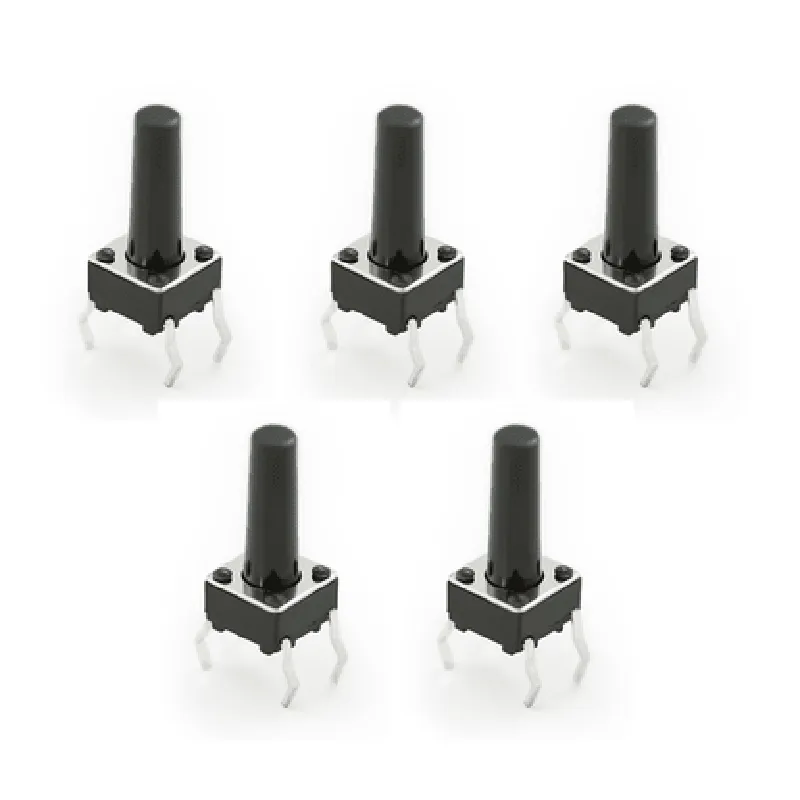
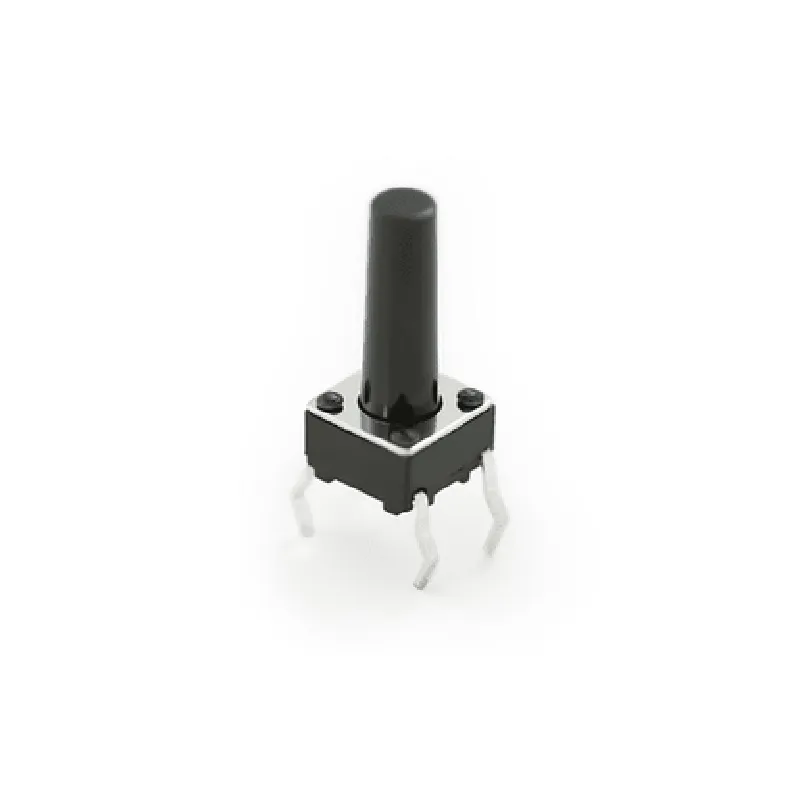
4-pin Long PushButton Switch (Pack of 5)
The 4-pin Long PushButton Switch is a common electronic component used in various IoT projects and applications. This pack of 5 switches provides a convenient and cost-effective solution for incorporating push-button functionality into your designs.
The 4-pin Long PushButton Switch is a type of momentary switch, which means it only maintains its switched state for as long as the button is pressed. When the button is released, the switch returns to its original state. This switch has a single pole double throw (SPDT) configuration, allowing it to connect or disconnect two separate circuits.
1A @ 24VDC
100M min. @ 500VDC
-20C to 70C
-30C to 80C
12mm x 12mm x 10mm (L x W x H)
| The 4-pin Long PushButton Switch is suitable for use in a wide range of IoT projects and applications, including |
Robotics and automation systems
Home automation and smart home devices
Industrial control systems
Medical devices and equipment
Consumer electronics and appliances
Prototype development and proof-of-concept designs
The pack of 5 switches comes in a single package, with each switch individually wrapped to prevent damage during shipping and storage.
4-pin Long PushButton Switch (Pack of 5) DocumentationOverviewThe 4-pin Long PushButton Switch is a widely used IoT component for detecting button presses in various applications. This switch features four pins: two for the button's normally open (NO) and normally closed (NC) connections, and two for the common (COM) connections. This documentation provides a detailed overview of the switch's specifications, pinouts, and code examples for using it with popular microcontrollers.SpecificationsOperating Voltage: 2.5V to 12V
Operating Current: 10mA to 100mA
Contact Resistance: 50m max
Insulation Resistance: 100M min
Operating Temperature: -20C to 70C
Storage Temperature: -40C to 85CPinoutThe 4-pin Long PushButton Switch has the following pinout:Pin 1: NO (Normally Open)
Pin 2: COM (Common)
Pin 3: COM (Common)
Pin 4: NC (Normally Closed)Code Examples### Example 1: Using the 4-pin Long PushButton Switch with ArduinoIn this example, we'll use the 4-pin Long PushButton Switch to control an LED connected to digital pin 13 of an Arduino Uno board.```c++
const int buttonPin = 2; // Pin 2 of the button switch connected to digital pin 2 of Arduino
const int ledPin = 13; // LED connected to digital pin 13 of Arduinovoid setup() {
pinMode(buttonPin, INPUT);
pinMode(ledPin, OUTPUT);
}void loop() {
int buttonState = digitalRead(buttonPin);
if (buttonState == HIGH) {
digitalWrite(ledPin, HIGH); // Turn on the LED when the button is pressed
} else {
digitalWrite(ledPin, LOW); // Turn off the LED when the button is not pressed
}
delay(50); // Debounce the button press
}
```### Example 2: Using the 4-pin Long PushButton Switch with Raspberry Pi (Python)In this example, we'll use the 4-pin Long PushButton Switch to control an LED connected to GPIO pin 17 of a Raspberry Pi.```python
import RPi.GPIO as GPIO
import timeGPIO.setmode(GPIO.BCM)
button_pin = 17 # Pin 4 of the button switch connected to GPIO pin 17
led_pin = 18 # LED connected to GPIO pin 18GPIO.setup(button_pin, GPIO.IN, pull_up_down=GPIO.PUD_UP)
GPIO.setup(led_pin, GPIO.OUT)try:
while True:
button_state = GPIO.input(button_pin)
if button_state == False:
GPIO.output(led_pin, GPIO.HIGH) # Turn on the LED when the button is pressed
else:
GPIO.output(led_pin, GPIO.LOW) # Turn off the LED when the button is not pressed
time.sleep(0.05) # Debounce the button press
except KeyboardInterrupt:
GPIO.cleanup()
```### Example 3: Using the 4-pin Long PushButton Switch with ESP32 (MicroPython)In this example, we'll use the 4-pin Long PushButton Switch to control an LED connected to GPIO pin 22 of an ESP32 board.```python
import machine
import utimebutton_pin = machine.Pin(0, machine.Pin.IN, machine.Pin.PULL_UP) # Pin 4 of the button switch connected to GPIO pin 0
led_pin = machine.Pin(22, machine.Pin.OUT) # LED connected to GPIO pin 22while True:
button_state = button_pin.value()
if button_state == 0:
led_pin.value(1) # Turn on the LED when the button is pressed
else:
led_pin.value(0) # Turn off the LED when the button is not pressed
utime.sleep_ms(50) # Debounce the button press
```Important NotesMake sure to use a pull-up or pull-down resistor with the button pin to prevent floating inputs.
Use a debouncing mechanism (e.g., `delay()` or `sleep()`) to prevent multiple button presses from being registered.
Consult the datasheet of your microcontroller and the 4-pin Long PushButton Switch for specific pinouts and operating conditions.