3.3-5V


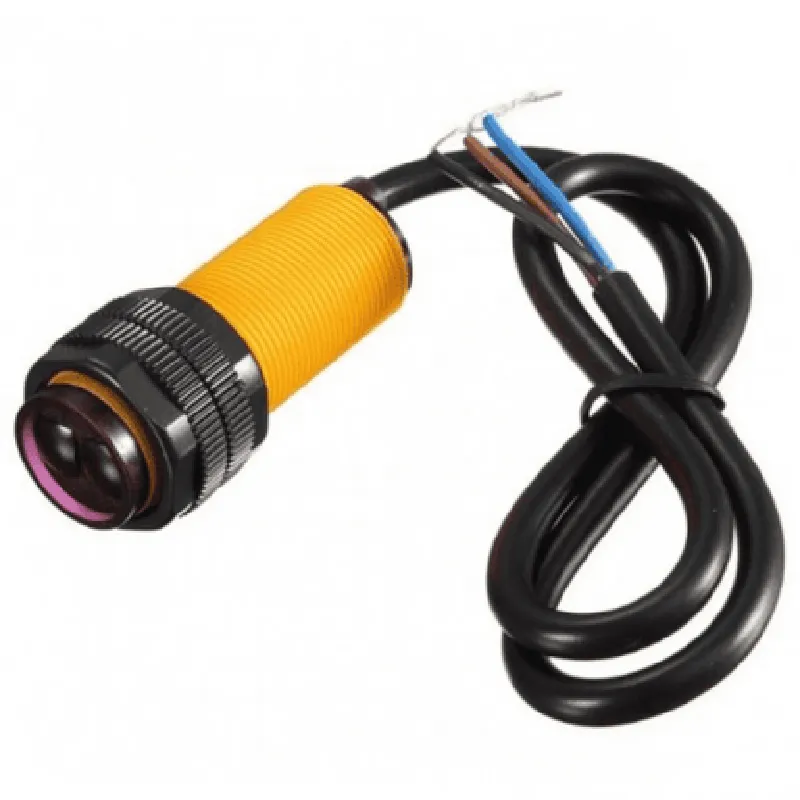
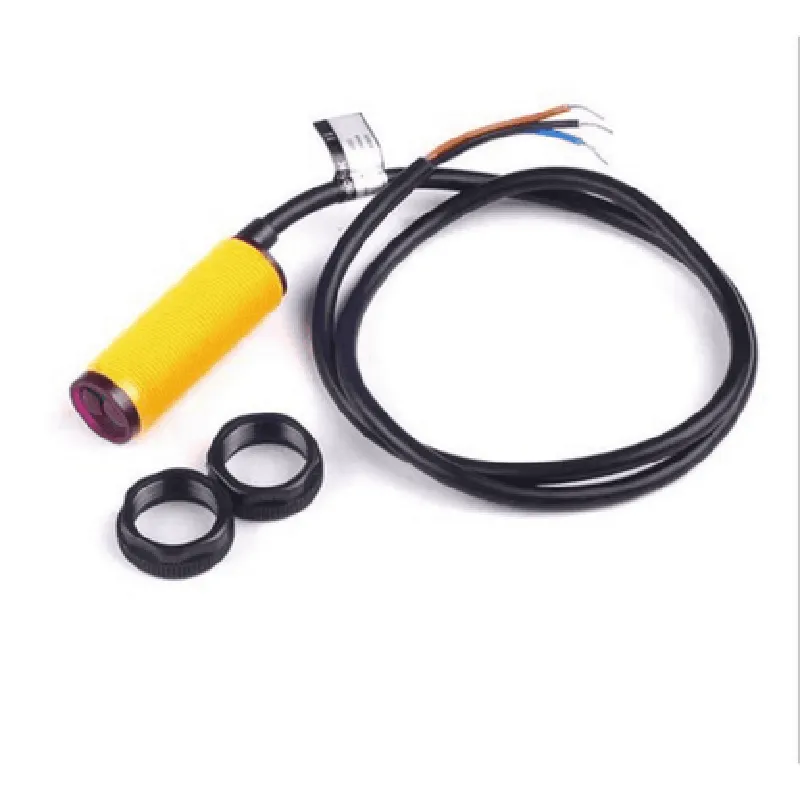
3.3-5V
20mA
3-80 cm (1.2-31.5 inches)
1 cm (0.4 inches)
0.05 lux
Digital (HIGH or LOW)
3-pin interface (VCC, GND, OUT)
10ms
-20C to 70C (-4F to 158F)
-40C to 85C (-40F to 185F)
Applications
Pinout
| The sensor module has a 3-pin interface |
Power supply pin (3.3-5V)
Ground pin
Digital output pin (HIGH or LOW)
E18-D80NK Infrared Sensor Module DocumentationOverviewThe E18-D80NK Infrared Sensor Module is a compact, high-performance IR sensor module designed for obstacle detection, distance measurement, and gesture recognition applications. This module features a high-sensitivity IR receiver and transmitter, enabling accurate detection of objects within a range of 3-80 cm.Technical SpecificationsOperating Voltage: 5V
Current Consumption: 20mA
Infrared Frequency: 38 kHz
Detection Range: 3-80 cm
Output Signal: Digital (HIGH/LOW)
Dimension: 20 x 15 mmPinout| Pin | Function |
| --- | --- |
| VCC | Power supply (5V) |
| GND | Ground |
| OUT | Digital output (HIGH/LOW) |Code Examples### Example 1: Obstacle Detection using ArduinoThis example demonstrates how to use the E18-D80NK Infrared Sensor Module to detect obstacles using an Arduino board.```cpp
const int sensorPin = 2; // Connect the OUT pin to digital pin 2 on Arduinovoid setup() {
pinMode(sensorPin, INPUT);
Serial.begin(9600);
}void loop() {
int sensorState = digitalRead(sensorPin);
if (sensorState == HIGH) {
Serial.println("Obstacle detected!");
} else {
Serial.println("No obstacle detected.");
}
delay(50);
}
```### Example 2: Gesture Recognition using Raspberry Pi (Python)This example demonstrates how to use the E18-D80NK Infrared Sensor Module to recognize gestures using a Raspberry Pi and Python.```python
import RPi.GPIO as GPIO
import timeGPIO.setmode(GPIO.BCM)
sensor_pin = 17 # Connect the OUT pin to GPIO 17 on Raspberry Pi
GPIO.setup(sensor_pin, GPIO.IN)while True:
sensor_state = GPIO.input(sensor_pin)
if sensor_state == 1:
# Gesture 1: Hand wave ( rapid detection and release )
if GPIO.input(sensor_pin) == 1 and time.time() - last_detection < 0.5:
print("Gesture 1 detected: Hand wave")
last_detection = time.time()
time.sleep(0.05)
```### Example 3: Distance Measurement using ESP32 (MicroPython)This example demonstrates how to use the E18-D80NK Infrared Sensor Module to measure distance using an ESP32 board and MicroPython.```python
import machine
import utimesensor_pin = machine.Pin(14, machine.Pin.IN) # Connect the OUT pin to GPIO 14 on ESP32while True:
sensor_state = sensor_pin.value()
if sensor_state == 1:
# Calculate distance based on pulse width ( duration of HIGH signal )
duration = utime.ticks_diff(utime.ticks_us(), start_time)
distance = (duration / 2) / 29 # Convert pulse width to distance (cm)
print("Distance:", distance, "cm")
utime.sleep_ms(50)
```Note: These code examples are provided as a starting point and may require modifications to suit specific application requirements.