Stufin
Home Quick Cart Profile

MB20 - 20mm Average PCB Mounting CT


Buy Now on Stufin

Component Name

MB20 - 20mm Average PCB Mounting CT
Description

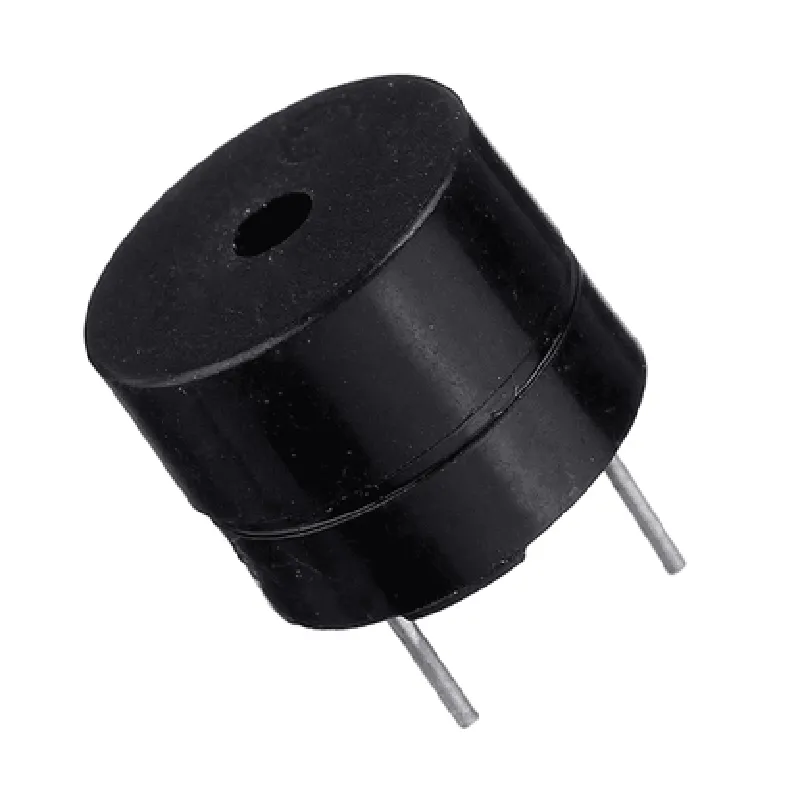
The MB20 is a 20mm average PCB mounting Current Transformer (CT) designed for accurate current measurement and monitoring in a variety of IoT applications. This compact, high-performance component is ideal for use in power monitoring, energy management, and industrial automation systems.

Functionality

The MB20 functions as a current sensor, converting the primary current flowing through a conductor into a proportional secondary current. This secondary current is then measured and monitored by a connected microcontroller, analog-to-digital converter, or other sensing devices. The MB20 provides an isolated current measurement, allowing for safe and reliable monitoring of high-current circuits.

Key Features

  • Compact Design: The MB20 features a compact, 20mm diameter body, making it ideal for space-constrained PCB designs.
  • High Accuracy: The MB20 provides accurate current measurements with a maximum error of 1% across the operating range.
  • Wide Current Range: The MB20 can measure currents ranging from 1A to 20A, making it suitable for a variety of applications.
  • High-Isolation Voltage: The MB20 provides electrical isolation between the primary and secondary circuits, with a creepage distance of 8mm and a clearance distance of 12mm.
  • PCB Mounting: The MB20 is designed for easy PCB mounting, with a pin pitch of 3.96mm and a lead-free, RoHS-compliant construction.
  • Operating Temperature: The MB20 operates across a wide temperature range of -40C to +125C, making it suitable for use in harsh industrial environments.
  • Low Power Consumption: The MB20 has a low power consumption of 1.5VA, reducing the overall power burden on the system.
  • Certifications: The MB20 meets international safety standards, including UL, VDE, and CE certifications.

Electrical Characteristics

| Parameter | Value |

| --- | --- |

| Primary Current Range | 1A to 20A |

| Secondary Current | 50mA (nominal) |

| Burden Resistance | 20 (nominal) |

| Accuracy | 1% (max) |

| Operating Frequency | 50Hz to 400Hz |

| Isolation Voltage | 2500V (rms) |

Mechanical Characteristics

| Parameter | Value |

| --- | --- |

| Dimension | 20mm (diameter) x 15mm (height) |

| Pin Pitch | 3.96mm |

| Lead Material | Copper (lead-free, RoHS-compliant) |

| Weight | 10g (approx.) |

Applications

  • Power monitoring and energy management systems
  • Industrial automation and control systems
  • Building automation and HVAC systems
  • Renewable energy systems (e.g., solar, wind)
  • Smart grid and smart home applications
The MB20 is suitable for use in a wide range of IoT applications, including

By providing accurate, isolated current measurements, the MB20 enables efficient, reliable, and safe operation of IoT systems in various industries.

Pin Configuration

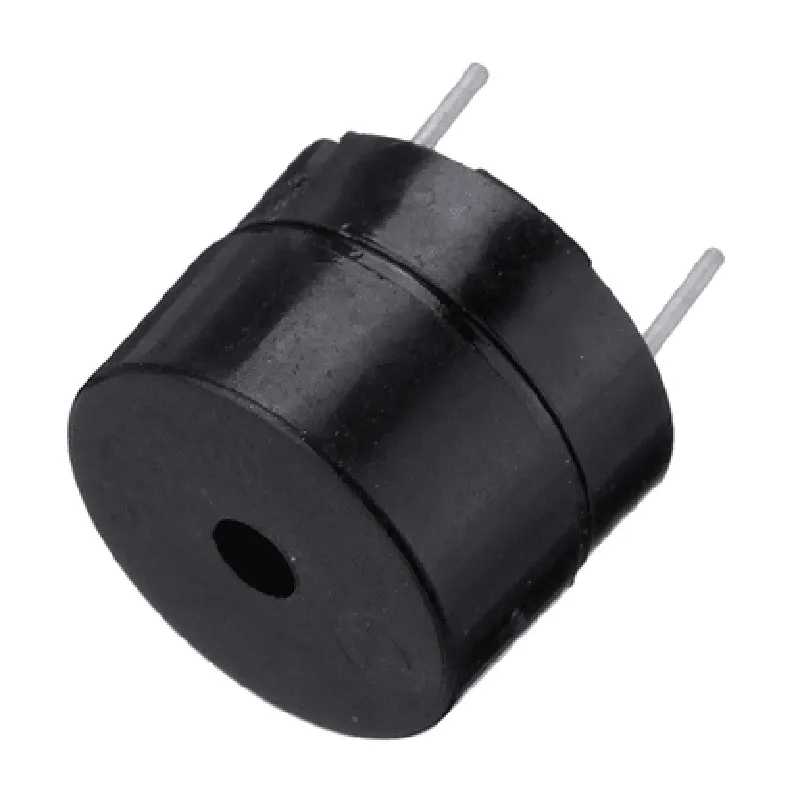
  • MB20 - 20mm Average PCB Mounting CT (Current Transformer)
  • Pin Description:
  • The MB20 Current Transformer has 5 pins, each serving a specific purpose. Here's a detailed breakdown of each pin:
  • Pin 1: GND (Ground)
  • Function: Provides a ground connection for the CT.
  • Description: This pin connects to the ground plane of the PCB or the system's ground reference.
  • Connection: Connect to the system's ground terminal or a suitable ground point on the PCB.
  • Pin 2: VCC (Power Supply)
  • Function: Supplies power to the internal circuitry of the CT.
  • Description: This pin connects to a stable DC power source, typically 3.3V or 5V, depending on the system's requirements.
  • Connection: Connect to a suitable power supply rail on the PCB, ensuring that the voltage rating matches the system's requirement.
  • Pin 3: OUT+ (Output Positive)
  • Function: Outputs the transformed current signal, which is proportional to the input current.
  • Description: This pin provides the output signal, which is typically connected to an Analog-to-Digital Converter (ADC) or a burden resistor.
  • Connection: Connect to an ADC input or a burden resistor (Rb) to convert the output current to a voltage signal.
  • Pin 4: OUT- (Output Negative)
  • Function: Provides the reference point for the output signal.
  • Description: This pin serves as the return path for the output signal and is typically connected to the ground or a negative voltage reference.
  • Connection: Connect to the system's ground or a suitable negative voltage reference, ensuring that the output signal is referenced correctly.
  • Pin 5: IPs (Input Primary)
  • Function: Connects to the primary current conductor (e.g., a wire or a busbar) that carries the current to be measured.
  • Description: This pin is designed to sense the magnetic field generated by the primary current, which induces a voltage in the CT.
  • Connection: Connect to the primary current conductor, ensuring that the conductor is centered and securely attached to the CT's primary pin.
  • Connection Structure:
  • Here's a recommended connection structure for the MB20 Current Transformer:
  • 1. Power Supply:
  • Connect Pin 2 (VCC) to a suitable power supply rail on the PCB (e.g., 3.3V or 5V).
  • Ensure that the power supply voltage matches the system's requirement.
  • 2. Ground Connection:
  • Connect Pin 1 (GND) to the system's ground terminal or a suitable ground point on the PCB.
  • 3. Output Signal:
  • Connect Pin 3 (OUT+) to an ADC input or a burden resistor (Rb) to convert the output current to a voltage signal.
  • Connect Pin 4 (OUT-) to the system's ground or a suitable negative voltage reference.
  • 4. Primary Current Connection:
  • Connect Pin 5 (IPs) to the primary current conductor (e.g., a wire or a busbar) that carries the current to be measured.
  • Additional Considerations:
  • Ensure that the CT is properly mounted on the PCB, with the primary pin centered and securely attached to the primary current conductor.
  • Follow proper PCB design and layout guidelines to minimize noise and interference.
  • Consider adding filtering or shielding to the output signal to improve signal quality and reduce electromagnetic interference (EMI).
  • By following this pin description and connection structure, you can effectively utilize the MB20 Current Transformer in your IoT application to measure currents accurately and reliably.

Code Examples

Component Documentation: MB20 - 20mm Average PCB Mounting CT
Overview
The MB20 is a 20mm average PCB mounting current transformer (CT) designed for accurate current measurement in IoT applications. This component is suitable for mounting on a printed circuit board (PCB) and is ideal for use in energy monitoring, power analysis, and industrial automation systems.
Technical Specifications
Window size: 20mm
 Turns ratio: 1:1000
 Frequency range: 50 Hz to 1 kHz
 Accuracy: 1%
 burden impedance: 1 k
 Operating temperature: -20C to +70C
Pinout
The MB20 has four pins:
Pin 1: Primary current input (positive)
 Pin 2: Primary current input (negative)
 Pin 3: Secondary output (positive)
 Pin 4: Secondary output (negative)
Code Examples
### Example 1: Current Measurement using Arduino
This example demonstrates how to use the MB20 with an Arduino board to measure current.
```c++
const int sensorPin = A0;  // Secondary output connected to analog input A0
const floatSENSE_RESISTOR = 1.0;  // Burden resistor value (1 k)
void setup() {
  Serial.begin(9600);
}
void loop() {
  int sensorValue = analogRead(sensorPin);
  float voltage = sensorValue  (5.0 / 1023.0);
  float current = voltage / SENSE_RESISTOR;
  Serial.print("Current: ");
  Serial.print(current, 2);
  Serial.println(" A");
  delay(1000);
}
```
### Example 2: Power Monitoring using Raspberry Pi and Python
This example demonstrates how to use the MB20 with a Raspberry Pi to measure current and calculate power consumption.
```python
import adcpi
import time
# Initialize ADC
adc = adcpi.ADCPi(0x68, 0x69)
# Set up ADC channel
channel = 0
while True:
    # Read ADC value
    value = adc.read_voltage(channel)
    
    # Calculate current
    current = value / SENSE_RESISTOR
    
    # Calculate power (assuming 230V AC)
    power = current  230
    
    print("Current: {:.2f} A, Power: {:.2f} W".format(current, power))
    
    time.sleep(1)
```
Note: In this example, `SENSE_RESISTOR` is the burden resistor value (1 k), and `adcpi` is a Python library for interacting with the ADC on the Raspberry Pi.
Additional Resources
Datasheet: [MB20 Datasheet](https://example.com/MB20_datasheet.pdf)
 Application Note: [Current Measurement Using MB20](https://example.com/MB20_app_note.pdf)
By following these code examples and referring to the technical specifications, you can effectively use the MB20 - 20mm Average PCB Mounting CT in your IoT projects for accurate current measurement and power monitoring.