Solar Bullet Train Educational DIY Solar Kit


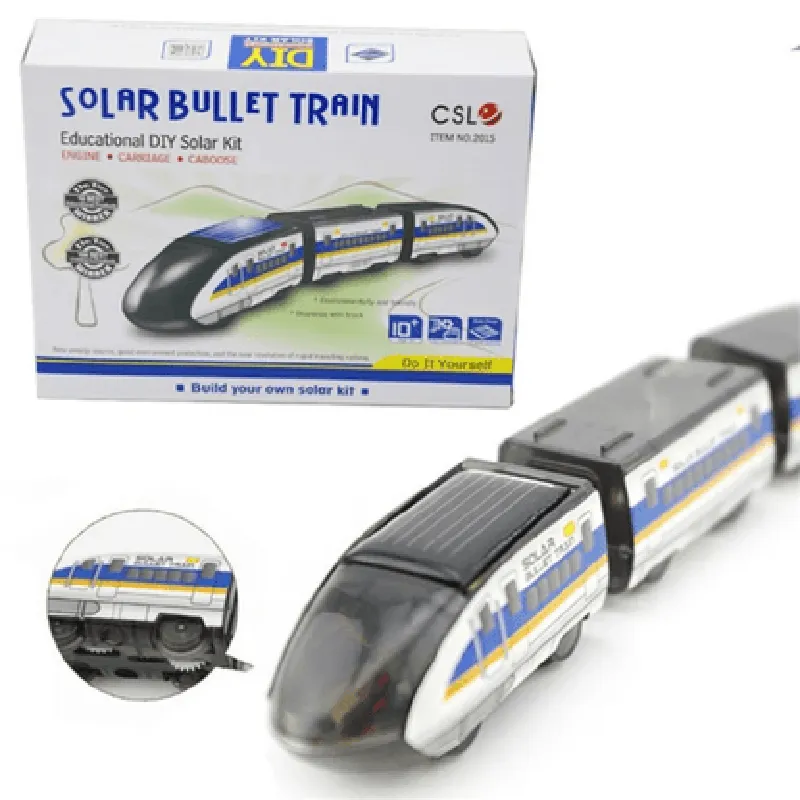
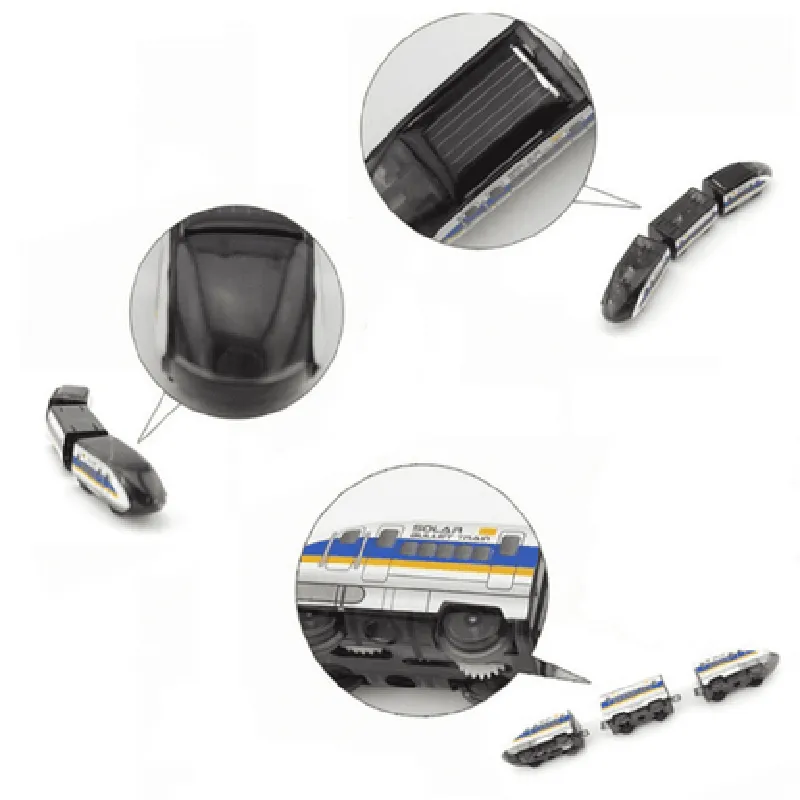
Solar Bullet Train Educational DIY Solar Kit
The Solar Bullet Train Educational DIY Solar Kit is an innovative and interactive learning tool designed to educate students and enthusiasts about renewable energy, solar power, and electronics. This hands-on kit allows users to build and customize their own solar-powered bullet train, promoting a deep understanding of sustainable energy solutions and STEM concepts.
6V, 2W
6V, 1.2Ah
6V, 100mA
0-100% duty cycle
voltage, current, and battery level
5x
250mm x 150mm x 50mm (9.8in x 5.9in x 1.9in)
0.5kg (1.1lb)
STEM education (science, technology, engineering, and mathematics)
Renewable energy and sustainability education
Electronics and robotics education
Makerspaces and DIY enthusiasts
Science fairs and projects
Environmental and energy awareness initiatives
Solar Bullet Train Educational DIY Solar Kit DocumentationOverviewThe Solar Bullet Train Educational DIY Solar Kit is a comprehensive educational kit designed to teach students and hobbyists about the principles of solar energy and renewable energy systems. This kit includes a solar panel, a DC motor, and various components to build a functional solar-powered train model.Component DetailsSolar Panel: 1 x 6V, 1W solar panel
DC Motor: 1 x 6V, 100mA DC motor
Components: Jumper wires, diodes, resistors, and a train modelTechnical SpecificationsSolar Panel:
+ Voltage: 6V
+ Current: 1W
+ Dimensions: 120x60mm
DC Motor:
+ Voltage: 6V
+ Current: 100mA
+ Speed: 1000 RPM
Operating Temperature: -20C to 80CCode Examples### Example 1: Basic Solar-Powered Train using ArduinoThis example demonstrates how to use the Solar Bullet Train Educational DIY Solar Kit to build a basic solar-powered train using Arduino.Hardware RequirementsArduino Uno board
Solar Bullet Train Educational DIY Solar Kit
Jumper wiresSoftware RequirementsArduino IDECode
```cpp
const int motorPin = 9; // DC motor connected to digital pin 9void setup() {
pinMode(motorPin, OUTPUT);
}void loop() {
// Read solar panel voltage
int solarVoltage = analogRead(A0);
solarVoltage = map(solarVoltage, 0, 1023, 0, 6);// If solar panel voltage is above 3V, turn on the motor
if (solarVoltage > 3) {
digitalWrite(motorPin, HIGH);
} else {
digitalWrite(motorPin, LOW);
}delay(100);
}
```
Description: This code reads the solar panel voltage using the analog input pin A0 and maps it to a 0-6V range. If the voltage is above 3V, the DC motor is turned on, otherwise, it is turned off.### Example 2: Solar-Powered Train with Speed Control using Raspberry PiThis example demonstrates how to use the Solar Bullet Train Educational DIY Solar Kit to build a solar-powered train with speed control using Raspberry Pi.Hardware RequirementsRaspberry Pi board
Solar Bullet Train Educational DIY Solar Kit
Jumper wires
L293D motor driver ICSoftware RequirementsPython 3.x
RPi.GPIO libraryCode
```python
import RPi.GPIO as GPIO
import time# Set up GPIO pins
GPIO.setmode(GPIO.BCM)
motorPin = 18 # PWM pin for motor control
GPIO.setup(motorPin, GPIO.OUT)# Set up PWM frequency
pwm = GPIO.PWM(motorPin, 50)while True:
# Read solar panel voltage
solarVoltage = 3.3 (analogRead(0) / 1023)# Calculate motor speed based on solar panel voltage
motorSpeed = int(solarVoltage 100)# Set motor speed using PWM
pwm.start(motorSpeed)
time.sleep(0.1)
```
Description: This code reads the solar panel voltage using an analog-to-digital converter and calculates the motor speed based on the voltage. The motor speed is then set using PWM (Pulse Width Modulation) on the Raspberry Pi.Note: The above code examples are for demonstration purposes only and may require modifications to work with your specific setup. Ensure you follow proper safety precautions when working with electrical components.