Measures AC and DC voltage up to 600V with 0.1mV resolution.


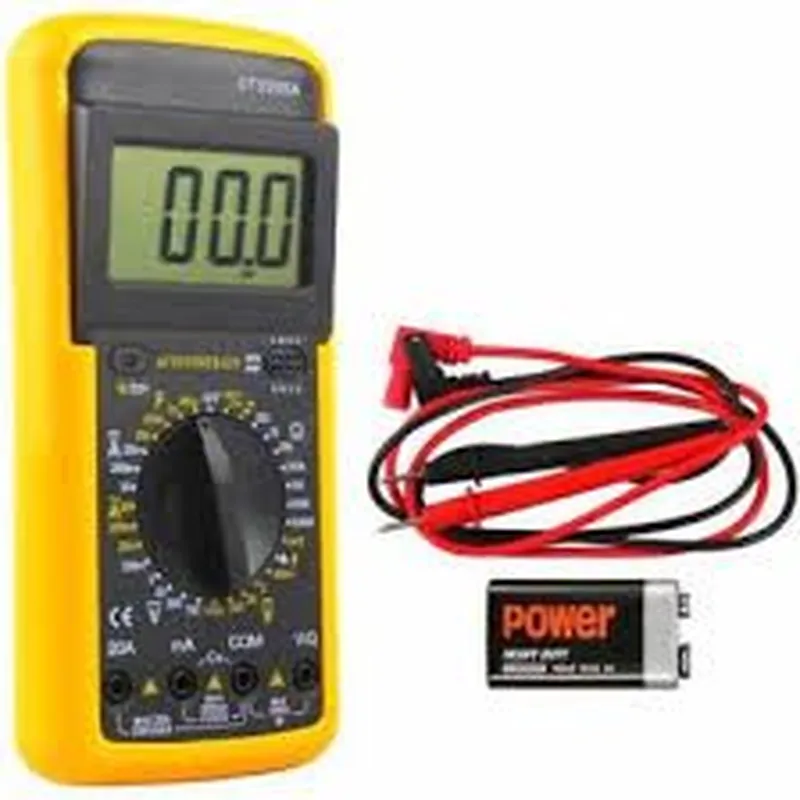
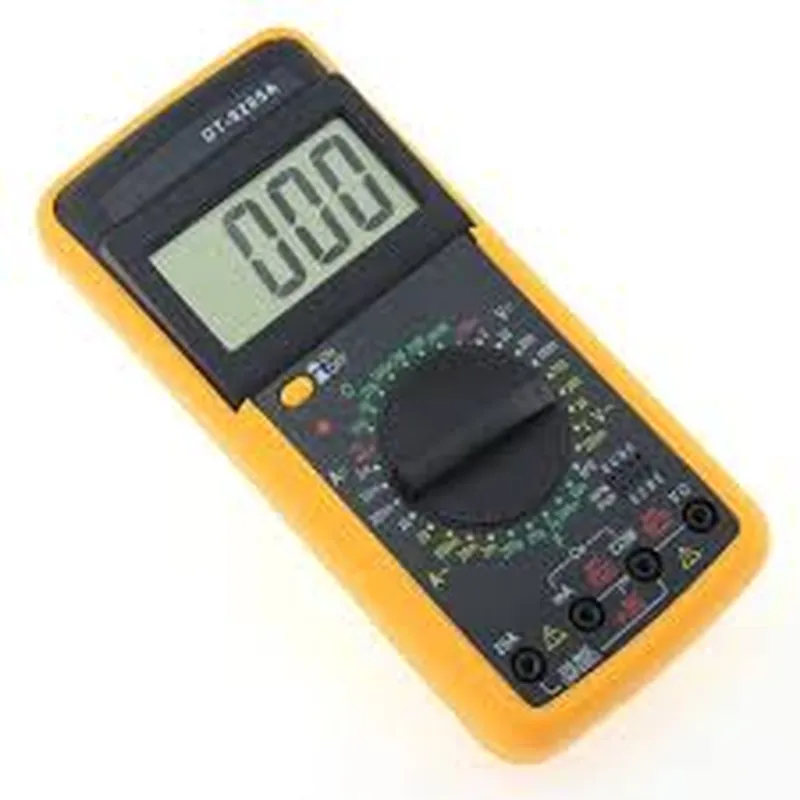
Measures AC and DC voltage up to 600V with 0.1mV resolution.
Measures AC and DC current up to 10A with 0.1mA resolution.
Measures resistance up to 20M with 0.1 resolution.
Detects continuity with an audible buzzer and visual LED indication.
Measures frequency up to 10kHz with 0.01Hz resolution.
Key Features
Technical Specifications
3.5-digit LCD display with a resolution of 2000 counts
1 x 9V battery (not included)
Up to 200 hours (typical)
-20C to 50C (-4F to 122F)
-30C to 70C (-22F to 158F)
118 x 65 x 35mm (4.65 x 2.56 x 1.38 in)
150g (5.29 oz)
Accessories
One pair of test leads with banana plugs and 400mm (15.75 in) length
Detailed user manual with operating instructions and safety precautions
Target Applications
| The DT9205A Digital Multimeter is ideal for |
For designing, testing, and troubleshooting electrical systems
For prototyping, debugging, and measuring electronic circuits
For routine maintenance, troubleshooting, and repair of electrical equipment
Warranty and Support
The DT9205A Digital Multimeter comes with a 1-year limited warranty. Technical support and documentation are available on the manufacturer's website.
DT9205A Digital Multimeter DocumentationOverviewThe DT9205A Digital Multimeter is a versatile and accurate IoT component that measures various electrical parameters, including voltage, current, resistance, and continuity. This device is ideal for a wide range of applications, from DIY projects to industrial automation.Technical SpecificationsMeasurement Range:
+ Voltage: 0-600V AC/DC
+ Current: 0-10A AC/DC
+ Resistance: 0-20M
+ Continuity: Beep indication for continuity testing
Accuracy:
+ Voltage: (0.5% + 1 digit)
+ Current: (1.0% + 1 digit)
+ Resistance: (0.5% + 1 digit)
Communication Interface: I2C (compatible with 3.3V and 5V systems)Code Examples### Example 1: Basic Voltage Measurement with ArduinoThis example demonstrates how to use the DT9205A Digital Multimeter to measure voltage using an Arduino board.```cpp
#include <Wire.h>#define DT9205A_I2C_ADDRESS 0x1E // I2C address of the DT9205Avoid setup() {
Wire.begin(); // Initialize I2C communication
Serial.begin(9600); // Initialize serial communication
}void loop() {
byte data[2];
Wire.beginTransmission(DT9205A_I2C_ADDRESS);
Wire.write(0x00); // Select voltage measurement mode
Wire.endTransmission();
Wire.requestFrom(DT9205A_I2C_ADDRESS, 2);
data[0] = Wire.read();
data[1] = Wire.read();
int voltage = (data[0] << 8) | data[1];
float voltageValue = voltage 0.01; // Convert to volts
Serial.print("Voltage: ");
Serial.print(voltageValue);
Serial.println(" V");
delay(1000); // Measure every second
}
```### Example 2: Resistance Measurement with Raspberry Pi (Python)This example demonstrates how to use the DT9205A Digital Multimeter to measure resistance using a Raspberry Pi and Python.```python
import smbus
import time# Set up I2C communication
bus = smbus.SMBus(1)# DT9205A I2C address
DT9205A_I2C_ADDRESS = 0x1Edef read_resistance():
# Select resistance measurement mode
bus.write_byte(DT9205A_I2C_ADDRESS, 0x03)
# Read resistance data
data = bus.read_i2c_block_data(DT9205A_I2C_ADDRESS, 0x00, 2)
# Convert data to resistance value
resistance = (data[0] << 8) | data[1]
resistanceValue = resistance 0.1; // Convert to ohms
return resistanceValuewhile True:
resistance = read_resistance()
print("Resistance: {:.1f} ohms".format(resistance))
time.sleep(1) // Measure every second
```Note: These code examples are for illustrative purposes only and may require modifications to suit your specific application. Always refer to the DT9205A's datasheet and the documentation of your microcontroller or single-board computer for specific implementation details.