3.7V


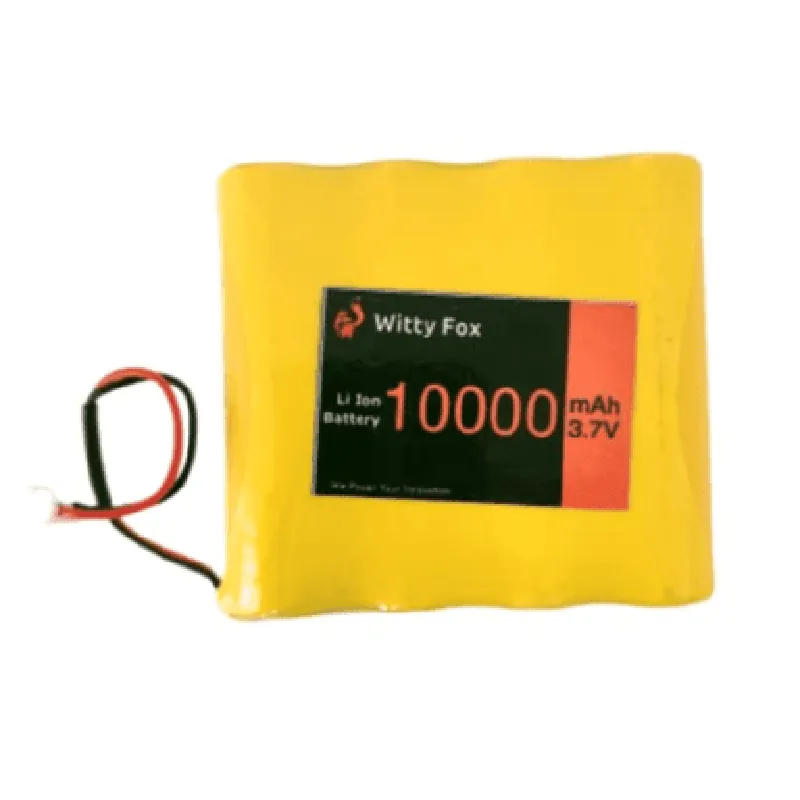
3.7V
10000mAh
4.2V 0.05V
2A
5A (max)
500 cycles
-20C to 45C
-20C to 35C
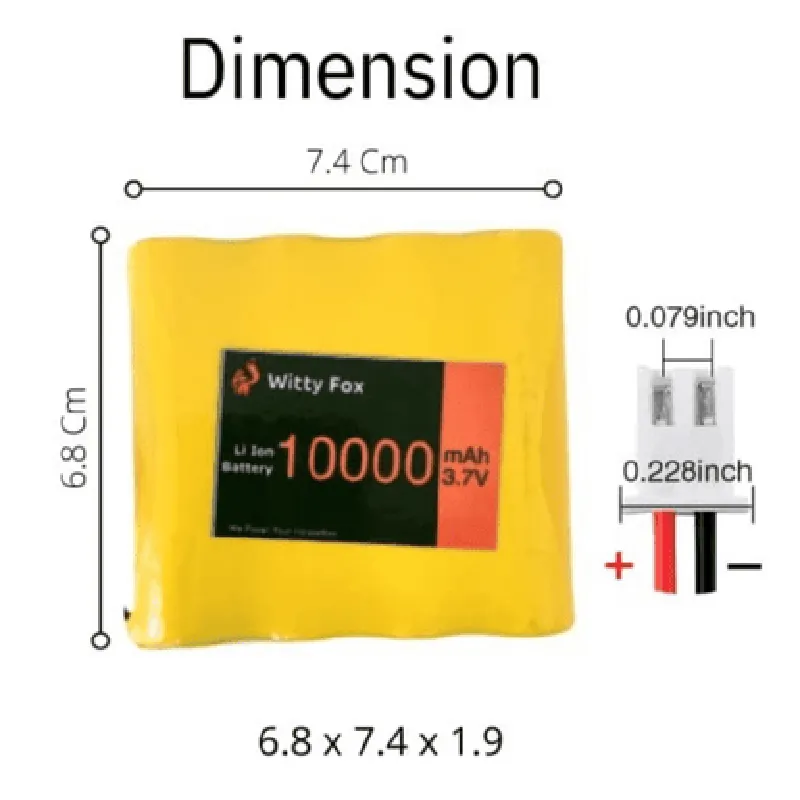
73mm x 52mm x 14mm
approximately 200g
Applications
| The Witty Fox 3.7V 10000mAh Li-Ion Battery is suitable for use in various IoT applications, including |
Robots and robotic systems
Drones and UAVs
Wireless devices and sensors
IoT gateways and hubs
Wearable devices and fitness trackers
Portable electronics and handheld devices
Safety Precautions
Handle the battery with care to avoid physical damage.
Avoid short-circuiting the battery terminals.
Follow proper charging and discharging procedures.
Store the battery in a cool, dry place away from children and pets.
Warranty and Support
| The Witty Fox 3.7V 10000mAh Li-Ion Battery comes with a 1-year limited warranty. For technical support, please contact our customer service team at [support@wittyfox.com](mailto | support@wittyfox.com). |
Witty Fox 3.7V 10000mAh Li-Ion BatteryOverviewThe Witty Fox 3.7V 10000mAh Li-Ion Battery is a high-capacity rechargeable battery designed for IoT and embedded system applications. This battery provides a reliable power source for devices that require a long battery life, making it an ideal choice for wireless sensor networks, IoT nodes, and portable devices.SpecificationsNominal Voltage: 3.7V
Capacity: 10000mAh
Chemisty: Lithium-Ion (Li-Ion)
Dimensions: 70mm x 50mm x 18mm
Weight: 120g
Cycle Life: 500 cycles
Self-Discharge: 3% per monthCode Examples### Example 1: Using the Witty Fox Battery with an Arduino BoardIn this example, we will demonstrate how to use the Witty Fox 3.7V 10000mAh Li-Ion Battery to power an Arduino board. We will use the battery to power an Arduino Uno board and a DHT11 temperature and humidity sensor.Hardware RequirementsArduino Uno board
Witty Fox 3.7V 10000mAh Li-Ion Battery
DHT11 temperature and humidity sensor
Jumper wiresSoftware RequirementsArduino IDECode
```c
#include <DHT.h>#define DHT_PIN 2 // Pin connected to DHT11 sensorDHT dht(DHT_PIN, DHT11);void setup() {
Serial.begin(9600);
dht.begin();
}void loop() {
int temperature = dht.readTemperature();
int humidity = dht.readHumidity();
Serial.print("Temperature: ");
Serial.print(temperature);
Serial.println(" C");
Serial.print("Humidity: ");
Serial.print(humidity);
Serial.println(" %");
delay(2000);
}
```
ConnectionsConnect the positive terminal of the Witty Fox battery to the VIN pin of the Arduino Uno board.
Connect the negative terminal of the Witty Fox battery to the GND pin of the Arduino Uno board.
Connect the DHT11 sensor to digital pin 2 of the Arduino Uno board.### Example 2: Using the Witty Fox Battery with a Raspberry Pi PicoIn this example, we will demonstrate how to use the Witty Fox 3.7V 10000mAh Li-Ion Battery to power a Raspberry Pi Pico board. We will use the battery to power a simple LED blinking program.Hardware RequirementsRaspberry Pi Pico board
Witty Fox 3.7V 10000mAh Li-Ion Battery
LED
Resistor (1k)
Jumper wiresSoftware RequirementsMicroPythonCode
```python
import machine
import timeled = machine.Pin(25, machine.Pin.OUT)while True:
led.value(1)
time.sleep(0.5)
led.value(0)
time.sleep(0.5)
```
ConnectionsConnect the positive terminal of the Witty Fox battery to the VBUS pin of the Raspberry Pi Pico board.
Connect the negative terminal of the Witty Fox battery to the GND pin of the Raspberry Pi Pico board.
Connect the LED to Pin 25 of the Raspberry Pi Pico board through a 1k resistor.Note: Make sure to adjust the pin numbers and connections according to your specific hardware setup.