12V DC


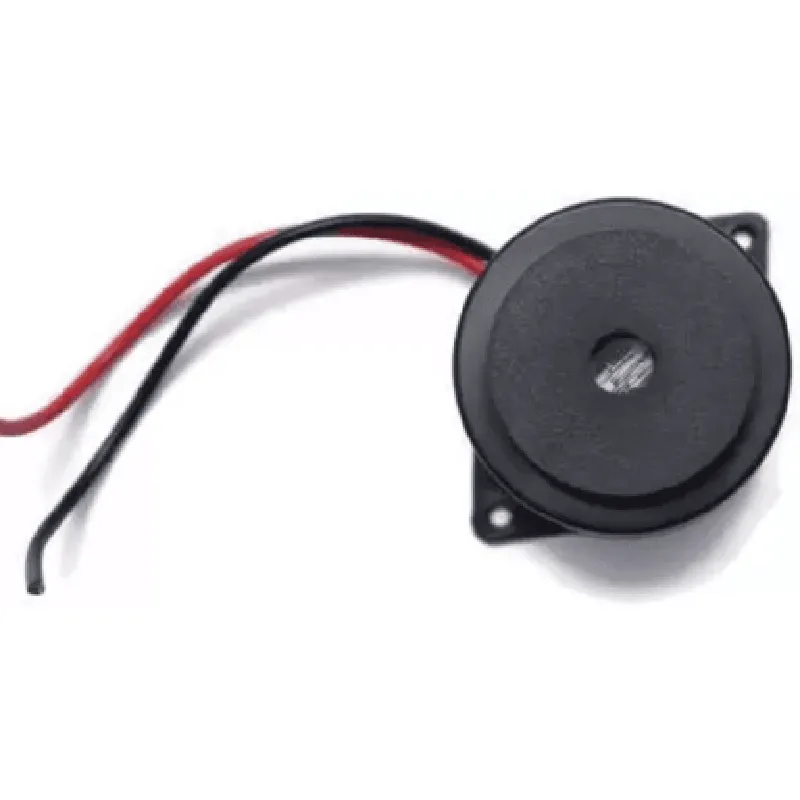
12V DC
200mA
2.4W
2.4kHz
| Sound Pressure Level (SPL) | up to 115 dB(A) at 1 meter |
Physical Characteristics
35mm
25mm
25g
Plastic and Metal
Applications
Industrial warning systems
Alarm systems
IoT devices
Automotive systems
Security systems
Warning devices for hazardous environments
Safety Precautions
Ensure the MB35L2 is used in a well-ventilated area to prevent damage from excessive heat or moisture.
Avoid touching the component's electrical contacts to prevent electrical shock.
Use the MB35L2 in accordance with the manufacturer's instructions and safety guidelines to prevent injury or damage.
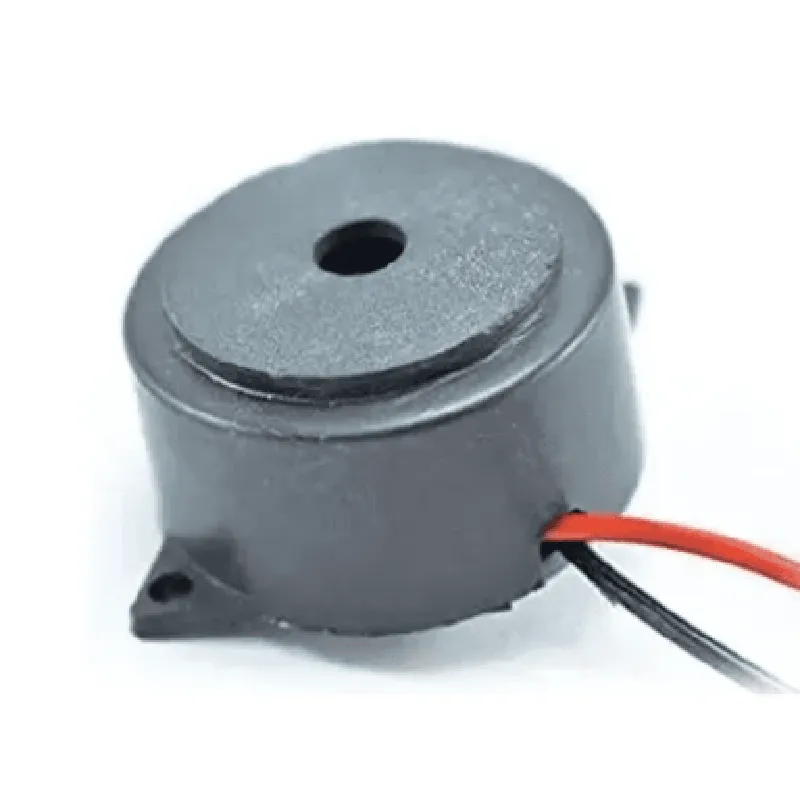
MB35L2 - 35mm Loud Intermittent Buzzer Component DocumentationOverviewThe MB35L2 is a 35mm loud intermittent buzzer designed for various IoT applications that require an audible alarm or alert. This component is suitable for use in industrial, commercial, and residential settings where a loud and intermittent sound is required.Technical SpecificationsOperating Voltage: 5V to 28V DC
Operating Frequency: 2.4 kHz 10%
Sound Pressure Level: 95 dB 5 dB at 10 cm
Dimensions: 35 mm diameter, 12.5 mm height
Weight: 12 gPinoutThe MB35L2 has two terminals:Positive Terminal (Anode): connected to the positive power supply
Negative Terminal (Cathode): connected to the negative power supply or groundCode Examples### Example 1: Simple Buzzer Activation using ArduinoIn this example, we will connect the MB35L2 to an Arduino board to demonstrate a simple buzzer activation.Hardware Requirements:Arduino Board (e.g., Arduino Uno)
MB35L2 - 35mm Loud Intermittent Buzzer
Breadboard and jumper wiresSoftware Requirements:Arduino IDECode:
```c++
const int buzzerPin = 2; // Connect the positive terminal of the buzzer to digital pin 2void setup() {
pinMode(buzzerPin, OUTPUT);
}void loop() {
// Activate the buzzer for 1 second
digitalWrite(buzzerPin, HIGH);
delay(1000);
// Deactivate the buzzer for 1 second
digitalWrite(buzzerPin, LOW);
delay(1000);
}
```
### Example 2: Intermittent Buzzer Pattern using Raspberry Pi (Python)In this example, we will connect the MB35L2 to a Raspberry Pi board to demonstrate an intermittent buzzer pattern using Python.Hardware Requirements:Raspberry Pi Board (e.g., Raspberry Pi 4)
MB35L2 - 35mm Loud Intermittent Buzzer
Breadboard and jumper wiresSoftware Requirements:Raspbian OS
Python 3.xCode:
```python
import RPi.GPIO as GPIO
import time# Set up GPIO mode
GPIO.setmode(GPIO.BCM)# Define the buzzer pin
buzzer_pin = 17# Set up the buzzer pin as an output
GPIO.setup(buzzer_pin, GPIO.OUT)try:
while True:
# Activate the buzzer for 500 ms
GPIO.output(buzzer_pin, GPIO.HIGH)
time.sleep(0.5)
# Deactivate the buzzer for 500 ms
GPIO.output(buzzer_pin, GPIO.LOW)
time.sleep(0.5)
except KeyboardInterrupt:
GPIO.cleanup()
```
These examples demonstrate the basic usage of the MB35L2 - 35mm Loud Intermittent Buzzer in different contexts. You can modify the code to suit your specific IoT application requirements.