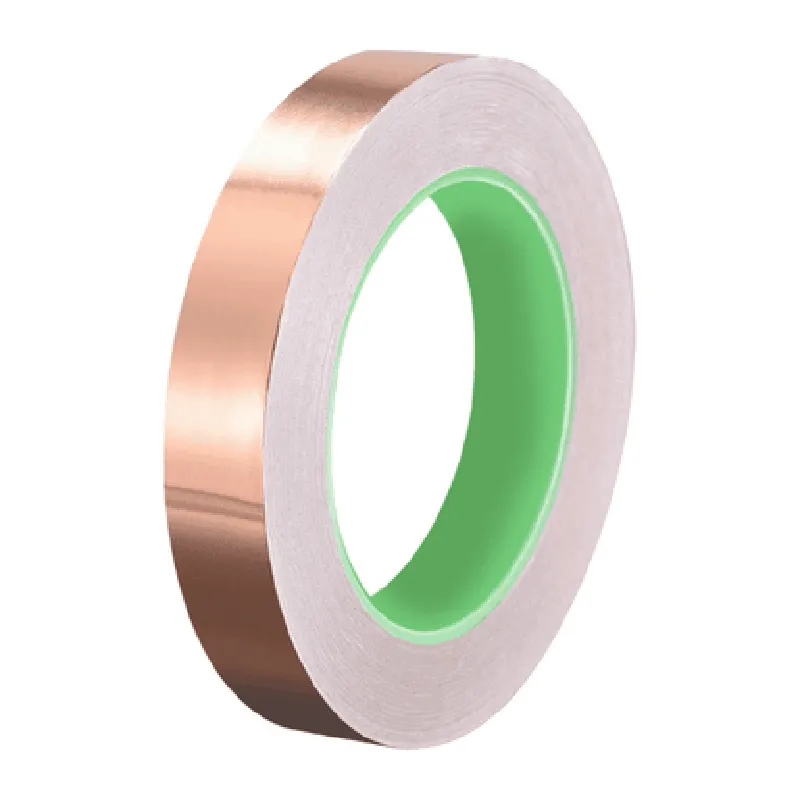
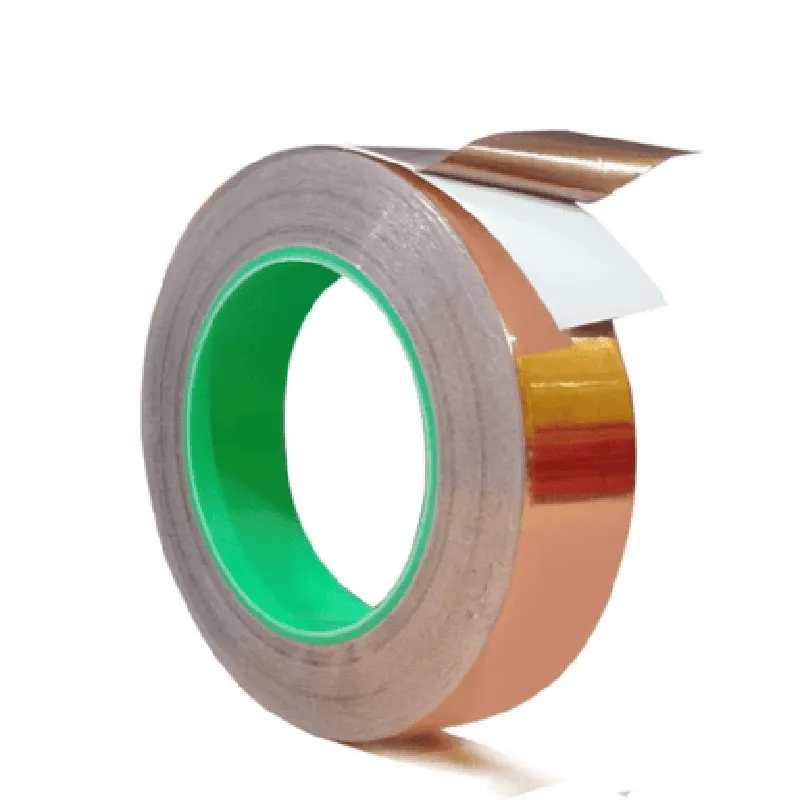
Component Documentation: 20mm Adhesive Conductive Copper Tape (30 Meter)
The 20mm Adhesive Conductive Copper Tape is a versatile and convenient component for creating electrical connections, shielding, and grounding in various IoT projects. This copper tape features a strong adhesive backing, allowing it to be easily applied to a wide range of surfaces, including plastics, metals, and PCBs. With a 30-meter length, this tape provides ample material for multiple projects or large-scale applications.
Width: 20mm
 Length: 30 meters
 Material: Copper
 Adhesive: Strong acrylic-based adhesive
 Operating Temperature: -20C to 120C
 Resistance: < 0.01 ohms/meter
 Adhesive Strength: 10 N/cm
### Example 1: Creating a Simple Circuit with Copper Tape
In this example, we will use the copper tape to create a simple circuit that connects two LEDs to a power source.
2 x LEDs
 1 x Power source (e.g., battery or USB connection)
 1 x Breadboard
 20mm Adhesive Conductive Copper Tape (30 Meter)
Code:
```python
# No code is required for this example, as it is a simple circuit connection.
```
Instructions:
1. Peel off a section of copper tape and apply it to the breadboard, connecting the positive leg of one LED to the power source.
2. Peel off another section of copper tape and apply it to the breadboard, connecting the negative leg of the same LED to a ground point.
3. Repeat steps 1 and 2 for the second LED.
4. Connect the power source to the circuit, and the LEDs should light up.
### Example 2: Using Copper Tape as a Shielding Material in an RF Antenna
In this example, we will use the copper tape to create a simple RF antenna and demonstrate its shielding capabilities.
1 x RF module (e.g., ESP32 or ESP8266)
 1 x PCB or perfboard
 20mm Adhesive Conductive Copper Tape (30 Meter)
 Wire (for antenna construction)
Code:
```c
#include <WiFi.h>
const char ssid = "your_wifi_ssid";
const char password = "your_wifi_password";
void setup() {
  Serial.begin(115200);
  // Initialize WiFi
  WiFi.begin(ssid, password);
  while (WiFi.status() != WL_CONNECTED) {
    delay(1000);
    Serial.println("Connecting to WiFi...");
  }
  Serial.println("Connected to WiFi");
  Serial.println("Initializing RF module...");
  // Initialize RF module (e.g., ESP32 or ESP8266)
}
void loop() {
  // Use the RF module to transmit data
  client.println("Hello, world!");
  delay(1000);
}
```
Instructions:
1. Cut a piece of copper tape to the desired length for the antenna.
2. Peel off the backing and apply the copper tape to the PCB or perfboard, creating a simple monopole antenna.
3. Connect the RF module to the antenna using wire.
4. Apply additional copper tape around the RF module and PCB or perfboard to create a shield, reducing electromagnetic interference (EMI).
5. Connect the power source and run the code to test the RF module and antenna.
When applying the copper tape, ensure the surface is clean and dry for optimal adhesion.
 Use the copper tape to connect multiple components in a circuit, such as sensors or LEDs.
 Experiment with different shapes and sizes of copper tape to create custom antennas or EMI shielding solutions.