40Kg Load Cell


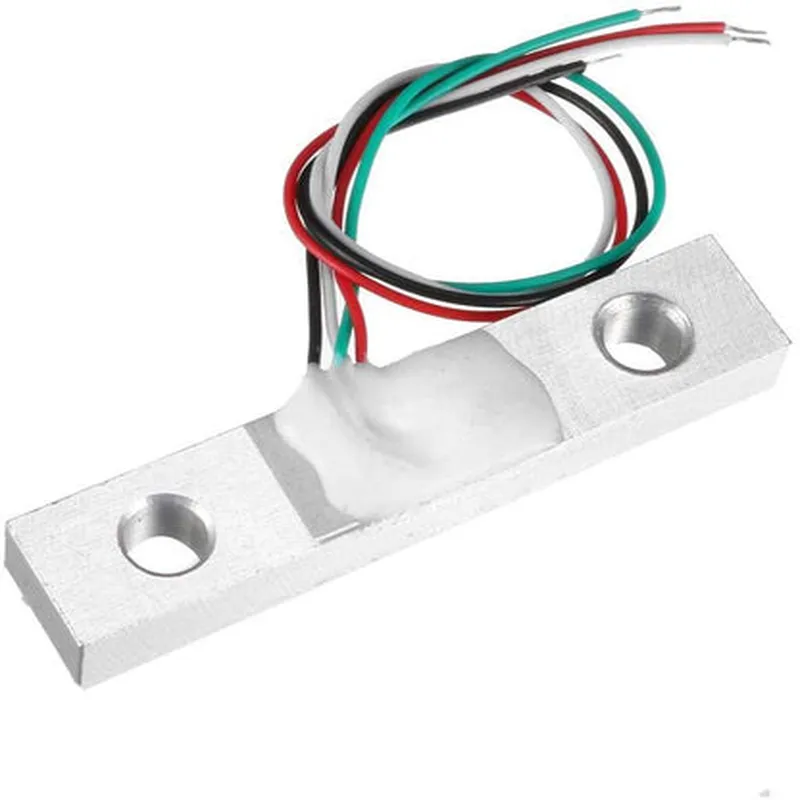
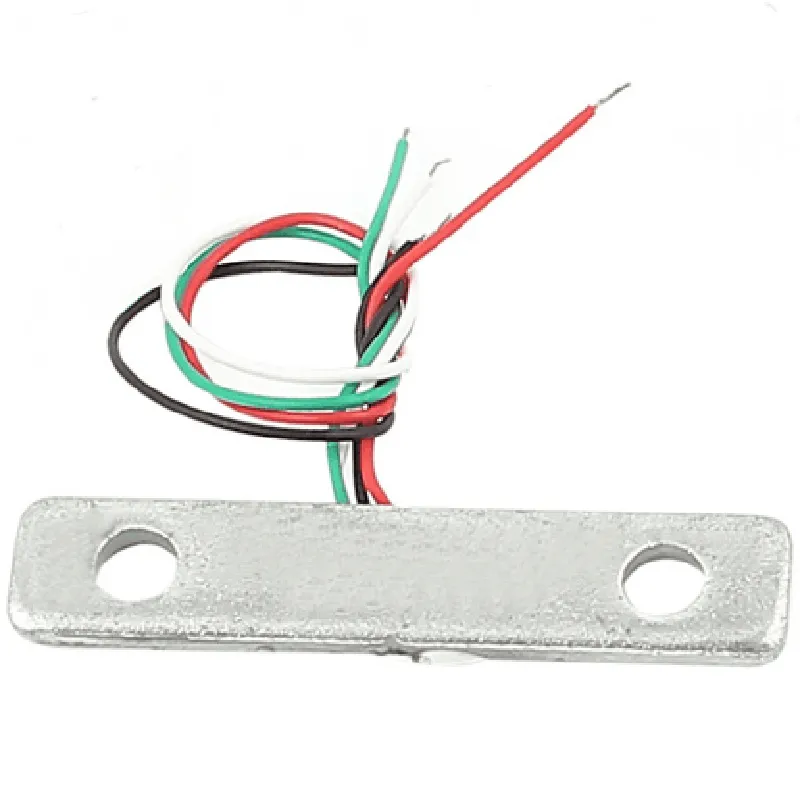
40Kg Load Cell
The 40Kg Load Cell is a high-precision weight measurement sensor designed to accurately detect and measure weights or forces up to 40 kilograms. This component is a crucial element in various industrial, commercial, and research applications where precise weight measurement is essential.
The 40Kg Load Cell operates on the principle of strain gauge technology, where a varying resistance is induced in response to changes in weight or force applied to the sensor. The sensor converts the mechanical deformation into an electrical signal proportional to the applied weight or force. This signal is then processed and amplified to provide a precise weight measurement.
40 kg
1-2 mV/V
| Non-Linearity | 0.5% of full-scale output |
0.3% of full-scale output
0.2% of full-scale output
-20C to 60C
-40C to 80C
Analog (0-5V, 0-10V, or 4-20mA)
5-24V DC
<50mA
50 mm
30 mm
20 mm
M3 or M4
RoHS Compliant
CE Certified
UL and cUL Listed
1-year limited warranty
Dedicated technical support team available for assistance with integration, calibration, and troubleshooting.
40Kg Load Cell DocumentationOverviewThe 40Kg Load Cell is a high-precision weight measurement sensor designed for industrial and commercial applications. It provides accurate and reliable weight measurements up to 40 kilograms, making it suitable for a wide range of IoT projects, including industrial automation, robotics, and smart scales.Technical SpecificationsMaximum Capacity: 40 kg
Sensitivity: 1.5 mV/V
Output Signal: 0-5V analog signal
Excitation Voltage: 5-10V DC
Operating Temperature: -10C to 40C
Weight: 150g
Dimensions: 50x30x20 mmConnecting the Load CellTo use the 40Kg Load Cell, you need to connect it to a microcontroller or a dedicated Analog-to-Digital Converter (ADC) module. The load cell has four wires:Red: Excitation Voltage (Vcc)
Black: Ground (GND)
White: Signal+ (S+)
Green: Signal- (S-)Code Examples### Example 1: Measuring Weight using Arduino UnoThis example demonstrates how to connect the 40Kg Load Cell to an Arduino Uno board and read the weight measurements.Hardware RequirementsArduino Uno board
40Kg Load Cell
Breadboard and jumper wiresSoftware RequirementsArduino IDE (version 1.8.x or higher)Code
```c
const int loadCellPin = A0; // Analog input pin for load cell signal
const int vccPin = 5; // Digital output pin for excitation voltage
const int gndPin = GND; // Ground pinvoid setup() {
pinMode(vccPin, OUTPUT);
pinMode(gndPin, OUTPUT);
digitalWrite(vccPin, HIGH); // Set excitation voltage to 5V
digitalWrite(gndPin, LOW); // Set ground pin to LOW
}void loop() {
int sensorValue = analogRead(loadCellPin);
float voltage = sensorValue (5.0 / 1023.0);
float weight = (voltage - 0.5) 40.0; // Convert voltage to weight (kg)
Serial.print("Weight: ");
Serial.print(weight);
Serial.println(" kg");
delay(500);
}
```
### Example 2: Using the Load Cell with a Raspberry Pi (Python)This example demonstrates how to connect the 40Kg Load Cell to a Raspberry Pi and read the weight measurements using Python.Hardware RequirementsRaspberry Pi (any model)
40Kg Load Cell
Breadboard and jumper wiresSoftware RequirementsRaspbian OS (version 10 or higher)
Python 3.x ( installed by default on Raspbian)Code
```python
import time
import RPi.GPIO as GPIO# Set up GPIO pins for load cell
GPIO.setmode(GPIO.BCM)
GPIO.setup(17, GPIO.OUT) # Set excitation voltage pin as output
GPIO.setup(23, GPIO.OUT) # Set ground pin as output
GPIO.output(17, GPIO.HIGH) # Set excitation voltage to 5V
GPIO.output(23, GPIO.LOW) # Set ground pin to LOW# Set up ADC reading
import adcwhile True:
sensor_value = adc.read_adc(0) # Read analog value from load cell
voltage = (sensor_value 5.0) / 1023.0
weight = (voltage - 0.5) 40.0 # Convert voltage to weight (kg)
print("Weight: {:.2f} kg".format(weight))
time.sleep(0.5)
```
Note: You need to install the `RPi.GPIO` and `adc` libraries on your Raspberry Pi before running this code.