Aluminum, brass, or stainless steel (depending on the specific model)


Aluminum, brass, or stainless steel (depending on the specific model)
PLA, ABS, PETG, and other thermoplastic materials
Up to 300C
Resistive heater or thermistor
Typically 1.75 mm or 2.85 mm
Typically 0.4 mm or 0.5 mm
Universal mounting system for compatibility with various 3D printers
Conclusion
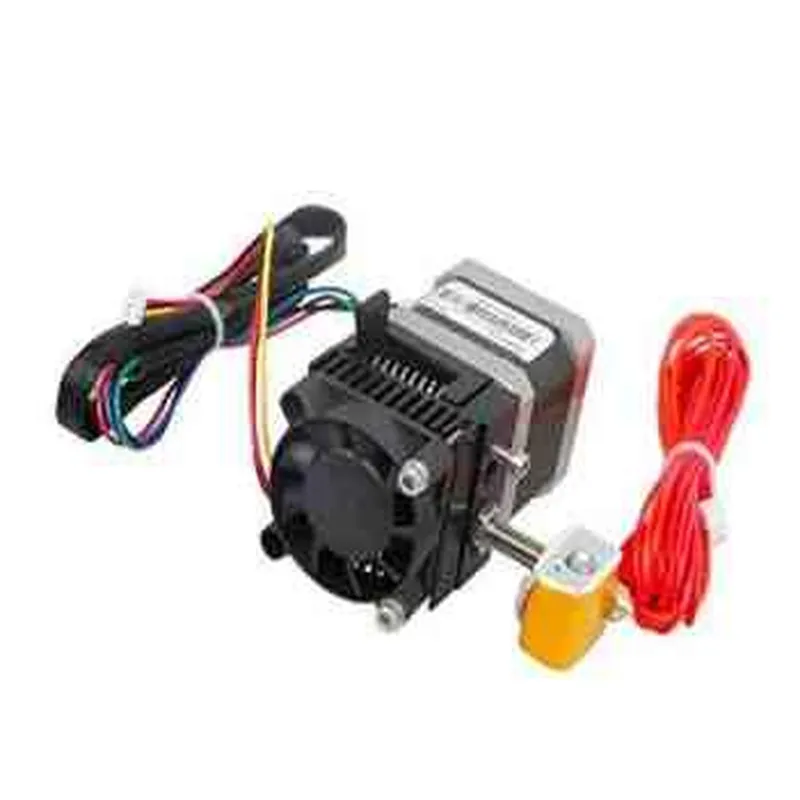
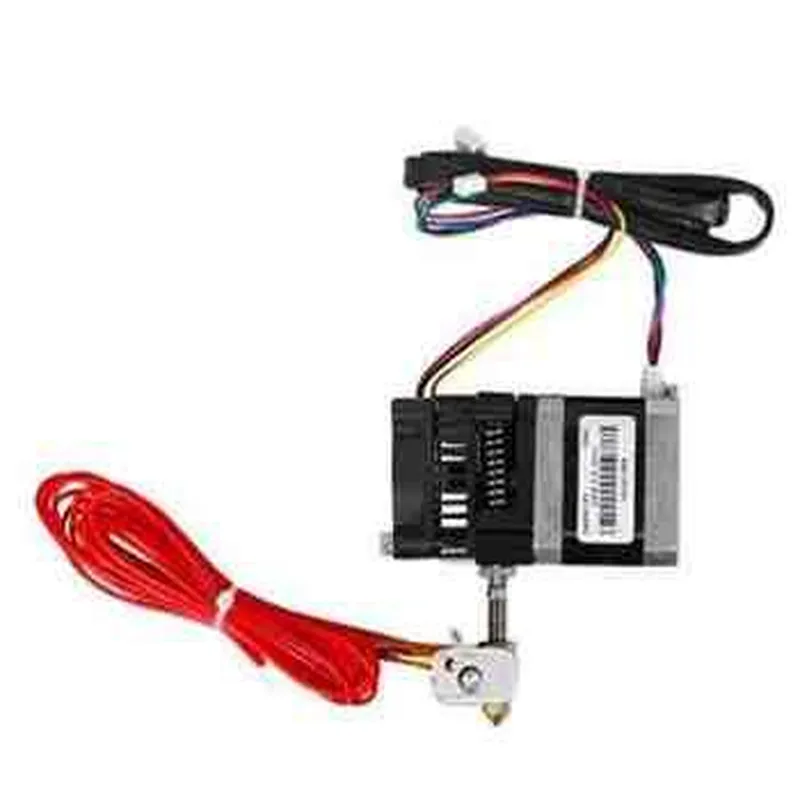
The MK8 Extruder is a reliable and versatile hotend extruder designed for 3D printing applications. Its all-metal hotend, PTFE-lined filament path, and adjustable filament tension system make it an ideal choice for users seeking high-quality prints and easy maintenance. With its compact design and universal mounting system, the MK8 Extruder is compatible with a wide range of 3D printers, making it a popular choice among hobbyists and professionals alike.
MK8 Extruder for 3D Printers DocumentationOverviewThe MK8 Extruder is a popular component used in 3D printing technology, particularly in Fused Deposition Modeling (FDM) and Fused Filament Fabrication (FFF) 3D printers. It is designed to extrude melted plastic filament through a heated nozzle, creating the desired 3D object layer by layer. This documentation provides an overview of the MK8 Extruder's features, specifications, and code examples to help users integrate it into their projects.Features and SpecificationsCompatible with 1.75mm filament
Extruder body material: Aluminum alloy
Nozzle material: Copper or Steel
Nozzle diameter: 0.4mm (default), customizable
Heated bed temperature range: 150C - 300C
Power rating: 12V, 30A
Dimensions: 50mm x 50mm x 120mm (W x D x H)Code Examples### Example 1: Basic MK8 Extruder Control using Marlin Firmware (Arduino)In this example, we'll demonstrate how to control the MK8 Extruder using Marlin firmware on an Arduino board.Hardware RequirementsArduino Mega 2560 or similar
MK8 Extruder
12V power supply
Jumper wiresCode
```c
#include <Marlin.h>#define EXTRUDER_PIN 2 // Pin for extruder control signal
#define HEATER_PIN 3 // Pin for heater control signalvoid setup() {
pinMode(EXTRUDER_PIN, OUTPUT);
pinMode(HEATER_PIN, OUTPUT);
}void loop() {
// Set extruder temperature to 200C
setTargetTemperature(200);
// Wait for temperature to reach 200C
while (getActualTemperature() < 200) {
delay(100);
}
// Extrude 10mm of filament
extrude(10);
delay(1000);
// Retract 5mm of filament
retract(5);
delay(1000);
}void extrude(float amount) {
digitalWrite(EXTRUDER_PIN, HIGH);
delay(amount 10); // Convert mm to steps
digitalWrite(EXTRUDER_PIN, LOW);
}void retract(float amount) {
digitalWrite(EXTRUDER_PIN, LOW);
delay(amount 10); // Convert mm to steps
digitalWrite(EXTRUDER_PIN, HIGH);
}void setTargetTemperature(float temp) {
digitalWrite(HEATER_PIN, HIGH);
while (getActualTemperature() < temp) {
delay(100);
}
digitalWrite(HEATER_PIN, LOW);
}float getActualTemperature() {
// Implement temperature sensor reading code here
return 200.0; // Replace with actual temperature reading
}
```
Note: This code is a simplified example and may require modifications to work with your specific setup.### Example 2: MK8 Extruder Control using Python and RPi (Raspberry Pi)In this example, we'll demonstrate how to control the MK8 Extruder using Python and a Raspberry Pi (RPi) single-board computer.Hardware RequirementsRaspberry Pi (any model)
MK8 Extruder
12V power supply
Jumper wiresCode
```python
import RPi.GPIO as GPIO
import time# Set up GPIO pins for extruder control
GPIO.setmode(GPIO.BCM)
EXTRUDER_PIN = 17
HEATER_PIN = 23
GPIO.setup(EXTRUDER_PIN, GPIO.OUT)
GPIO.setup(HEATER_PIN, GPIO.OUT)def extrude(amount):
GPIO.output(EXTRUDER_PIN, GPIO.HIGH)
time.sleep(amount 0.1) # Convert mm to seconds
GPIO.output(EXTRUDER_PIN, GPIO.LOW)def retract(amount):
GPIO.output(EXTRUDER_PIN, GPIO.LOW)
time.sleep(amount 0.1) # Convert mm to seconds
GPIO.output(EXTRUDER_PIN, GPIO.HIGH)def set_temperature(temp):
GPIO.output(HEATER_PIN, GPIO.HIGH)
while get_temperature() < temp:
time.sleep(0.1)
GPIO.output(HEATER_PIN, GPIO.LOW)def get_temperature():
# Implement temperature sensor reading code here
return 200.0 # Replace with actual temperature reading# Set extruder temperature to 200C
set_temperature(200)# Extrude 10mm of filament
extrude(10)
time.sleep(1)# Retract 5mm of filament
retract(5)
time.sleep(1)
```
Note: This code is a simplified example and may require modifications to work with your specific setup. You may need to add error handling, implement temperature sensor reading code, and adjust the GPIO pin numbers according to your Raspberry Pi model.