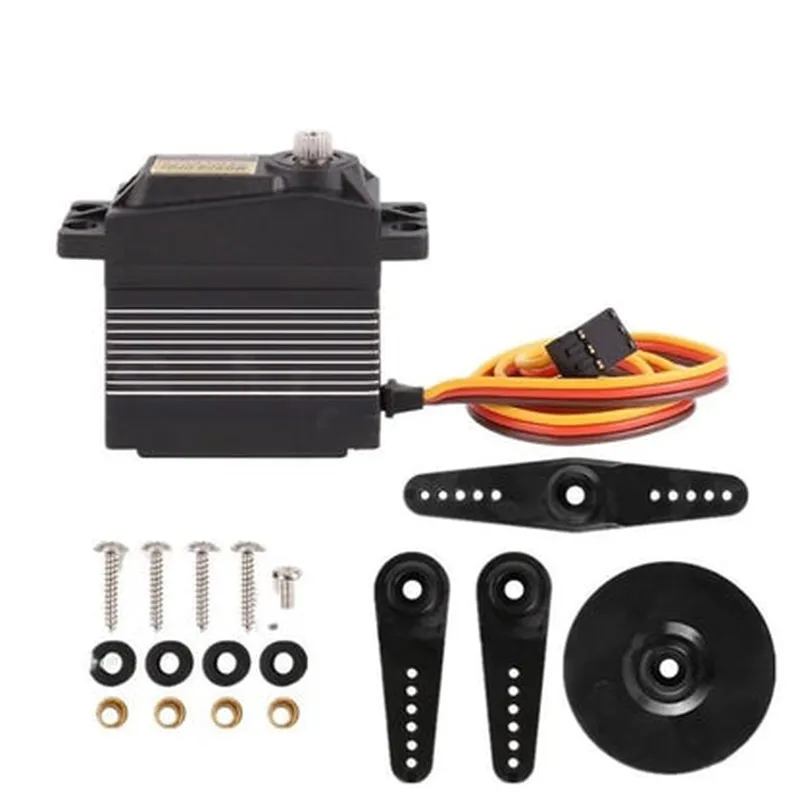
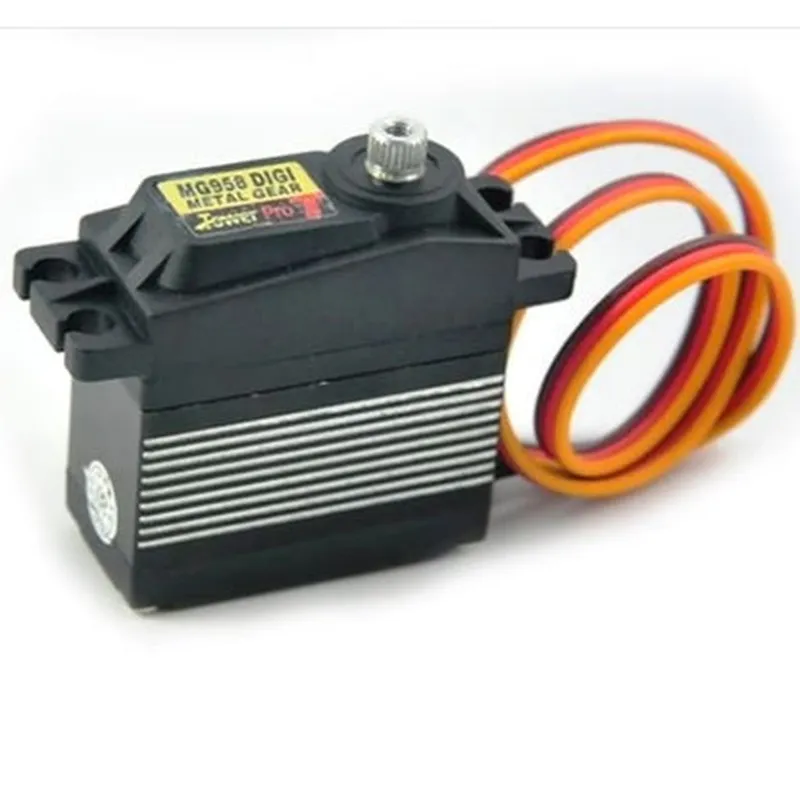
MG958 Servo Motor Documentation
The MG958 Servo Motor is a high-torque, high-precision servo motor designed for use in various robotics, automation, and IoT applications. It features a built-in position sensor and a built-in drive circuit, making it easy to control and integrate into digital systems.
Operating Voltage: 4.8V to 7.2V
 Stall Torque: 19 kg.cm
 Speed: 0.15 sec/60
 Position Resolution: 0.5
 Operating Temperature: -20C to 60C
VCC: Power supply pin (4.8V to 7.2V)
 GND: Ground pin
 Signal: Control signal pin (PWM)
### Example 1: Basic Servo Control using Arduino
This example demonstrates how to control the MG958 Servo Motor using an Arduino board.
```cpp
#include <Servo.h>
Servo servo; // create a servo object
void setup() {
  servo.attach(9);  // attach the servo to digital pin 9
}
void loop() {
  servo.write(0);  // set the servo to 0 degrees
  delay(1000);
servo.write(90);  // set the servo to 90 degrees
  delay(1000);
servo.write(180);  // set the servo to 180 degrees
  delay(1000);
}
```
### Example 2: Servo Control using Raspberry Pi and Python
This example demonstrates how to control the MG958 Servo Motor using a Raspberry Pi and Python.
```python
import RPi.GPIO as GPIO
import time
# set up GPIO mode
GPIO.setmode(GPIO.BCM)
# set up the servo pin
servo_pin = 17
GPIO.setup(servo_pin, GPIO.OUT)
# set up the servo object
pwm = GPIO.PWM(servo_pin, 50)  # 50 Hz frequency
# start the servo
pwm.start(0)
try:
    while True:
        pwm.ChangeDutyCycle(2.5)  # set the servo to 0 degrees
        time.sleep(1)
pwm.ChangeDutyCycle(7.5)  # set the servo to 90 degrees
        time.sleep(1)
pwm.ChangeDutyCycle(12.5)  # set the servo to 180 degrees
        time.sleep(1)
except KeyboardInterrupt:
    pwm.stop()
    GPIO.cleanup()
```
Note: In the above examples, the servo motor is controlled using PWM (Pulse Width Modulation) signals. The duty cycle of the PWM signal determines the position of the servo motor. The duty cycle values may vary depending on the specific servo motor and application.