Arduino Nano 33 IOT Headers


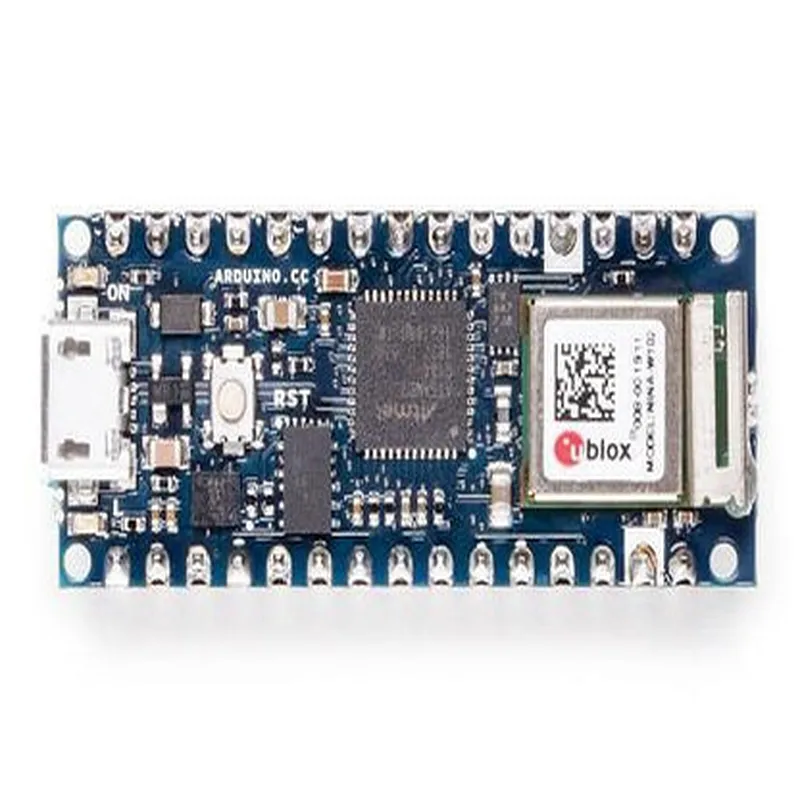
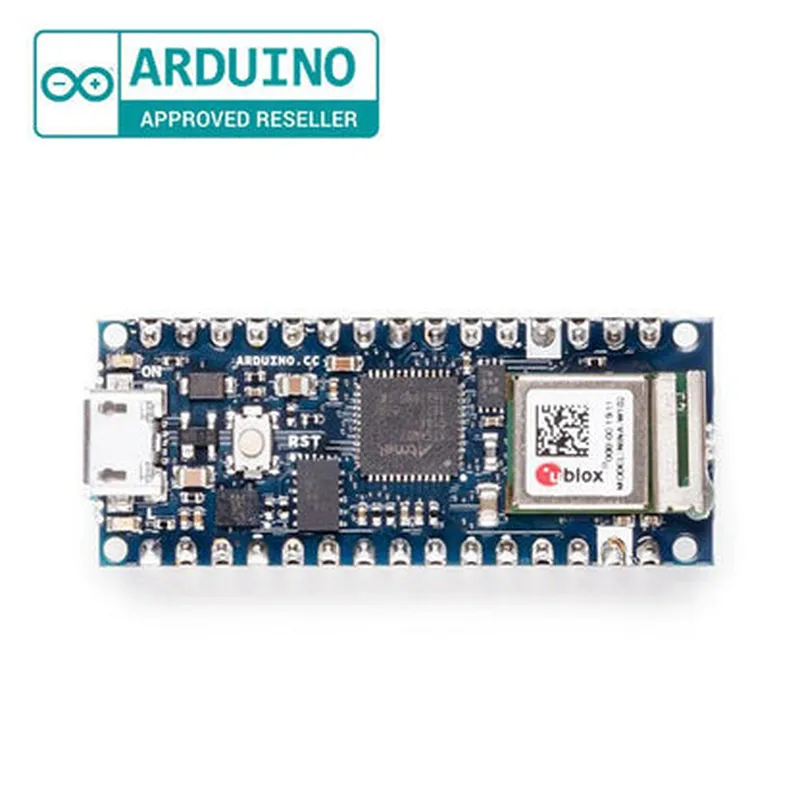
Arduino Nano 33 IOT Headers
The Arduino Nano 33 IOT Headers is a compact and versatile IoT enabled microcontroller board, which is an extension of the popular Arduino Nano family. This board is designed to provide a robust and reliable platform for building a wide range of IoT projects, from simple sensors to complex and connected devices.
The Arduino Nano 33 IOT Headers is a microcontroller board that combines the functionality of a microcontroller, Wi-Fi connectivity, and a range of peripherals to enable the development of IoT projects. The board is equipped with a powerful microcontroller, which can be programmed using the Arduino Integrated Development Environment (IDE) to read data from sensors, interact with the physical world, and communicate with the internet.
Microchip ATSAMD21G18 32-bit Cortex-M0+ processor
256KB Flash memory
32KB SRAM
4KB EEPROM
Wi-Fi module (IEEE 802.11b/g/n) with on-board antenna
Supports Wi-Fi Direct and soft-AP modes
Bluetooth 5.0 and Bluetooth Low Energy (BLE) capabilities
14 Digital I/O pins (6 PWM outputs)
8 Analog Input pins (12-bit ADC)
2 I2C interfaces
1 SPI interface
1 UART interface
1 USB 2.0 interface (Device mode only)
On-board 5V voltage regulator
10mA (average), 150mA (peak)
2x 15-pin headers (digital and analog pins)
1x UART header (Rx, Tx, GND, VCC)
1x SPI header (SCK, MOSI, MISO, GND, VCC)
1x I2C header (SCL, SDA, GND, VCC)
1x Power header (VIN, 5V, 3.3V, GND)
5V
-20C to +85C
-40C to +125C
FCC and CE certified
RoHS and WEEE compliant
45mm
18mm
5mm
5g
Arduino IDE compatible
Supports C++ and other programming languages
USB programming interface
Bootloader pre-loaded for easy programming
Overall, the Arduino Nano 33 IOT Headers is a powerful and feature-rich microcontroller board that provides a robust platform for building a wide range of IoT projects, from simple sensors to complex and connected devices.
Arduino Nano 33 IoT Headers DocumentationOverviewThe Arduino Nano 33 IoT is a small, powerful, and affordable board that combines the functionality of a microcontroller with the capabilities of an IoT device. The board features a series of headers that provide access to various peripherals, interfaces, and sensors. This documentation will focus on the headers available on the Arduino Nano 33 IoT and provide code examples to demonstrate their usage in different contexts.Headers OverviewThe Arduino Nano 33 IoT features the following headers:Digital Pins: 14 digital pins, including 6 PWM-capable pins, that can be used for general-purpose input/output operations.
Analog Pins: 8 analog pins that can be used for analog-to-digital conversion.
UART: A dedicated UART header for serial communication.
SPI: A dedicated SPI header for Serial Peripheral Interface communication.
I2C: A dedicated I2C header for Inter-Integrated Circuit communication.
JTAG: A dedicated JTAG header for debugging and programming.
Power: A power header that provides access to the board's power supply.
Reset: A reset button that can be used to reset the board.Code Examples### Example 1: Reading Analog ValuesIn this example, we will use the analog pins to read values from a potentiometer and display them on the serial monitor.```c++
const int analogPin = A0; // Choose an analog pinvoid setup() {
Serial.begin(9600);
}void loop() {
int sensorValue = analogRead(analogPin);
Serial.print("Analog value: ");
Serial.println(sensorValue);
delay(100);
}
```
### Example 2: Using I2C CommunicationIn this example, we will use the I2C header to communicate with an I2C sensor, such as an accelerometer.```c++
#include <Wire.h>const int accelerometerAddress = 0x1D; // Address of the accelerometervoid setup() {
Wire.begin(); // Initialize I2C communication
}void loop() {
Wire.beginTransmission(accelerometerAddress);
Wire.write(0x00); // Select the first register
Wire.endTransmission();Wire.requestFrom(accelerometerAddress, 6); // Read 6 bytes from the accelerometer
int x = Wire.read() << 8 | Wire.read();
int y = Wire.read() << 8 | Wire.read();
int z = Wire.read() << 8 | Wire.read();Serial.print("Acceleration (x, y, z): ");
Serial.print(x);
Serial.print(", ");
Serial.print(y);
Serial.print(", ");
Serial.println(z);delay(100);
}
```### Example 3: Sending Data over UARTIn this example, we will use the UART header to send data to a serial device, such as a serial monitor.```c++
void setup() {
Serial.begin(9600); // Initialize UART communication
}void loop() {
Serial.print("Hello, world! ");
Serial.println(millis());
delay(1000);
}
```These examples demonstrate the versatility of the Arduino Nano 33 IoT headers and their potential applications in various IoT projects.