AC/DC voltage measurements up to 1000V with an accuracy of 0.5%


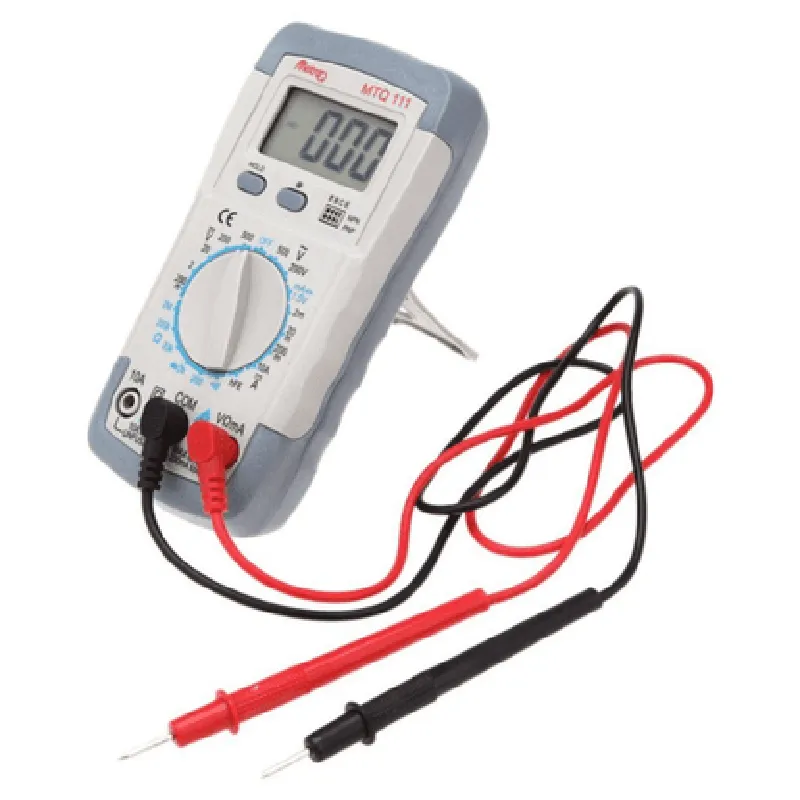
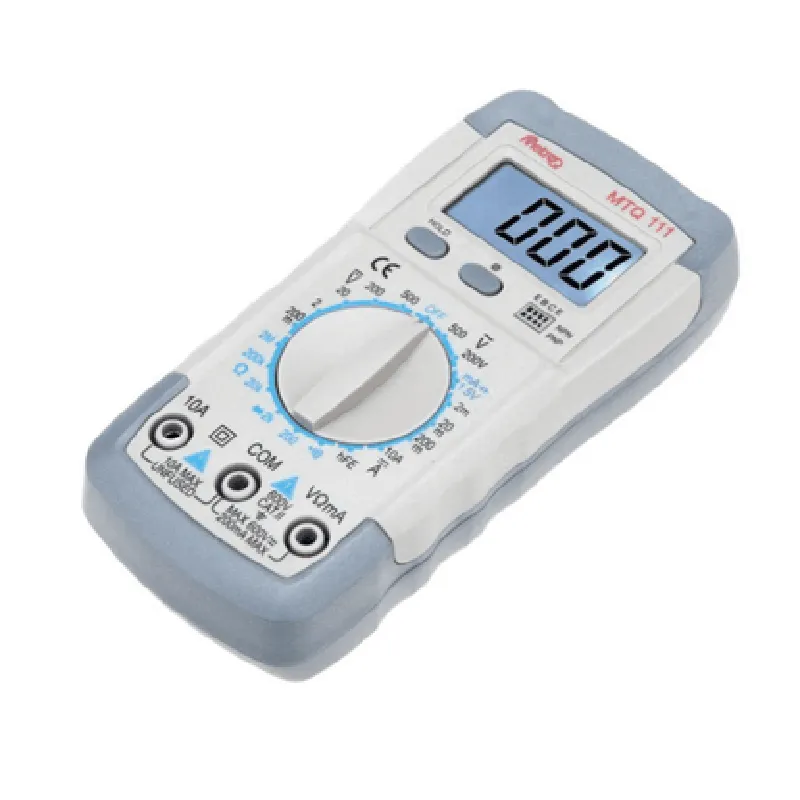
AC/DC voltage measurements up to 1000V with an accuracy of 0.5%
AC/DC current measurements up to 10A with an accuracy of 1%
Resistance measurements up to 40M with an accuracy of 0.5%
Continuity testing with an audible beep
Diode voltage drop testing
Capacitance measurements up to 40mF with an accuracy of 2%
Frequency measurements up to 100kHz with an accuracy of 0.1%
Key Features
Technical Specifications
0C to 40C (32F to 104F)
-20C to 60C (-4F to 140F)
Up to 80% relative humidity
9V battery (included)
143 x 72 x 35mm (5.6 x 2.8 x 1.4 inches)
Approximately 250g (8.8 oz)
Certifications and Compliance
Compliant with EU health, safety, and environmental protection standards
Compliant with EU Restriction of Hazardous Substances regulation
Compliant with US Federal Communications Commission regulations
Warranty and Support
1-year limited warranty
Dedicated customer support team available for technical inquiries and assistance
Packaging and Accessories
MetroQ MTQ-111 Digital Multimeter
Set of Probes (TP-A and TP-B)
9V Battery
User Manual
Carrying Case
MetroQ MTQ-111 Digital Multimeter With Probes DocumentationOverviewThe MetroQ MTQ-111 is a digital multimeter with probes, designed for measuring various electrical parameters such as voltage, current, resistance, and continuity. It is a versatile tool for professionals and hobbyists alike, suitable for a wide range of applications, from electronics engineering to DIY projects.Technical SpecificationsMeasurement ranges:
+ Voltage: 0-1000V AC/DC
+ Current: 0-10A AC/DC
+ Resistance: 0-20M
+ Continuity: Beep mode for low resistance indication
Accuracy: 0.5% for voltage and current measurements, 1% for resistance measurements
Sampling rate: Up to 3 readings per second
Power supply: 9V battery (included)
Operating temperature: 0C to 40C (32F to 104F)Interfacing and ProgrammingThe MetroQ MTQ-111 can be interfaced with microcontrollers and computers using various communication protocols. Here, we will demonstrate how to use the multimeter with an Arduino Uno board and a Python script.Example 1: Basic Voltage Measurement with ArduinoConnect the multimeter's voltage probe to the Arduino Uno's analog input pin (A0) and the multimeter's COM pin to the Arduino's ground pin.```c++
const int voltagePin = A0; // Voltage probe connected to A0void setup() {
Serial.begin(9600);
}void loop() {
int voltageReading = analogRead(voltagePin);
float voltage = (voltageReading 5.0) / 1023.0; // Convert ADC value to voltage
Serial.print("Voltage: ");
Serial.print(voltage);
Serial.println(" V");
delay(1000);
}
```Example 2: Resistance Measurement with PythonConnect the multimeter's resistance probe to the computer's USB port using a USB-TTL serial adapter. Install the `pyserial` library and use the following Python script to read resistance measurements.```python
import serial
import time# Open the serial port
ser = serial.Serial('COM3', 9600, timeout=1) # Replace COM3 with your serial portwhile True:
# Send command to multimeter to take a resistance measurement
ser.write(b'MEAS:RES
')
time.sleep(0.5)# Read measurement response
response = ser.readline().decode('utf-8')
resistance = float(response.split(':')[1].strip())
print(f"Resistance: {resistance:.2f} k")# Wait 1 second before taking the next measurement
time.sleep(1)
```Example 3: Continuity Testing with MicroPython (ESP32/ESP8266)Connect the multimeter's continuity probe to the ESP32/ESP8266 board's digital pin (D0). Use the following MicroPython script to detect continuity.```python
import machine# Initialize digital pin as input
continuum_probe = machine.Pin(0, machine.Pin.IN)while True:
if continuum_probe.value() == 0:
print("Continuity detected!")
else:
print("No continuity detected.")
time.sleep(0.5)
```Notes and PrecautionsAlways follow proper safety procedures when working with electrical circuits and measurements.
Ensure the multimeter is set to the correct measurement range and function before taking readings.
Use the provided probes and leads to avoid damaging the multimeter or the device under test.By following these examples and guidelines, you can effectively utilize the MetroQ MTQ-111 digital multimeter with probes in your IoT projects and development.