Digital (TTL or CMOS compatible)


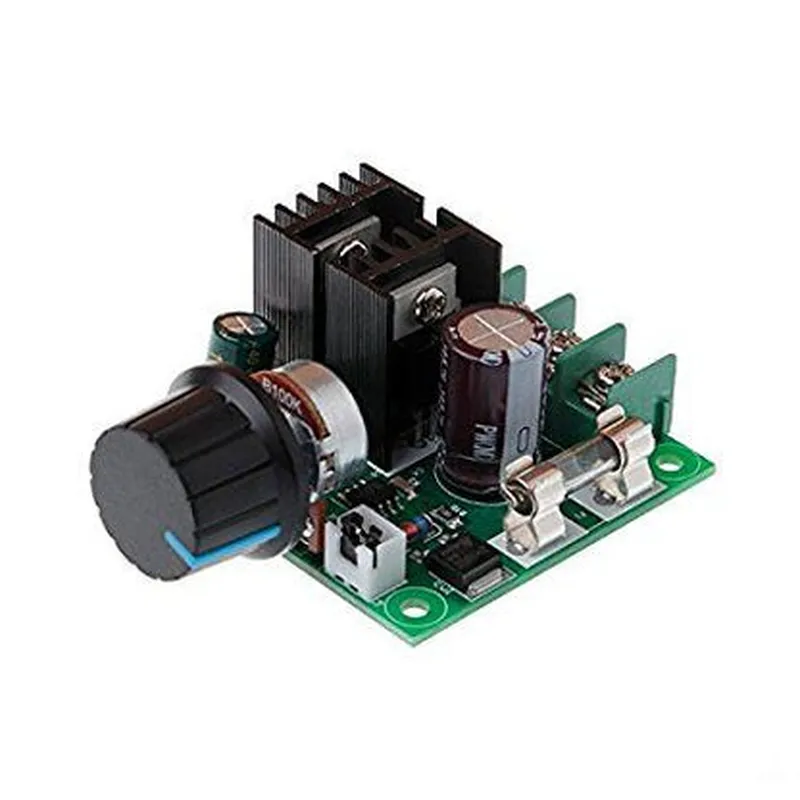
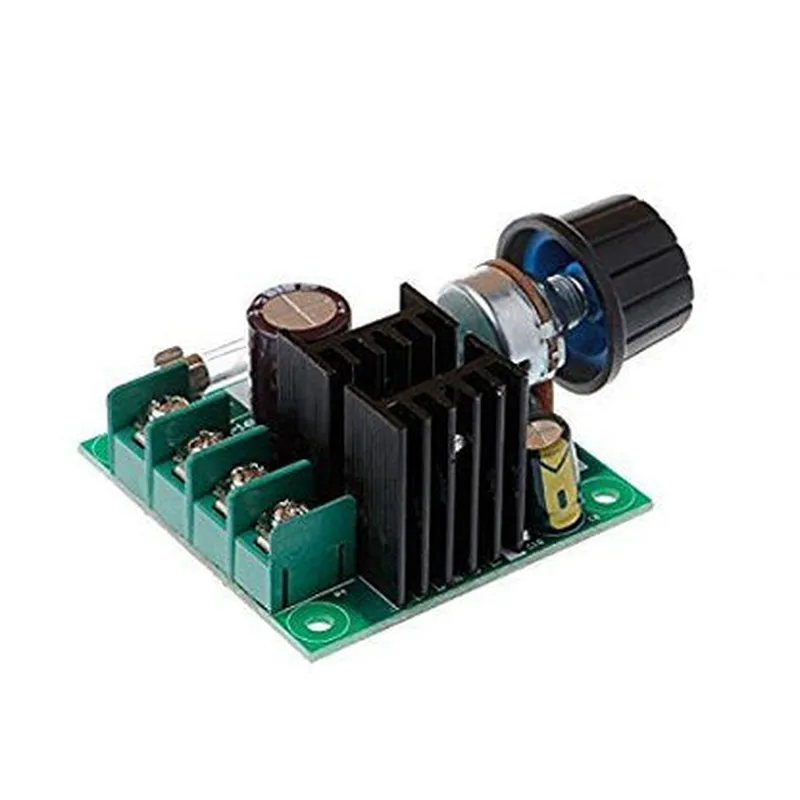
Digital (TTL or CMOS compatible)
3.3V to 5V (dependent on specific model)
Same as input voltage
Up to 2A (dependent on specific model)
1-20 kHz (dependent on specific model)
0-100%
-20C to 70C
Varies depending on specific model (e.g., 15mm x 20mm x 5mm)
Applications
| The PWM DC Motor Speed Controller is ideal for use in a wide range of applications, including |
Robotics and autonomous systems
Industrial automation and control systems
IoT projects and smart home devices
Automotive systems and accessories
Medical devices and equipment
Aerospace and defense systems
Conclusion
The PWM DC Motor Speed Controller is a versatile and reliable component for regulating the speed of DC motors in various applications. Its compact design, adjustable speed range, and built-in protection features make it an ideal choice for designers and engineers requiring precise motor speed control.
PWM DC Motor Speed ControllerOverviewThe PWM DC Motor Speed Controller is a versatile component designed to control the speed of DC motors using Pulse Width Modulation (PWM) techniques. This component is ideal for applications requiring precise motor speed control, such as robotics, drones, and automation systems.Technical SpecificationsInput Voltage: 5V to 24V DC
Output Current: Up to 2A continuous, 5A peak
PWM Frequency: 20Hz to 20kHz
Duty Cycle Resolution: 8-bit (256 steps)PinoutVCC: Power supply input (5V to 24V DC)
GND: Ground connection
IN1: PWM input signal
OUT1: Motor output (positive)
OUT2: Motor output (negative)Code Examples### Example 1: Simple Motor Speed Control using ArduinoIn this example, we'll demonstrate how to control the speed of a DC motor using an Arduino board.
```c
const int pwmPin = 9; // PWM output pin on Arduino
const int motorDirectionPin = 2; // Motor direction control pin
const int motorSpeedPin = 3; // Motor speed control pin (PWM DC Motor Speed Controller)void setup() {
pinMode(pwmPin, OUTPUT);
pinMode(motorDirectionPin, OUTPUT);
pinMode(motorSpeedPin, OUTPUT);
}void loop() {
// Set motor direction
digitalWrite(motorDirectionPin, HIGH);// Set motor speed (0-255)
int motorSpeed = 128; // 50% duty cycle (medium speed)
analogWrite(pwmPin, motorSpeed);delay(1000); // Run motor at medium speed for 1 second// Increase motor speed
motorSpeed = 255; // 100% duty cycle (maximum speed)
analogWrite(pwmPin, motorSpeed);delay(1000); // Run motor at maximum speed for 1 second
}
```
### Example 2: Motor Speed Control with Raspberry Pi (Python)In this example, we'll demonstrate how to control the speed of a DC motor using a Raspberry Pi and Python.
```python
import RPi.GPIO as GPIO
import time# Set up GPIO mode
GPIO.setmode(GPIO.BCM)# Define PWM output pin
pwm_pin = 18# Define motor direction control pin
motor_direction_pin = 23# Set up PWM output pin as output
GPIO.setup(pwm_pin, GPIO.OUT)# Set up motor direction control pin as output
GPIO.setup(motor_direction_pin, GPIO.OUT)# Create a PWM object with a frequency of 50Hz
pwm = GPIO.PWM(pwm_pin, 50)try:
while True:
# Set motor direction
GPIO.output(motor_direction_pin, GPIO.HIGH)# Set motor speed (0-100)
motor_speed = 50 # 50% duty cycle (medium speed)
pwm.start(motor_speed)time.sleep(1) # Run motor at medium speed for 1 second# Increase motor speed
motor_speed = 100 # 100% duty cycle (maximum speed)
pwm.ChangeDutyCycle(motor_speed)time.sleep(1) # Run motor at maximum speed for 1 secondexcept KeyboardInterrupt:
# Clean up GPIO resources
pwm.stop()
GPIO.cleanup()
```
These code examples demonstrate how to use the PWM DC Motor Speed Controller with microcontrollers and single-board computers. You can adjust the duty cycle and frequency to achieve the desired motor speed and performance in your specific application.