Single Shaft BO Motor


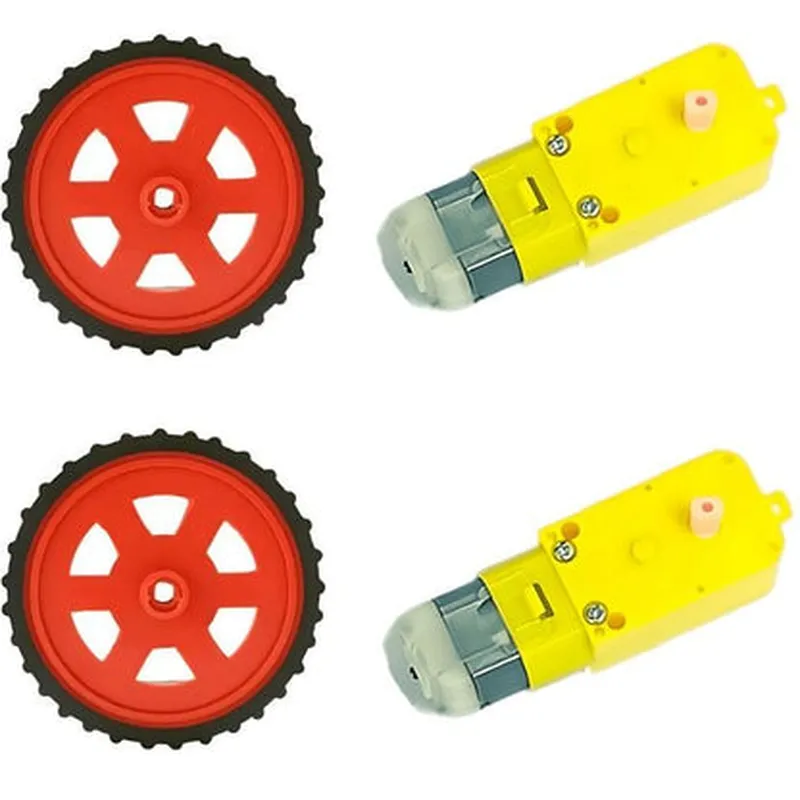
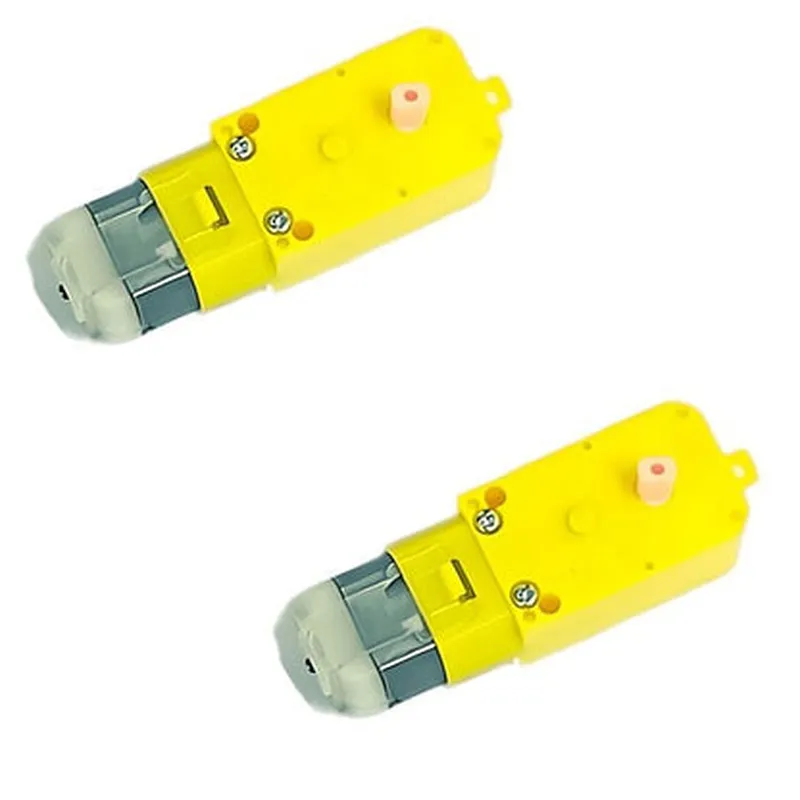
Single Shaft BO Motor
100 RPM
[Insert voltage rating]
[Insert current rating]
[Insert wheel diameter]
[Insert wheel width]
[Insert shaft diameter]
[Insert mounting method]
Applications
| The Red BO Motor Wheel +100 RPM Single Shaft BO Motor is suitable for a wide range of IoT and robotic applications, including |
Robotics and robotic platforms
Autonomous vehicles and drones
Mechatronic systems and automation projects
IoT devices and sensor platforms
Industrial automation and control systems
Conclusion
The Red BO Motor Wheel +100 RPM Single Shaft BO Motor is a high-performance component designed to provide reliable and efficient mobility in various IoT and robotic applications. With its robust construction, compact design, and easy mounting system, this component is an ideal choice for building robots, autonomous vehicles, and other mechatronic systems.
Red BO Motor Wheel +100 RPM Single Shaft BO Motor - Set of 2OverviewThe Red BO Motor Wheel +100 RPM Single Shaft BO Motor is a high-quality motor wheel set designed for robotics, automation, and IoT projects. This set of two motors provides a reliable and efficient solution for applications requiring precise motion control. Each motor features a single shaft, making it ideal for applications where space is limited.Technical SpecificationsMotor Type: BO Motor
RPM: 100 RPM
Shaft Type: Single Shaft
Motor Wheel Material: Red Plastic
Power Supply: 3-6V DC
Current Consumption: 100-200mA
Torque: 1.5 kg.cm
Operating Temperature: -20C to 60CExamples and Code SnippetsHere are a few examples of how to use the Red BO Motor Wheel +100 RPM Single Shaft BO Motor in different contexts:Example 1: Arduino Robot CarIn this example, we'll demonstrate how to control the motor wheels using an Arduino Uno board. We'll create a simple robot car that moves forward and backward using the motors.Hardware Requirements:Arduino Uno board
Red BO Motor Wheel +100 RPM Single Shaft BO Motor (Set of 2)
L298N Motor Driver IC
Breadboard and jumper wiresCode:
```c
const int leftMotorForward = 2;
const int leftMotorBackward = 3;
const int rightMotorForward = 4;
const int rightMotorBackward = 5;void setup() {
pinMode(leftMotorForward, OUTPUT);
pinMode(leftMotorBackward, OUTPUT);
pinMode(rightMotorForward, OUTPUT);
pinMode(rightMotorBackward, OUTPUT);
}void loop() {
// Move forward
digitalWrite(leftMotorForward, HIGH);
digitalWrite(rightMotorForward, HIGH);
delay(2000);
// Stop
digitalWrite(leftMotorForward, LOW);
digitalWrite(rightMotorForward, LOW);
delay(1000);
// Move backward
digitalWrite(leftMotorBackward, HIGH);
digitalWrite(rightMotorBackward, HIGH);
delay(2000);
// Stop
digitalWrite(leftMotorBackward, LOW);
digitalWrite(rightMotorBackward, LOW);
delay(1000);
}
```
Example 2: Raspberry Pi Robot ArmIn this example, we'll demonstrate how to control the motor wheels using a Raspberry Pi board. We'll create a simple robot arm that moves its joints using the motors.Hardware Requirements:Raspberry Pi board
Red BO Motor Wheel +100 RPM Single Shaft BO Motor (Set of 2)
L293D Motor Driver IC
Breadboard and jumper wiresCode:
```python
import RPi.GPIO as GPIO
import timeGPIO.setmode(GPIO.BCM)leftMotorForward = 17
leftMotorBackward = 23
rightMotorForward = 24
rightMotorBackward = 25GPIO.setup(leftMotorForward, GPIO.OUT)
GPIO.setup(leftMotorBackward, GPIO.OUT)
GPIO.setup(rightMotorForward, GPIO.OUT)
GPIO.setup(rightMotorBackward, GPIO.OUT)while True:
# Move joint 1
GPIO.output(leftMotorForward, GPIO.HIGH)
time.sleep(2)
GPIO.output(leftMotorForward, GPIO.LOW)
time.sleep(1)
# Move joint 2
GPIO.output(rightMotorForward, GPIO.HIGH)
time.sleep(2)
GPIO.output(rightMotorForward, GPIO.LOW)
time.sleep(1)
```
These examples demonstrate the basic usage of the Red BO Motor Wheel +100 RPM Single Shaft BO Motor in different contexts. You can modify the code to suit your specific project requirements.