Raspberry Pi Official Beginner's Guide


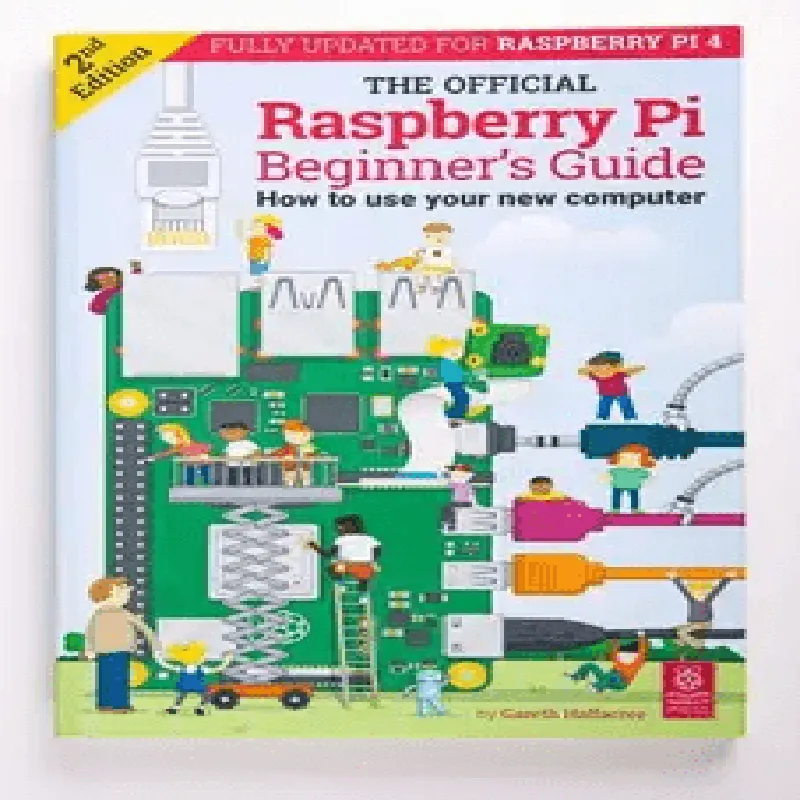
Raspberry Pi Official Beginner's Guide
The Raspberry Pi Official Beginner's Guide is a comprehensive guidebook designed to help individuals, especially beginners, get started with the Raspberry Pi single-board computer. This guide provides a step-by-step introduction to the Raspberry Pi, covering its functionalities, features, and applications.
| The Raspberry Pi Official Beginner's Guide serves as a starting point for anyone looking to explore the world of Raspberry Pi and Internet of Things (IoT) development. The guidebook covers the following topics |
An overview of the Raspberry Pi, its history, and its capabilities.
A step-by-step guide on how to set up the Raspberry Pi, including installing the operating system, configuring the device, and connecting peripherals.
An introduction to programming the Raspberry Pi using Python, Scratch, and other programming languages.
Examples of projects and applications that can be built using the Raspberry Pi, such as home automation, robotics, and media centers.
| The Raspberry Pi Official Beginner's Guide offers the following key features |
The guidebook provides easy-to-follow instructions, making it accessible to beginners and those new to programming and IoT development.
| Step-by-step tutorials | The guide includes hands-on tutorials that help readers practice and reinforce their learning. |
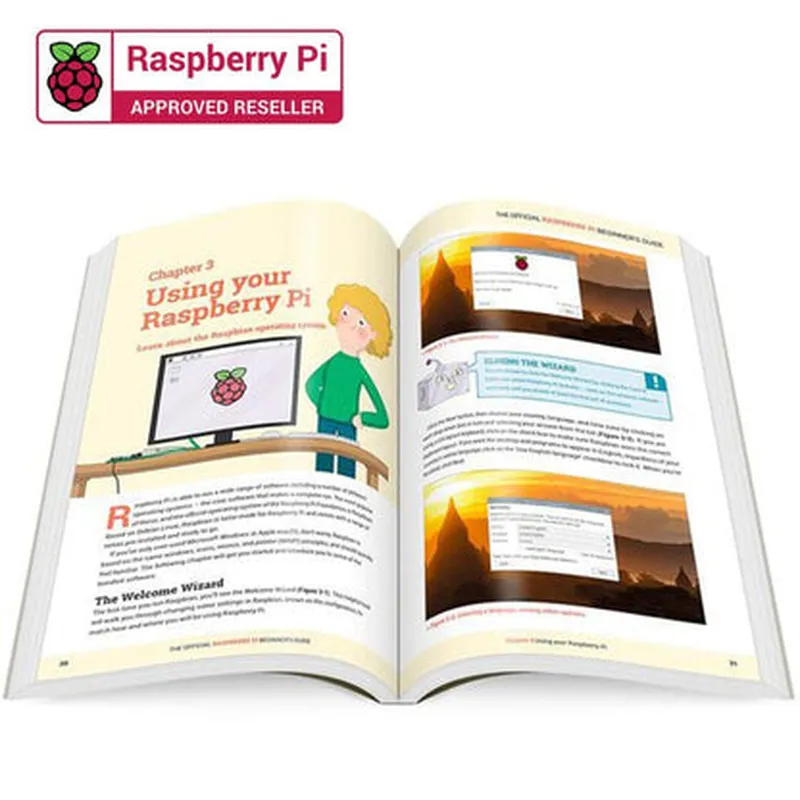
The guidebook features colorful illustrations and images that help explain complex concepts and make the learning process more engaging.
| Real-world projects | The guide includes real-world projects and examples that demonstrate the potential of the Raspberry Pi in various applications. |
The guidebook provides access to online resources, including videos, tutorials, and forums, where readers can further their learning and connect with the Raspberry Pi community.
Paperback or digital download (PDF, EPUB, MOBI)
approximately 200-250 pages
English (translations available in multiple languages)
Beginner-friendly, suitable for individuals with no prior programming or IoT experience
Compatible with all Raspberry Pi models, including Raspberry Pi 4, Raspberry Pi 3, and Raspberry Pi Zero
| The Raspberry Pi Official Beginner's Guide is designed for |
Beginners looking to start their IoT and programming journey
Hobbyists interested in building projects using the Raspberry Pi
Students and educators seeking to learn and teach IoT development and programming concepts
Professionals looking to explore the capabilities of the Raspberry Pi in their work or projects
| The Raspberry Pi Official Beginner's Guide is accompanied by additional resources, including |
Online tutorial videos
Interactive coding exercises
Project templates and code samples
Access to the Raspberry Pi community forum and support resources
Raspberry Pi Official Beginner's GuideOverviewThe Raspberry Pi Official Beginner's Guide is a comprehensive resource for getting started with the Raspberry Pi, a popular single-board computer ideal for IoT projects, robotics, and learning programming. This guide provides a step-by-step introduction to the Raspberry Pi, its components, and basic programming concepts.Hardware ComponentsRaspberry Pi board (various models available, e.g., Raspberry Pi 4, Raspberry Pi 3, etc.)
Power supply (micro-USB or USB-C, depending on the model)
HDMI cable
Keyboard and mouse
Internet connection
MicroSD card (for operating system and storage)Software ComponentsRaspberry Pi OS (formerly Raspbian)
Python programming language
GPIO (General-Purpose Input/Output) library
Optional: other operating systems, such as Ubuntu, Windows 10 IoT EnterpriseProgramming the Raspberry Pi### Example 1: Blinking LED using Python and GPIOThis example demonstrates how to use the Raspberry Pi's GPIO pins to control an LED.Hardware RequirementsRaspberry Pi
Breadboard
LED
1k resistor
Jumper wiresSoftware RequirementsRaspberry Pi OS
Python 3.xCode
```python
import RPi.GPIO as GPIO
import time# Set up GPIO mode
GPIO.setmode(GPIO.BCM)# Define the GPIO pin for the LED
LED_PIN = 17# Set up the LED pin as an output
GPIO.setup(LED_PIN, GPIO.OUT)try:
while True:
# Turn the LED on
GPIO.output(LED_PIN, GPIO.HIGH)
time.sleep(1)
# Turn the LED off
GPIO.output(LED_PIN, GPIO.LOW)
time.sleep(1)
except KeyboardInterrupt:
# Clean up GPIO on exit
GPIO.cleanup()
```
ExplanationThis code uses the `RPi.GPIO` library to interact with the Raspberry Pi's GPIO pins. It sets up the LED pin as an output, then enters an infinite loop, blinking the LED on and off every second.### Example 2: Reading Temperature and Humidity using DHT11 SensorThis example demonstrates how to use the Raspberry Pi to read temperature and humidity data from a DHT11 sensor.Hardware RequirementsRaspberry Pi
DHT11 temperature and humidity sensor
Breadboard
Jumper wiresSoftware RequirementsRaspberry Pi OS
Python 3.x
`dht11` library (install using `pip install dht11`)Code
```python
import dht11
import time# Initialize the DHT11 sensor
dht = dht11.DHT11(pin=4) # Pin 4 is used for data communicationwhile True:
# Read temperature and humidity data
result = dht.read()
if result.is_valid():
print(f"Temperature: {result.temperature} C")
print(f"Humidity: {result.humidity} %")
else:
print("Error reading data from sensor")
time.sleep(2)
```
ExplanationThis code uses the `dht11` library to interact with the DHT11 sensor. It sets up the sensor on pin 4, then enters an infinite loop, reading temperature and humidity data every 2 seconds.These examples demonstrate the basics of programming the Raspberry Pi using Python and GPIO. With the Raspberry Pi Official Beginner's Guide, you can explore more advanced topics, such as networking, robotics, and machine learning, and develop complex IoT projects.