Stufin
Home Quick Cart Profile

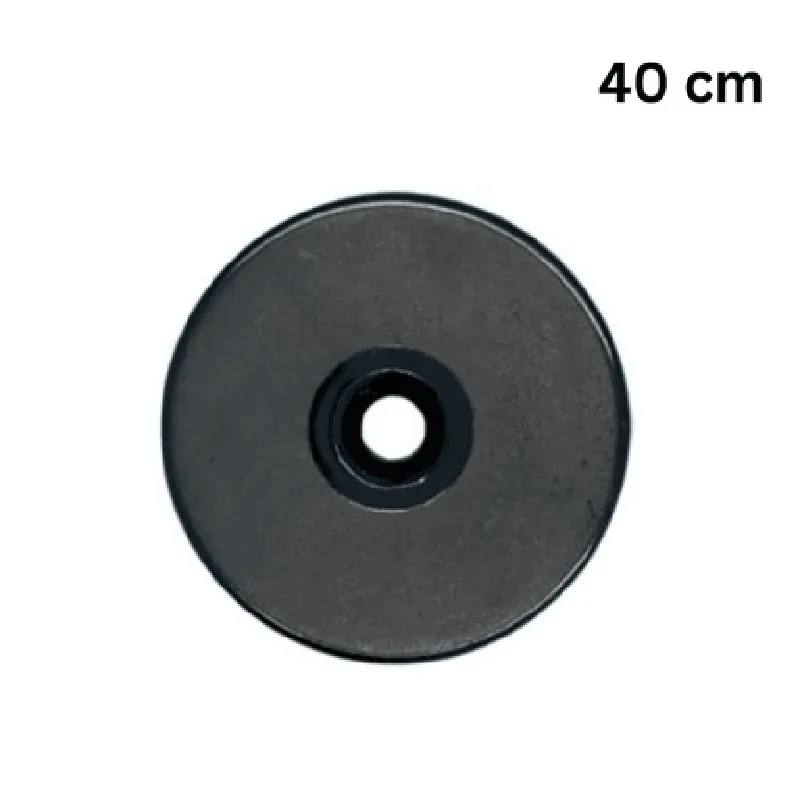
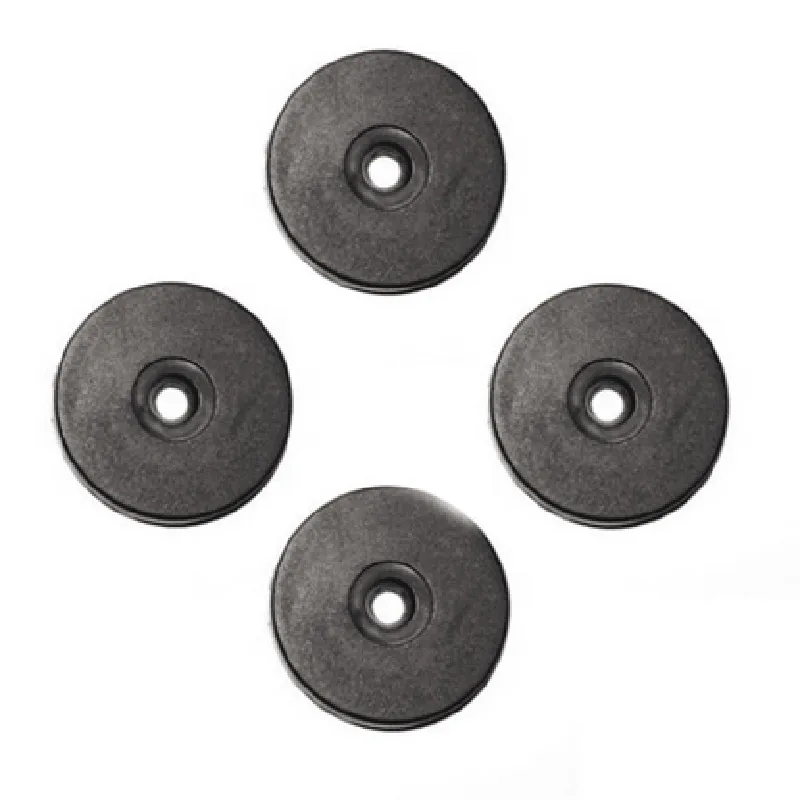
125KHz Waterproof ID Tags RFID ABS Coin with Hole - 40mm

Buy Now on Stufin

Pin Configuration

  • Component Documentation: 125KHz Waterproof ID Tags RFID ABS Coin with Hole - 40mm
  • Overview
  • The 125KHz Waterproof ID Tags RFID ABS Coin with Hole - 40mm is a compact, waterproof RFID tag designed for tracking and identification applications. It features a coin-shaped design with a hole for easy attachment and is constructed from durable ABS material.
  • Pinout Description
  • The RFID tag has a total of 2 pins, which are used to connect the tag to a reader or other interface device. Below is a detailed description of each pin:
  • Pin 1: Antenna
  • Function: Antenna connection for RFID communication
  • Description: This pin is the antenna connection for the RFID tag, which is used to transmit and receive data to/from the reader device.
  • Connection Type: Typically connects to the antenna coil of an RFID reader or interface device.
  • Pin 2: Ground
  • Function: Ground connection for the tag
  • Description: This pin provides a ground connection for the RFID tag, which is necessary for proper operation and noise reduction.
  • Connection Type: Typically connects to the ground pin of an RFID reader or interface device.
  • Connection Structure:
  • To connect the pins, follow this structure:
  • Step 1: Identify the Pin 1 (Antenna) and Pin 2 (Ground) on the RFID tag.
  • Step 2: Connect Pin 1 (Antenna) to the antenna coil of the RFID reader or interface device. Ensure a secure connection using a suitable wire or cable.
  • Step 3: Connect Pin 2 (Ground) to the ground pin of the RFID reader or interface device. Again, ensure a secure connection using a suitable wire or cable.
  • Step 4: Verify that the connections are secure and not damaged.
  • Important Notes:
  • When handling the RFID tag, avoid touching the pins or antenna to prevent damage or degradation.
  • Ensure the connections are made in a clean, dry environment to prevent moisture or corrosion damage.
  • Use suitable wiring or cables to connect the pins to the reader or interface device, taking into account the operating frequency and power requirements.
  • By following these instructions, you can properly connect the pins of the 125KHz Waterproof ID Tags RFID ABS Coin with Hole - 40mm to a reader or interface device, enabling reliable RFID communication and identification.

Code Examples

Component Documentation: 125KHz Waterproof ID Tags RFID ABS Coin with Hole - 40mm
Overview
The 125KHz Waterproof ID Tags RFID ABS Coin with Hole - 40mm is a compact, rugged, and waterproof RFID tag designed for tracking and identification applications. This tag features a 40mm diameter ABS coin-shaped design with a hole for easy attachment to objects. It operates at a frequency of 125KHz and is compatible with most standard RFID readers.
Technical Specifications
Frequency: 125KHz
 Dimension: 40mm (Diameter) x 3.5mm (Thickness)
 Material: ABS
 Water Resistance: IP67
 Operating Temperature: -20C to 80C
 Storage Temperature: -40C to 120C
 Read Range: Up to 10cm (depending on the reader)
Code Examples
Example 1: Arduino Uno with MFRC522 Library
This example demonstrates how to read the RFID tag using an Arduino Uno board and the MFRC522 library.
```cpp
#include <MFRC522.h>
// Create an instance of the MFRC522 library
MFRC522 mfrc522(10, 9); //(SS_PIN, RST_PIN)
void setup() {
  Serial.begin(9600); // Initialize serial communication
  SPI.begin();        // Initialize SPI communication
  mfrc522.PCD_Init(); // Initialize the MFRC522 module
}
void loop() {
  // Look for new cards
  if (mfrc522.PICC_IsNewCardPresent()) {
    if (mfrc522.PICC_ReadCardSerial()) {
      // Show some details of the RFID tag
      Serial.print("UID tag :");
      String content = "";
      byte letter;
      for (byte i = 0; i < mfrc522.uid.size; i++) {
        Serial.print(mfrc522.uid.uidByte[i] < 0x10 ? " 0" : " ");
        Serial.print(mfrc522.uid.uidByte[i], HEX);
        content.concat(String(mfrc522.uid.uidByte[i] < 0x10 ? " 0" : " "));
        content.concat(String(mfrc522.uid.uidByte[i], HEX));
      }
      Serial.println();
      Serial.print("Message : ");
      content.toUpperCase();
      Serial.println(content.substring(1));
    }
  }
  delay(500); // Wait 0.5 seconds
}
```
Example 2: Raspberry Pi with RPi.GPIO and python-mfrc522 library
This example demonstrates how to read the RFID tag using a Raspberry Pi board with the RPi.GPIO and python-mfrc522 libraries.
```python
import RPi.GPIO as GPIO
from mfrc522 import SimpleMFRC522
reader = SimpleMFRC522()
try:
    while True:
        id, text = reader.read()
        print("ID: %s" % id)
        print("Text: %s" % text)
except KeyboardInterrupt:
    GPIO.cleanup()
```
Note: Make sure to install the necessary libraries and import them correctly in your code. Also, ensure that the RFID reader module is properly connected to the microcontroller or SBC (Single Board Computer) before running the code.