5V or 3.3V ( Arduino board output) or 6-12V (external power supply)


5V or 3.3V ( Arduino board output) or 6-12V (external power supply)
50 Hz (standard servo motor frequency)
16-bit (65536 steps)
Standard 3-pin servo motors (up to 16 channels)
69mm x 53mm (2.7" x 2.1")
Applications
| The Arduino 16 Channel PWM Servo Motor Shield is an ideal solution for a variety of applications, including |
Robotics and automation projects
CNC machines and 3D printers
Camera and audio equipment control
Home automation systems
Industrial control systems
Conclusion
The Arduino 16 Channel PWM Servo Motor Shield is a powerful and versatile expansion board that enables users to control a large number of servo motors with precision and ease. Its compact design, power supply options, and on-board voltage regulator make it an ideal solution for a wide range of IoT applications.
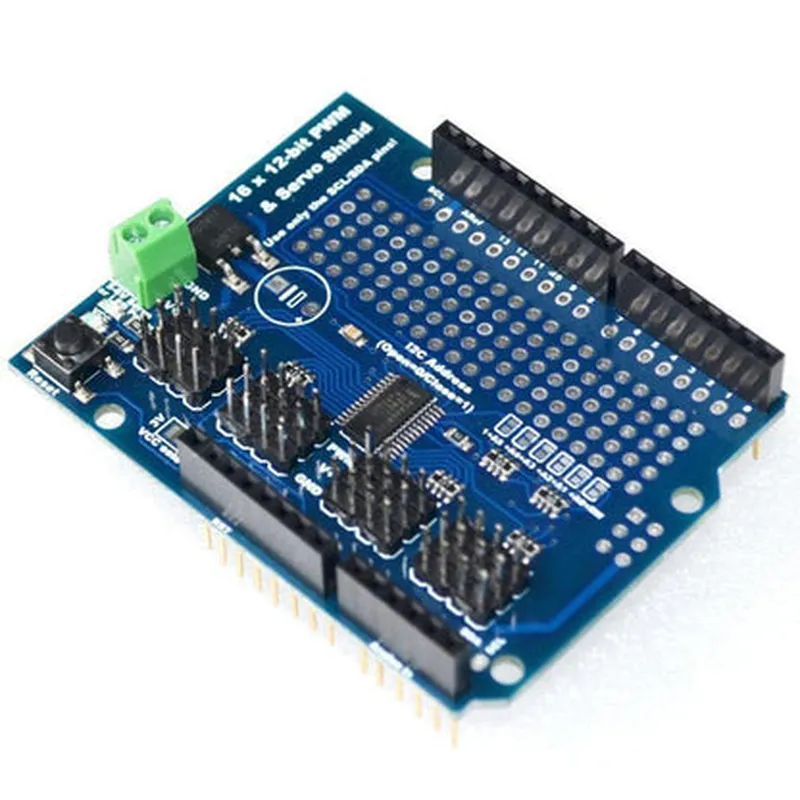
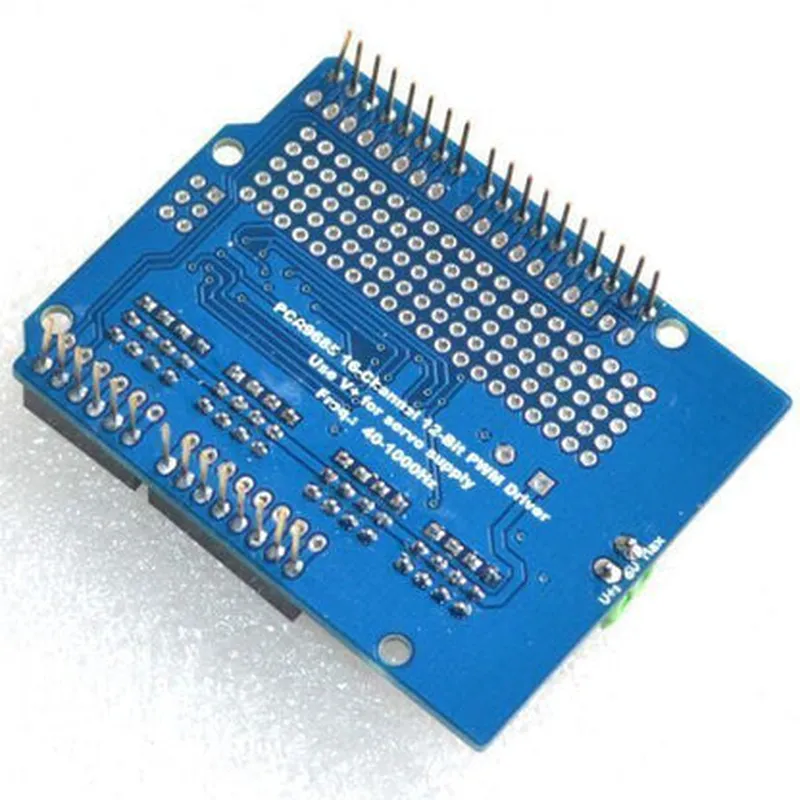
Arduino 16 Channel PWM Servo Motor Shield DocumentationOverviewThe Arduino 16 Channel PWM Servo Motor Shield is a convenient and powerful tool for controlling multiple servo motors using an Arduino board. This shield allows you to connect up to 16 servo motors and control them independently, making it ideal for robotics, animatronics, and other applications that require precision motor control.FeaturesControls up to 16 servo motors
On-board power switch for servo motors
Supply voltage: 5V or 6V (via external power source)
Compatible with most Arduino boardsPinoutsThe shield has two rows of headers, one for connecting to the Arduino board and another for connecting servo motors.Arduino Header:
+ VCC: 5V power from Arduino
+ GND: Ground from Arduino
+ SCL: I2C clock signal
+ SDA: I2C data signal
Servo Header (16 channels):
+ VCC: 5V power for servo motors
+ GND: Ground for servo motors
+ SIG: PWM signal for each servo motorCode Examples### Example 1: Basic Servo ControlThis example demonstrates how to control a single servo motor using the shield. Replace `<servo_channel>` with the desired servo channel number (0-15).
```c++
#include <Servo.h>Servo myServo; // create a Servo objectvoid setup() {
myServo.attach(<servo_channel>); // attach the servo to the specified channel
}void loop() {
myServo.write(0); // set the servo to 0 degrees
delay(1000);
myServo.write(90); // set the servo to 90 degrees
delay(1000);
myServo.write(180); // set the servo to 180 degrees
delay(1000);
}
```
### Example 2: Multiple Servo Control with AnimationThis example demonstrates how to control multiple servo motors and create a simple animation using the shield. Replace `<servo_channel1>`, `<servo_channel2>`, and `<servo_channel3>` with the desired servo channel numbers (0-15).
```c++
#include <Servo.h>Servo servo1, servo2, servo3; // create Servo objects for each channelvoid setup() {
servo1.attach(<servo_channel1>);
servo2.attach(<servo_channel2>);
servo3.attach(<servo_channel3>);
}void loop() {
// animation sequence
for (int i = 0; i <= 180; i++) {
servo1.write(i);
servo2.write(180 - i);
servo3.write(i);
delay(20);
}
for (int i = 180; i >= 0; i--) {
servo1.write(i);
servo2.write(180 - i);
servo3.write(i);
delay(20);
}
}
```
### Example 3: I2C Communication with Multiple ShieldsThis example demonstrates how to control multiple Arduino 16 Channel PWM Servo Motor Shields using I2C communication. Replace `<shield_address1>`, `<shield_address2>`, and `<shield_address3>` with the desired I2C addresses for each shield (0x20-0x27).
```c++
#include <Wire.h>
#include <Servo.h>Servo servo1, servo2, servo3; // create Servo objects for each channel
const int shieldAddress1 = <shield_address1>;
const int shieldAddress2 = <shield_address2>;
const int shieldAddress3 = <shield_address3>;void setup() {
Wire.begin();
servo1.attach(0); // attach servo to channel 0 on shield 1
servo2.attach(0); // attach servo to channel 0 on shield 2
servo3.attach(0); // attach servo to channel 0 on shield 3
}void loop() {
// control servos on each shield
Wire.beginTransmission(shieldAddress1);
servo1.write(90);
Wire.endTransmission();
Wire.beginTransmission(shieldAddress2);
servo2.write(45);
Wire.endTransmission();
Wire.beginTransmission(shieldAddress3);
servo3.write(135);
Wire.endTransmission();
delay(1000);
}
```
Note: In this example, you need to set the I2C address of each shield using jumpers or soldering, according to the shield's documentation.