3-5 blades, depending on the configuration, with a diameter of approximately 12 inches (30 cm)


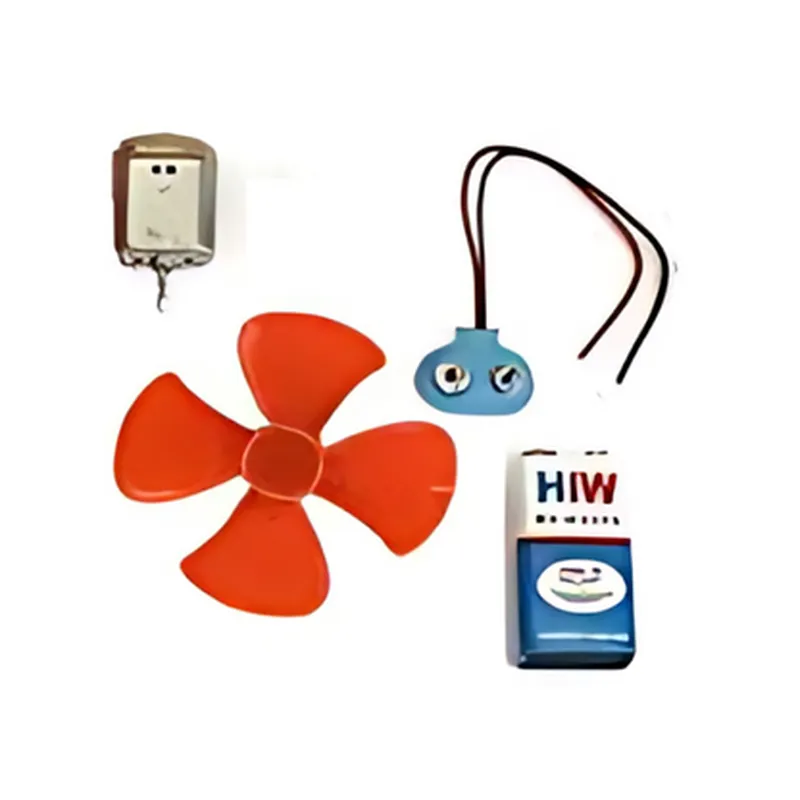
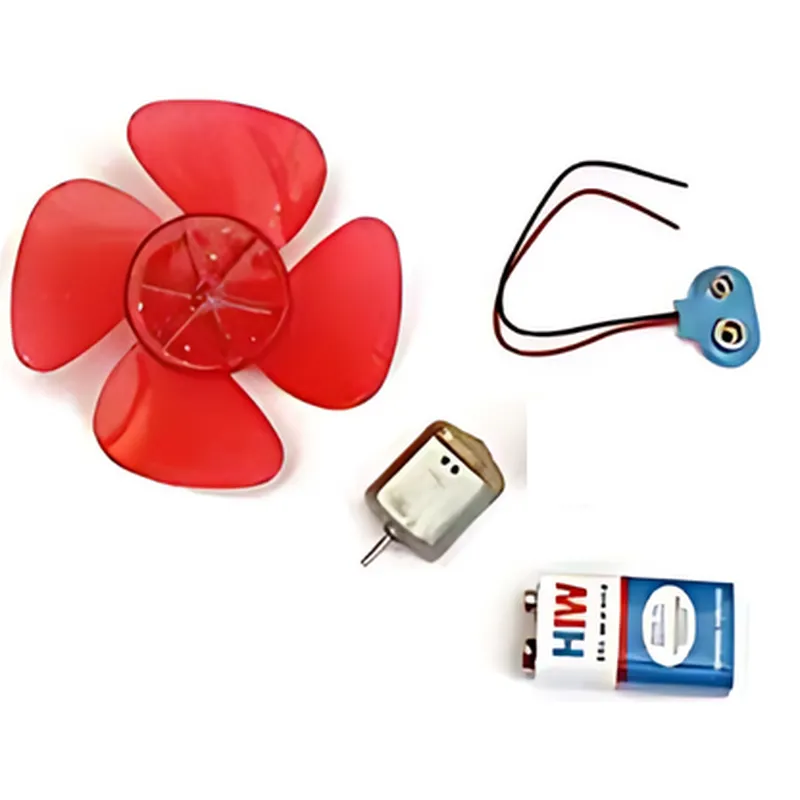
3-5 blades, depending on the configuration, with a diameter of approximately 12 inches (30 cm)
DC generator with a maximum power output of 5V, 1A
Pre-assembled with a diameter of approximately 6 inches (15 cm)
Compatible with surfaces up to 1 inch (2.5 cm) thick
2.5 mm DC connector and 20 AWG wires
Indoor or outdoor operation, with wind speeds up to 10 mph (16 km/h)
Approximately 2 lbs (0.9 kg)
12 inches (30 cm) in diameter, 18 inches (45 cm) in height
Target Audience
Educational institutions (schools, universities)
Hobbyists and enthusiasts
STEM educators and researchers
Renewable energy enthusiasts
Anyone looking to learn about wind energy harvesting and conversion
Windmill DIY Kit DocumentationOverviewThe Windmill DIY Kit is a versatile and easy-to-use IoT component designed for wind energy harvesting and monitoring applications. This kit provides a compact and efficient way to convert wind energy into electrical energy, making it ideal for remote monitoring, IoT projects, and renewable energy systems. The kit includes a wind turbine, DC generator, and a voltage regulator module.Technical SpecificationsWind Turbine:
+ Blade diameter: 15 cm
+ Maximum power output: 5V, 1A
DC Generator:
+ Output voltage: 5V
+ Output current: 1A
Voltage Regulator Module:
+ Input voltage range: 5V - 12V
+ Output voltage: 5V
+ Output current: 1ACode Examples### Example 1: Basic Wind Energy Harvesting with ArduinoIn this example, we'll demonstrate how to use the Windmill DIY Kit with an Arduino board to harvest wind energy and power an LED.Hardware Requirements:Windmill DIY Kit
Arduino Board (e.g., Arduino Uno)
LED
1k resistor
Breadboard and jumper wiresCode:
```c
const int windmillPin = A0; // Analog input pin for windmill output
const int ledPin = 13; // Digital output pin for LEDvoid setup() {
pinMode(windmillPin, INPUT);
pinMode(ledPin, OUTPUT);
}void loop() {
int windmillVoltage = analogRead(windmillPin);
if (windmillVoltage > 500) { // Adjust threshold value based on windmill output
digitalWrite(ledPin, HIGH);
} else {
digitalWrite(ledPin, LOW);
}
delay(100);
}
```
Code Explanation:The code reads the windmill's output voltage using the analogRead() function.
If the voltage is above a certain threshold (500 in this example), the LED is turned on using digitalWrite().### Example 2: IoT-based Wind Speed Monitoring with ESP32 and MQTTIn this example, we'll demonstrate how to use the Windmill DIY Kit with an ESP32 board to monitor wind speed and send data to an MQTT broker.Hardware Requirements:Windmill DIY Kit
ESP32 board
MQTT broker (e.g., Mosquitto)
Wi-Fi connectivityCode:
```c
#include <WiFi.h>
#include <PubSubClient.h>const char ssid = "your_wifi_ssid";
const char password = "your_wifi_password";
const char mqttServer = "your_mqtt_broker_ip";
const char mqttTopic = "wind-speed";WiFiClient espClient;
PubSubClient client(espClient);void setup() {
Serial.begin(115200);
WiFi.begin(ssid, password);
while (WiFi.status() != WL_CONNECTED) {
delay(1000);
Serial.println("Connecting to WiFi...");
}
Serial.println("Connected to WiFi");
client.setServer(mqttServer, 1883);
}void loop() {
int windmillVoltage = analogRead(A0);
float windSpeed = map(windmillVoltage, 0, 1023, 0, 50); // Convert voltage to wind speed (0-50 km/h)
char windSpeedStr[10];
dtostrf(windSpeed, 4, 2, windSpeedStr);
client.publish(mqttTopic, windSpeedStr);
delay(10000); // Send data every 10 seconds
}
```
Code Explanation:The code connects to a Wi-Fi network and sets up an MQTT client.
It reads the windmill's output voltage using analogRead() and converts it to wind speed using the map() function.
The wind speed data is then published to an MQTT topic using the PubSubClient library.These code examples demonstrate the versatility of the Windmill DIY Kit in various IoT applications. By harnessing wind energy and monitoring wind speed, you can create innovative projects that promote sustainable energy and environmental monitoring.