35mm Dualtone Buzzer


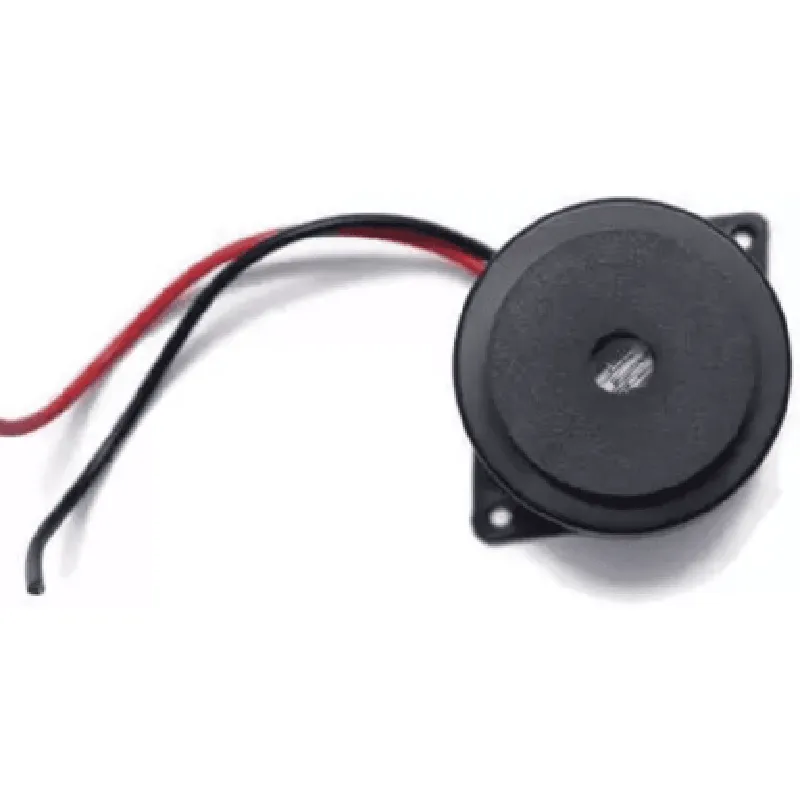
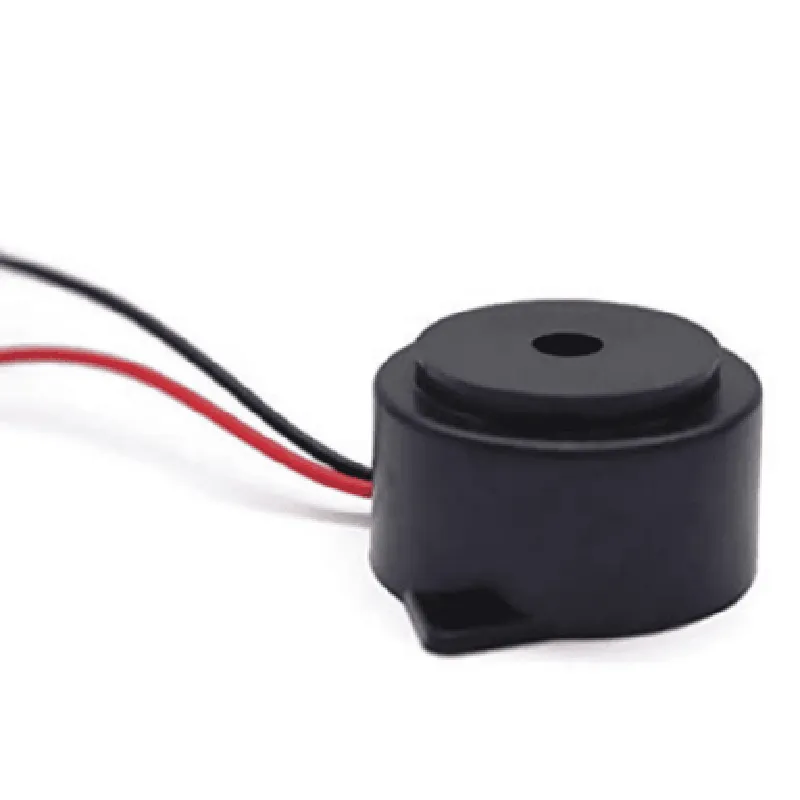
35mm Dualtone Buzzer
The 35mm Dualtone Buzzer is a compact, low-voltage electromagnetic buzzer designed for a wide range of applications in the Internet of Things (IoT) and electronics projects. This component is a versatile and efficient way to generate audible alerts, signals, or notifications in devices such as smart home systems, industrial control systems, medical devices, and consumer electronics.
The 35mm Dualtone Buzzer is an electromagnetic device that converts electrical energy into sound waves. When an electrical signal is applied to the buzzer, the internal magnet and coil interact to produce a audible tone. The buzzer has two distinct tone frequencies, hence the name "Dualtone", allowing for a more varied and expressive notification experience.
3-12V
20-50 mA (dependent on voltage)
2.4 kHz and 4.5 kHz (dual tone)
| Sound Pressure Level (SPL) | Up to 85 dB |
20-50 Ohms
35mm
15mm
Plastic (housing) and Metal (electromagnetic components)
Approximately 10 grams
IoT Devices (smart home, industrial control systems, etc.)
Medical Devices
Consumer Electronics
Security Systems
Industrial Automation
Robotics
The buzzer should be used within the specified operating voltage and current ranges to ensure optimal performance and longevity.
The buzzer should be mounted securely to prevent vibration and noise interference.
The buzzer is not designed for use in high-humidity or high-temperature environments.
35mm Dualtone Buzzer DocumentationOverviewThe 35mm dualtone buzzer is a small, compact component that produces two distinct tones when driven with a DC voltage. It is commonly used in IoT projects to provide audible feedback, alerts, or notifications. This documentation provides a detailed overview of the component, its specifications, and code examples to demonstrate its usage in various contexts.SpecificationsOperating Voltage: 2-5V DC
Operating Current: 10-30mA
Frequency: 2.4kHz (high tone) and 1.2kHz (low tone)
Sound Pressure Level: 85dB (high tone) and 75dB (low tone)
Dimensions: 35mm (diameter) x 12.5mm (height)Connecting the BuzzerThe dualtone buzzer has two terminals: positive (+) and negative (-). Connect the positive terminal to a digital output pin on your microcontroller, and the negative terminal to a ground pin.Code Examples### Example 1: Using the Buzzer with ArduinoIn this example, we'll use an Arduino Uno board to control the dualtone buzzer. We'll connect the buzzer's positive terminal to digital pin 9 and the negative terminal to ground.
```c
const int buzzerPin = 9; // Digital pin 9void setup() {
pinMode(buzzerPin, OUTPUT);
}void loop() {
// Produce a high tone for 500ms
digitalWrite(buzzerPin, HIGH);
delay(500);
// Produce a low tone for 500ms
digitalWrite(buzzerPin, LOW);
delay(500);
// Turn off the buzzer
digitalWrite(buzzerPin, LOW);
delay(1000);
}
```
### Example 2: Using the Buzzer with Raspberry Pi (Python)In this example, we'll use a Raspberry Pi board to control the dualtone buzzer. We'll connect the buzzer's positive terminal to GPIO pin 17 and the negative terminal to ground.
```python
import RPi.GPIO as GPIO
import timeGPIO.setmode(GPIO.BCM)
buzPin = 17GPIO.setup(buzPin, GPIO.OUT)while True:
# Produce a high tone for 500ms
GPIO.output(buzPin, GPIO.HIGH)
time.sleep(0.5)
# Produce a low tone for 500ms
GPIO.output(buzPin, GPIO.LOW)
time.sleep(0.5)
# Turn off the buzzer
GPIO.output(buzPin, GPIO.LOW)
time.sleep(1)
```
### Example 3: Using the Buzzer with ESP32 (MicroPython)In this example, we'll use an ESP32 board to control the dualtone buzzer. We'll connect the buzzer's positive terminal to GPIO pin 25 and the negative terminal to ground.
```python
import machine
import utimebuzPin = machine.Pin(25, machine.Pin.OUT)while True:
# Produce a high tone for 500ms
buzPin.value(1)
utime.sleep_ms(500)
# Produce a low tone for 500ms
buzPin.value(0)
utime.sleep_ms(500)
# Turn off the buzzer
buzPin.value(0)
utime.sleep_ms(1000)
```
These code examples demonstrate how to use the 35mm dualtone buzzer in various contexts. You can modify the code to fit your specific requirements and integrate the buzzer into your IoT project.