4.5V to 24V


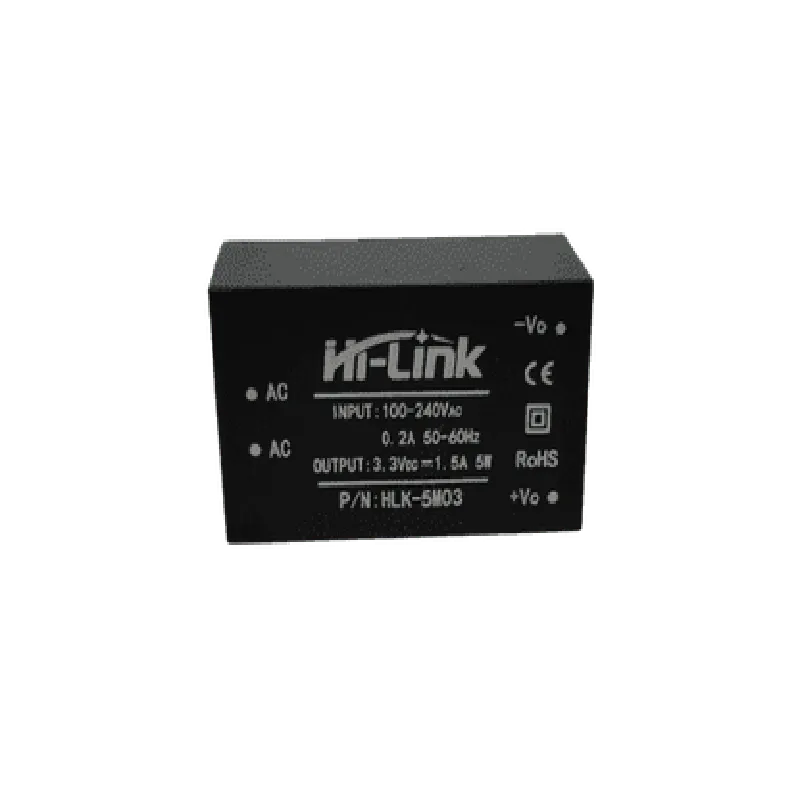
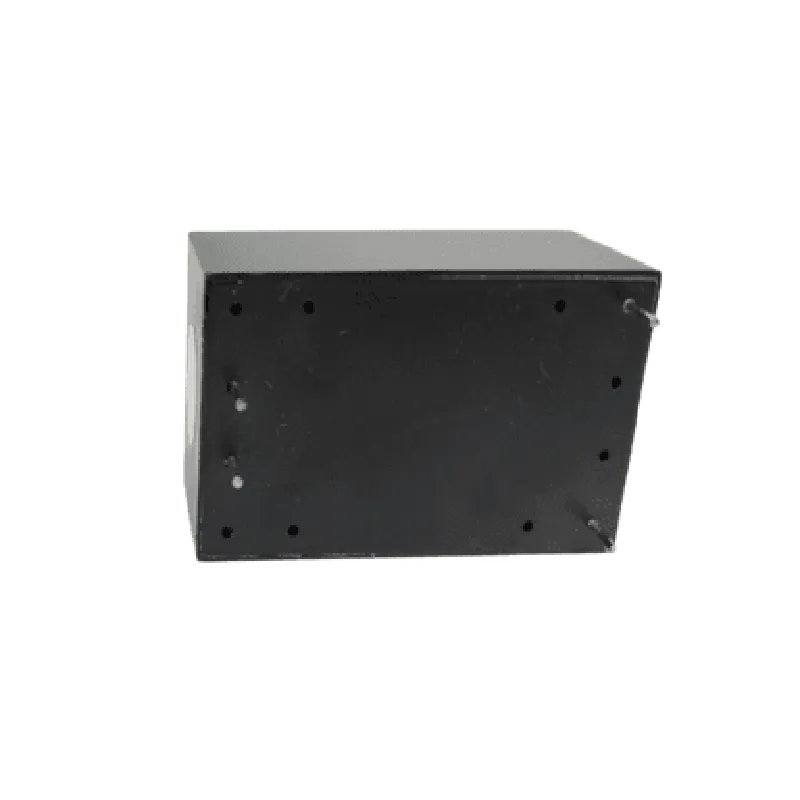
4.5V to 24V
3.3V
1.5A
Up to 95%
1.2V
-40C to 85C
-40C to 125C
25.5mm x 17.5mm x 10mm
6g
Certifications and Compliance
| The Hi-Link 3.3V 1.5A Power Module complies with relevant safety and regulatory standards, including |
RoHS (Restriction of Hazardous Substances) compliant
CE (Conformit Europene) certified
FCC (Federal Communications Commission) compliant
Warranty and Support
| The Hi-Link 3.3V 1.5A Power Module comes with a standard warranty and support package, including |
1-year limited warranty against manufacturing defects
Dedicated technical support team for assistance with design and integration
By providing a stable and efficient power supply, the Hi-Link 3.3V 1.5A Power Module is an ideal choice for a wide range of applications that require a reliable and compact power solution.
Hi-Link 3.3V 1.5A Power Module DocumentationOverviewThe Hi-Link 3.3V 1.5A Power Module is a switching DC power supply module designed for a wide range of IoT applications. It provides a regulated 3.3V output voltage and can supply up to 1.5A of current. The module features a high efficiency of up to 92% and low ripple noise, making it suitable for powering sensitive electronic devices.PinoutThe Hi-Link 3.3V 1.5A Power Module has the following pinout:VIN: Input voltage (4.5-12V)
VOUT: Regulated output voltage (3.3V)
GND: GroundCode Examples### Example 1: Arduino Uno Power SupplyIn this example, we'll use the Hi-Link 3.3V 1.5A Power Module to power an Arduino Uno board.```c
// No code required, simply connect the module to the Arduino Uno
// VIN to Arduino Uno's Vin pin
// GND to Arduino Uno's GND pin
// VOUT to Arduino Uno's 3.3V pin
```### Example 2: ESP8266 Wi-Fi Module Power SupplyIn this example, we'll use the Hi-Link 3.3V 1.5A Power Module to power an ESP8266 Wi-Fi module.```c
// Connect the module to the ESP8266 Wi-Fi module
// VIN to ESP8266's VCC pin
// GND to ESP8266's GND pin
// VOUT to ESP8266's 3.3V pin#include <WiFi.h>void setup() {
Serial.begin(115200);
WiFi.begin("your_wifi_ssid", "your_wifi_password");
while (WiFi.status() != WL_CONNECTED) {
delay(1000);
Serial.println("Connecting to WiFi...");
}
Serial.println("Connected to WiFi");
Serial.println("IP address: ");
Serial.println(WiFi.localIP());
}void loop() {
// Your code here
}
```### Example 3: Raspberry Pi Pico Microcontroller Power SupplyIn this example, we'll use the Hi-Link 3.3V 1.5A Power Module to power a Raspberry Pi Pico microcontroller.```python
# Connect the module to the Raspberry Pi Pico
# VIN to Raspberry Pi Pico's VSYS pin
# GND to Raspberry Pi Pico's GND pin
# VOUT to Raspberry Pi Pico's 3.3V pinimport machine# Initialize the board
machine.init()print("Raspberry Pi Pico powered by Hi-Link 3.3V 1.5A Power Module")
```Notes and PrecautionsMake sure to connect the input voltage (VIN) within the recommended range of 4.5-12V to avoid damage to the module.
The module has a built-in overcurrent protection (OCP) and short-circuit protection (SCP) to prevent damage from excessive current or short circuits.
Ensure proper heat dissipation for the module, especially when operating at high loads.
Always follow proper safety precautions when working with electronic components.