3.3V or 5V


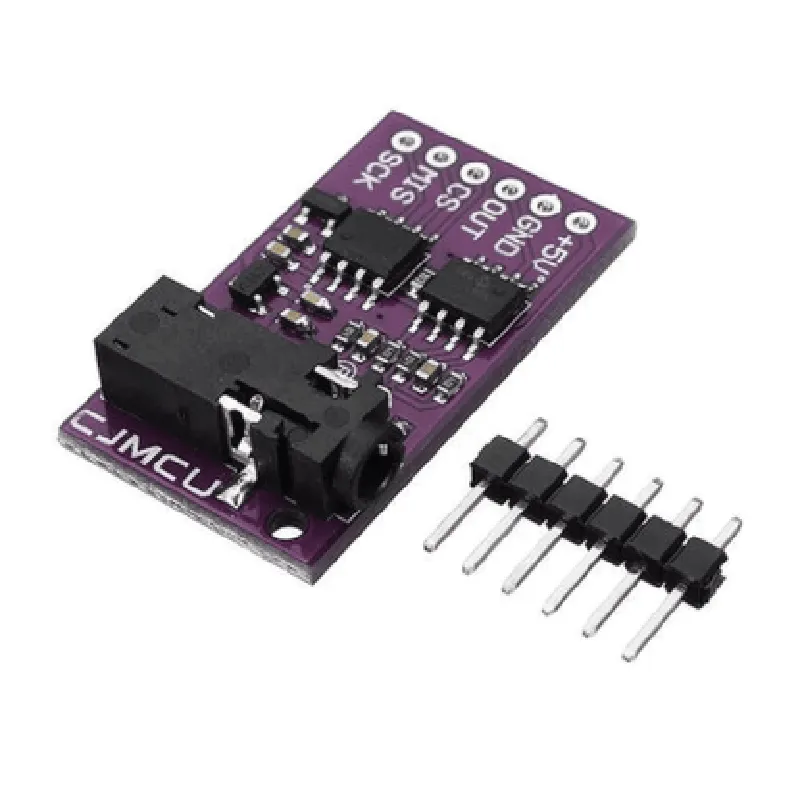
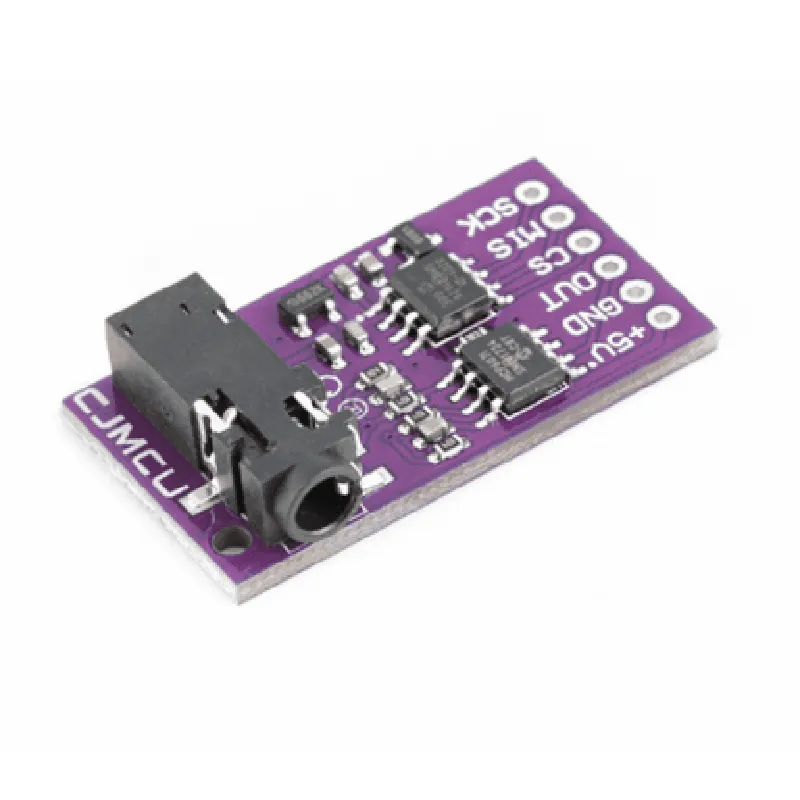
3.3V or 5V
<10mA
100
0.1mV/
0-100k
Up to 1MHz
25mm x 15mm
Approximately 5g
Applications
Note
The CJMCU-6701 module requires a power supply, a microcontroller or ADC, and additional circuitry to operate.
Proper setup and calibration are necessary to ensure accurate and reliable measurements.
By providing a detailed description of the CJMCU-6701 GSR Skin Sensor Module, this documentation aims to facilitate the integration and use of this component in various IoT applications, ensuring that developers, engineers, and hobbyists can harness its full potential.
CJMCU-6701 GSR Skin Sensor Module Analog SPI 3.3V/5V DocumentationOverviewThe CJMCU-6701 GSR Skin Sensor Module is an analog SPI-based sensor module designed to measure skin conductance, also known as Galvanic Skin Response (GSR). It's a widely used module in various IoT applications, such as wearable devices, health monitoring systems, and biofeedback systems. This module operates at both 3.3V and 5V, making it compatible with a wide range of microcontrollers.Technical SpecificationsSupply Voltage: 3.3V or 5V
Interface: Analog SPI
GSR Measurement Range: 0-100 k
Sensitivity: 0.1 k
Response Time: < 10 ms
Operating Temperature: -20C to 70CHardware ConnectionsTo use the CJMCU-6701 GSR Skin Sensor Module, connect it to a microcontroller or development board as follows:VCC: Connect to 3.3V or 5V power supply
GND: Connect to ground
SCK: Connect to SPI clock pin
MISO: Connect to SPI MISO (Master In Slave Out) pin
MOSI: Connect to SPI MOSI (Master Out Slave In) pin
CS: Connect to SPI chip select pin
OUT: Connect to analog output pin (GSR measurement)Code Examples### Example 1: Basic GSR Measurement using ArduinoThis example demonstrates how to measure skin conductance using an Arduino Uno board and the CJMCU-6701 GSR Skin Sensor Module.
```c++
const int csPin = 5; // Chip select pin
const int outPin = A0; // Analog output pinvoid setup() {
Serial.begin(9600);
pinMode(csPin, OUTPUT);
digitalWrite(csPin, HIGH);
}void loop() {
digitalWrite(csPin, LOW);
int gsrValue = analogRead(outPin);
digitalWrite(csPin, HIGH);float gsrResistance = (gsrValue 5.0) / 1023.0;
Serial.print("GSR Resistance: ");
Serial.print(gsrResistance);
Serial.println(" k");delay(500);
}
```
### Example 2: Implementing SPI Communication using Raspberry Pi (Python)This example illustrates how to communicate with the CJMCU-6701 GSR Skin Sensor Module using a Raspberry Pi and Python.
```python
import spidev
import time# SPI setup
spi = spidev.SpiDev()
spi.open(0, 0) # Use SPI bus 0, device 0
spi.max_speed_hz = 1000000# Define GSR sensor pin connections
cs_pin = 17
out_pin = 0while True:
# Select the GSR sensor
spi.xfer2([0x01, 0x00, 0x00, 0x00]) # Write 0x01 to CS pin
time.sleep(0.01)# Read GSR measurement
gsr_value = spi.xfer2([0x00, 0x00, 0x00, 0x00])[1]
gsr_resistance = (gsr_value 5.0) / 1023.0print(f"GSR Resistance: {gsr_resistance:.2f} k")# Deselect the GSR sensor
spi.xfer2([0x00, 0x00, 0x00, 0x00]) # Write 0x00 to CS pin
time.sleep(0.5)
```
Note: In both examples, you need to adjust the pin connections and SPI settings according to your specific microcontroller or development board.