235mm x 235mm



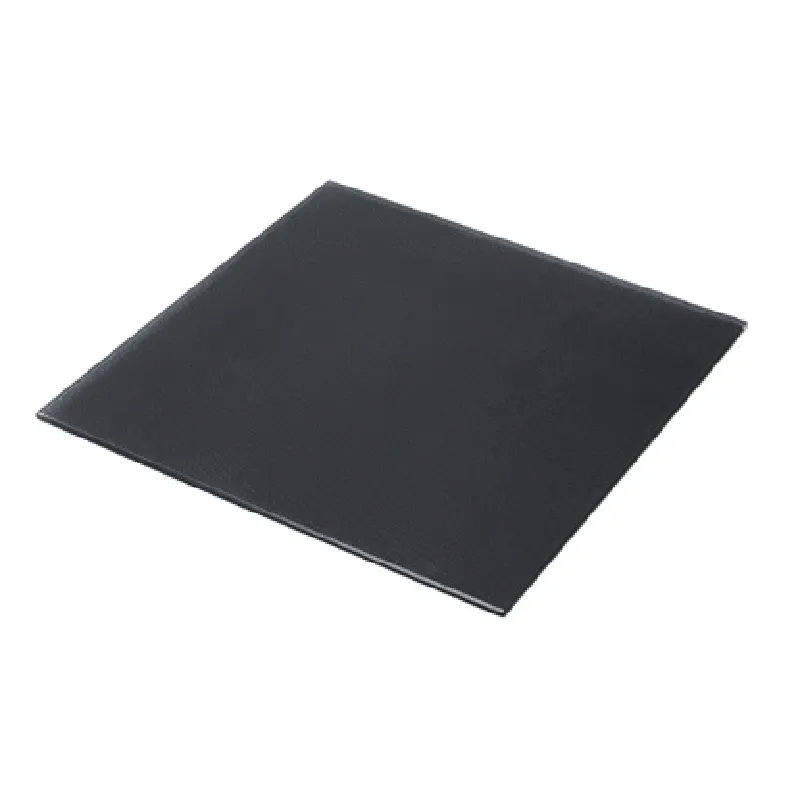
235mm x 235mm
Tempered Glass
Microporous
20C to 120C
12V or 24V (dependent on printer model)
Compatible with various 3D printer models (check manufacturer specifications for compatibility)
Applications
| The Ultrabase 235235mm 3D Printer Platform is suitable for a wide range of 3D printing applications, including |
Hobbyist printing
Prototyping
Production printing
Educational institutions
Research and development
Installation and Maintenance
| For optimal performance, it is recommended to follow the manufacturer's installation and maintenance guidelines, including |
Proper cleaning and maintenance of the print bed
Regular calibration of the heated bed
Ensuring proper power supply and wiring
By following these guidelines, users can ensure optimal performance and extend the lifespan of the Ultrabase 235235mm 3D Printer Platform.
Ultrabase 235235mm 3D Printer Platform Tempered Heated Bed Glass Plate with Microporous CoatingOverviewThe Ultrabase 235235mm 3D Printer Platform Tempered Heated Bed Glass Plate with Microporous Coating is a high-quality, durable, and heat-resistant component designed for 3D printing applications. This heated bed glass plate features a microporous coating, which provides excellent adhesion and release properties for 3D printing materials. The tempered glass construction ensures excellent thermal resistance, and the microporous coating enhances print quality and reduces warping.Technical SpecificationsDimensions: 235mm x 235mm
Material: Tempered glass
Heating element: Built-in heating element with a maximum temperature of 120C
Microporous coating: Enhances adhesion and release properties for 3D printing materials
Power rating: 12V, 20A
Thermal resistance: Excellent heat resistance and distributionCode ExamplesExample 1: Arduino-based 3D Printer ControlIn this example, we will demonstrate how to use the Ultrabase 235235mm 3D Printer Platform Tempered Heated Bed Glass Plate with Microporous Coating with an Arduino-based 3D printer control system.```c++
#include <Arduino.h>#define HEATER_PIN 9 // Pin for the heated bed
#define TEMPERATURE_PIN A0 // Pin for the temperature sensorconst int targetTemperature = 100; // Desired temperature in Celsiusvoid setup() {
pinMode(HEATER_PIN, OUTPUT);
pinMode(TEMPERATURE_PIN, INPUT);
}void loop() {
int temperature = analogRead(TEMPERATURE_PIN);
temperature = temperature 0.488; // Convert analog reading to Celsiusif (temperature < targetTemperature) {
digitalWrite(HEATER_PIN, HIGH); // Turn on the heated bed
} else {
digitalWrite(HEATER_PIN, LOW); // Turn off the heated bed
}delay(1000); // Wait 1 second before checking the temperature again
}
```Example 2: MicroPython-based 3D Printer Control (Using Raspberry Pi or ESP32/ESP8266)In this example, we will demonstrate how to use the Ultrabase 235235mm 3D Printer Platform Tempered Heated Bed Glass Plate with Microporous Coating with a MicroPython-based 3D printer control system running on a Raspberry Pi or ESP32/ESP8266 microcontroller.```python
import machine
import utimeheater_pin = machine.Pin(18, machine.Pin.OUT) # Pin for the heated bed
temperature_pin = machine.ADC(0) # Pin for the temperature sensortarget_temperature = 100 # Desired temperature in Celsiuswhile True:
temperature = temperature_pin.read_u16() 0.488 # Read temperature sensor valueif temperature < target_temperature:
heater_pin.value(1) # Turn on the heated bed
else:
heater_pin.value(0) # Turn off the heated bedutime.sleep(1) # Wait 1 second before checking the temperature again
```Example 3: Marlin Firmware ConfigurationIn this example, we will demonstrate how to configure the Ultrabase 235235mm 3D Printer Platform Tempered Heated Bed Glass Plate with Microporous Coating using the Marlin firmware.In the Marlin firmware configuration file (e.g., `Configuration.h`), add the following lines to enable the heated bed:```c++
#define TEMP_BED_PIN A0 // Pin for the temperature sensor
#define HEATER_BED_PIN 9 // Pin for the heated bed
#define BED_HEATING 1 // Enable heated bed
```In the ` Thermal.cpp` file, add the following lines to configure the heated bed temperature:```c++
#if BED_HEATING
#define BED.getTargetTemp() 100 // Desired temperature in Celsius
#endif
```Note: These code examples are for illustrative purposes only and may require modifications to work with your specific 3D printer setup and configuration.