RC Brush Car No.1 Model Kit DIY Scientific Toys for Science Training


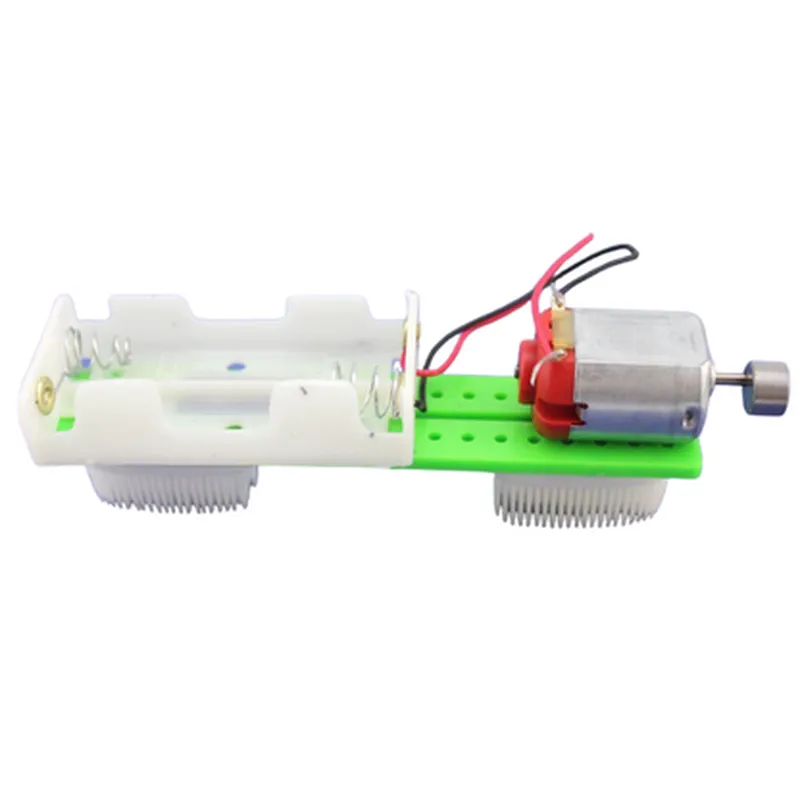
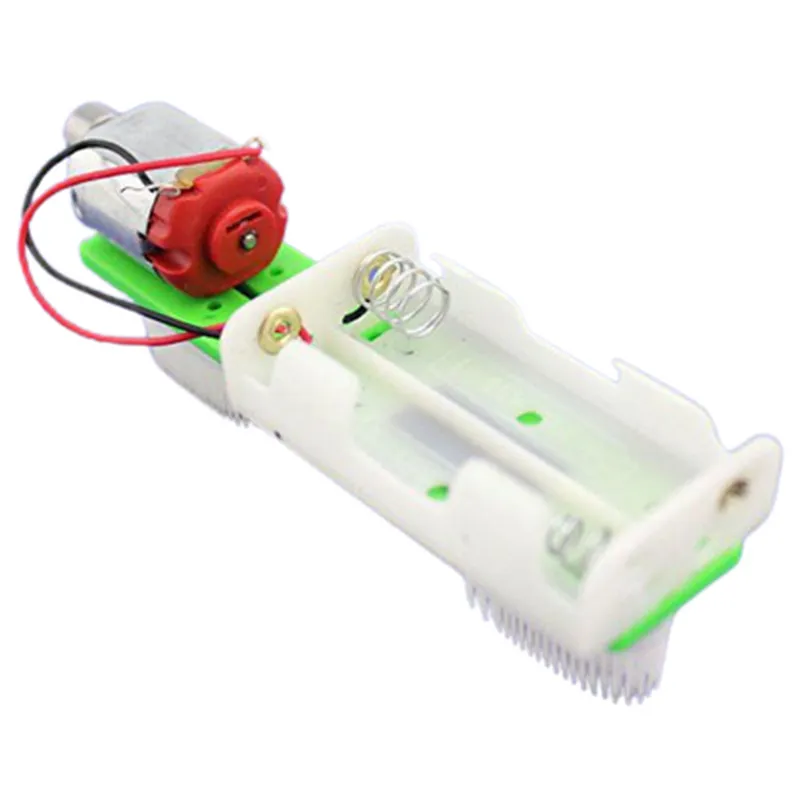
RC Brush Car No.1 Model Kit DIY Scientific Toys for Science Training
The RC Brush Car No.1 Model Kit is a DIY scientific toy designed for educational purposes, specifically for teaching children the fundamentals of robotics, electronics, and mechanics. This comprehensive kit allows youngsters to build and assemble their own remote-controlled car, fostering hands-on learning experiences in STEM fields.
| The RC Brush Car No.1 Model Kit is a radio-controlled vehicle that can be operated using a handheld transmitter. The kit includes all necessary components to build a fully functional car, featuring |
Precise, scale-model car body with detailed features
Four-wheel drive system with sturdy axles and wheels
Articulated suspension system for improved stability and movement
DC motor for efficient power transmission
Electronic speed controller (ESC) for precise speed regulation
2.4 GHz radio frequency (RF) transmitter and receiver modules
Rechargeable 6V 400mAh battery pack
Charger and battery protection circuitry
Develops problem-solving skills through hands-on assembly and troubleshooting
Introduces fundamental concepts in robotics, electronics, and mechanics
Encourages critical thinking, creativity, and innovation
Enhances understanding of STEM principles, such as circuitry, motors, and control systems
Soft-start function to prevent sudden acceleration
Battery protection circuitry to prevent overcharging and discharge
Robust, child-friendly design to minimize potential hazards
| Car Dimensions (L x W x H) | 320mm x 180mm x 120mm |
Approximately 350g
130-sized DC motor with 10000 RPM
Up to 20 minutes on a single charge
Up to 20 meters
8 years and above
| What's in the Box |
RC Brush Car No.1 Model Kit (unassembled)
2.4 GHz remote control transmitter
Rechargeable 6V 400mAh battery pack
Charger
Instruction manual
Required tools and parts for assembly
By providing a comprehensive and engaging learning experience, the RC Brush Car No.1 Model Kit DIY Scientific Toys for Science Training is an excellent addition to any STEM-focused curriculum or educational setting.
Component Documentation: RC Brush Car No.1 Model Kit DIY Scientific Toys for Science TrainingOverviewThe RC Brush Car No.1 Model Kit is a DIY scientific toy designed for science training and education. This model kit allows users to build and customize their own remote-controlled car, teaching essential concepts in robotics, electronics, and mechanics. The kit includes a motor, gearbox, wheels, chassis, and other components that can be assembled and programmed to create a functional RC car.Technical SpecificationsMotor: Brushed DC Motor
Gearbox: 1:48 Ratio
Wheels: 4 x Rubber Wheels with Aluminum Hubs
Chassis: Aluminum Frame with Plastic Body
Remote Control: Infrared (IR) Remote Control
Power Source: 4 x AA Batteries (not included)Programming and ControlThe RC Brush Car No.1 Model Kit can be controlled using an infrared (IR) remote control, which is included in the kit. For advanced users, the kit can also be programmed using a microcontroller, such as Arduino or Raspberry Pi, to create custom control algorithms and automation sequences.Code Examples### Example 1: Basic IR Remote Control Using ArduinoIn this example, we will use an Arduino Uno board to control the RC car using the IR remote control.Hardware RequirementsArduino Uno Board
RC Brush Car No.1 Model Kit
IR Receiver Module (e.g., VS1838B)
Breadboard and Jumper WiresCode
```c
#include <IRremote.h>const int irReceiverPin = 11; // IR receiver pin on Arduino Uno
IRrecv irrecv(irReceiverPin);
decode_results results;void setup() {
Serial.begin(9600);
irrecv.enableIRIn(); // Enable IR receiver
}void loop() {
if (irrecv.decode(&results)) {
switch (results.value) {
case 0xFF38C7: // Forward button pressed
analogWrite(A1, 255); // Drive motor forward
break;
case 0xFF5AA5: // Backward button pressed
analogWrite(A1, -255); // Drive motor backward
break;
case 0xFF4AB5: // Left button pressed
analogWrite(A2, 255); // Turn left
break;
case 0xFF52AD: // Right button pressed
analogWrite(A2, -255); // Turn right
break;
default:
analogWrite(A1, 0); // Stop motor
analogWrite(A2, 0); // Stop steering
}
irrecv.resume(); // Receive next IR command
}
delay(50);
}
```
### Example 2: Autonomous Obstacle Avoidance Using Raspberry Pi and PythonIn this example, we will use a Raspberry Pi board to program the RC car to autonomously avoid obstacles using an ultrasonic sensor.Hardware RequirementsRaspberry Pi Board
RC Brush Car No.1 Model Kit
Ultrasonic Sensor Module (e.g., HC-SR04)
Breadboard and Jumper Wires
Python library: RPi.GPIO and timeCode
```python
import RPi.GPIO as GPIO
import time# Set up GPIO pins for motor control
GPIO.setmode(GPIO.BCM)
GPIO.setup(18, GPIO.OUT) # Motor forward
GPIO.setup(23, GPIO.OUT) # Motor backward
GPIO.setup(24, GPIO.OUT) # Steering left
GPIO.setup(25, GPIO.OUT) # Steering right# Set up ultrasonic sensor pins
GPIO.setup(17, GPIO.IN) # Echo pin
GPIO.setup(27, GPIO.OUT) # Trigger pindef distance_measurement():
# Measure distance using ultrasonic sensor
GPIO.output(27, GPIO.HIGH)
time.sleep(0.00001)
GPIO.output(27, GPIO.LOW)
pulse_start_time = time.time()
while GPIO.input(17) == 0:
pulse_start_time = time.time()
while GPIO.input(17) == 1:
pulse_end_time = time.time()
pulse_duration = pulse_end_time - pulse_start_time
distance = pulse_duration 34000 / 2
return distancewhile True:
distance = distance_measurement()
if distance < 20: # Obstacle detected, turn around
GPIO.output(24, GPIO.HIGH) # Turn left
time.sleep(0.5)
GPIO.output(24, GPIO.LOW)
else:
GPIO.output(18, GPIO.HIGH) # Move forward
time.sleep(0.1)
```
Note: These code examples are for illustrative purposes only and may require modifications to work with your specific hardware setup.